Your AI
marketing agent.
The AI ad generator that also posts everywhere and runs your ads, right from ChatGPT or Claude.
No credit card · Start with 160 free credits · No markup on models
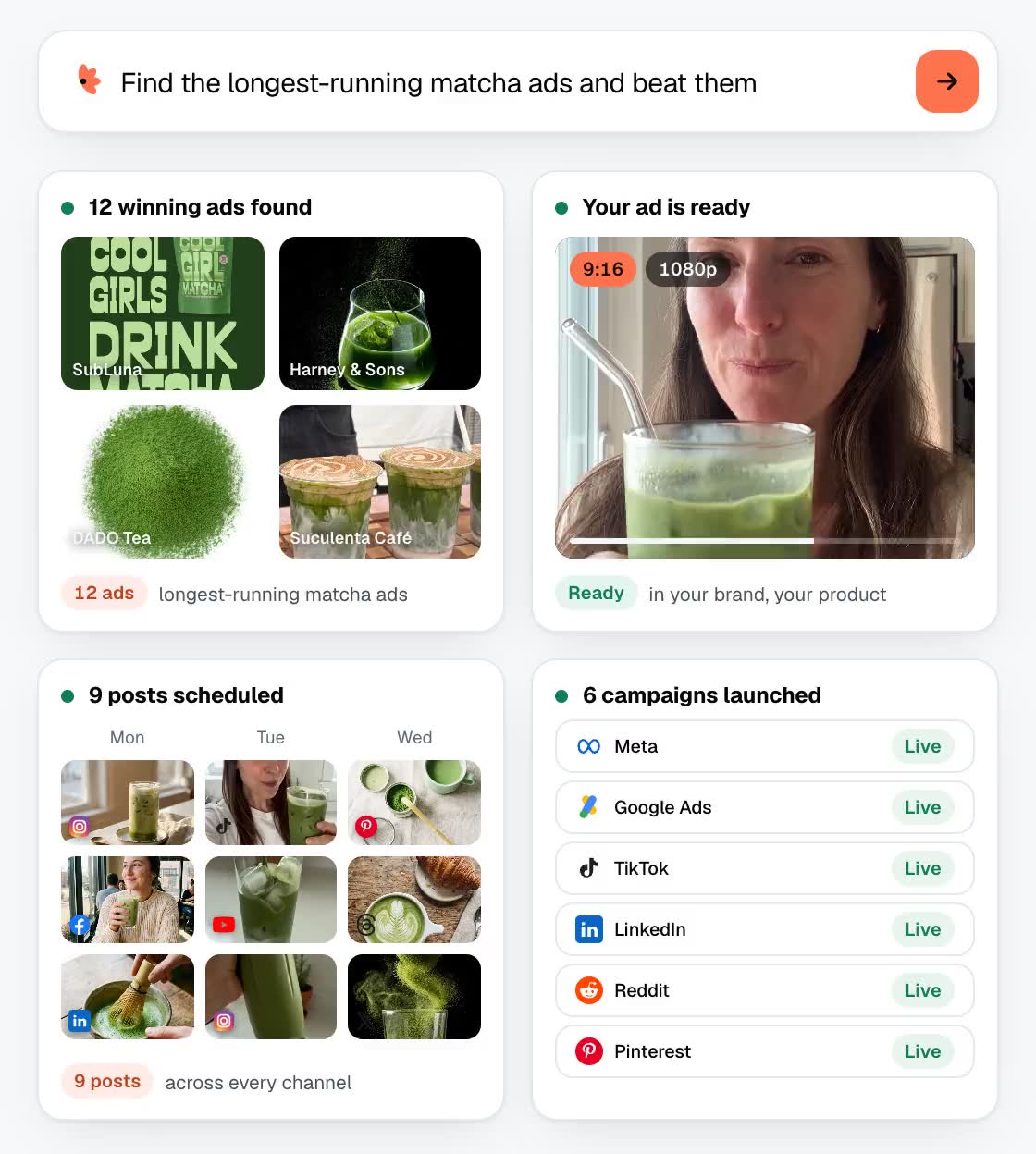
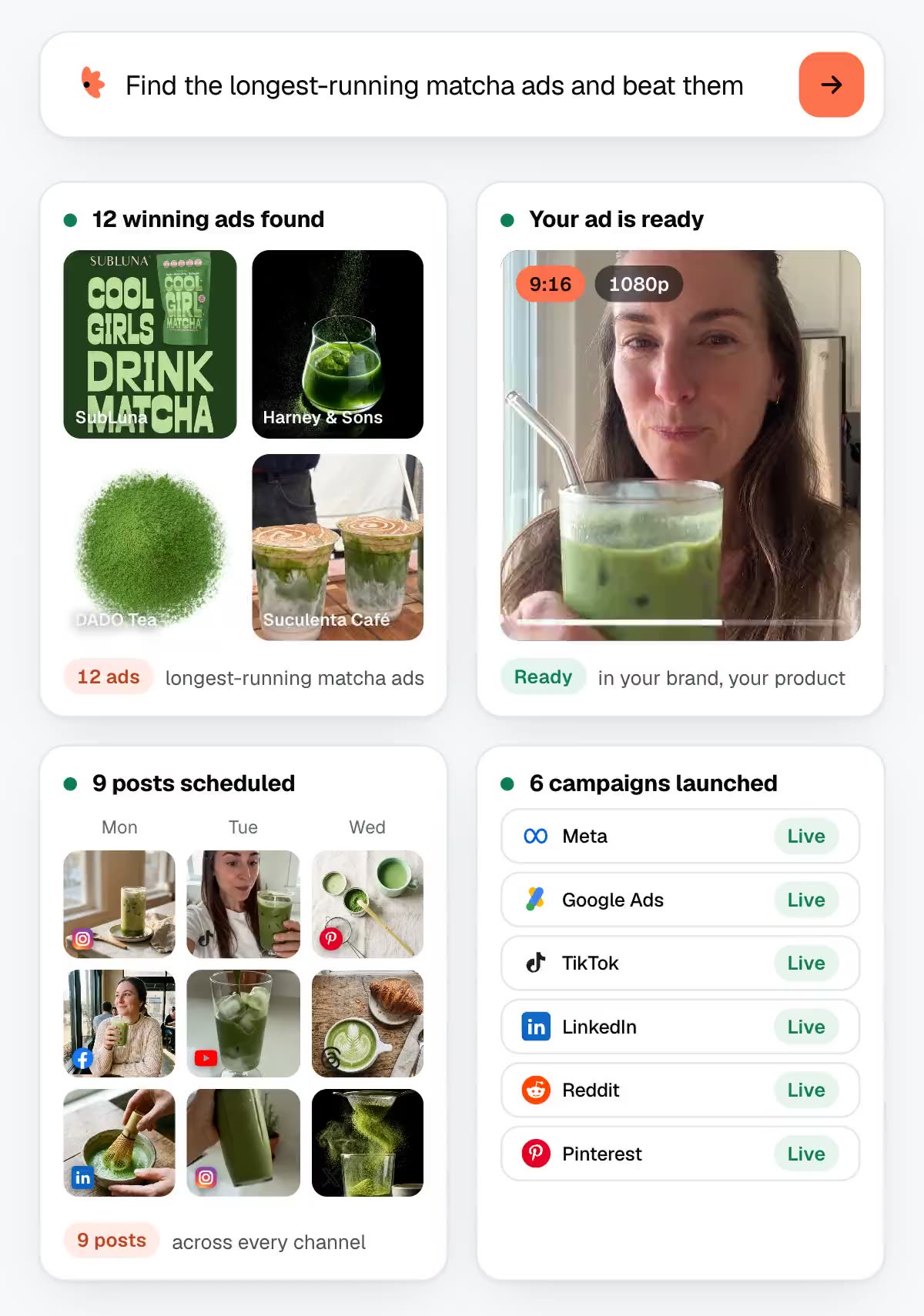
Post to 15 channels. Run ads on 12 ad platforms.
Ads worth stealing.
Pick one. Remake it for your brand.
 UGC ads
 Product films
 Image ads
 Brand films
 Character and viral
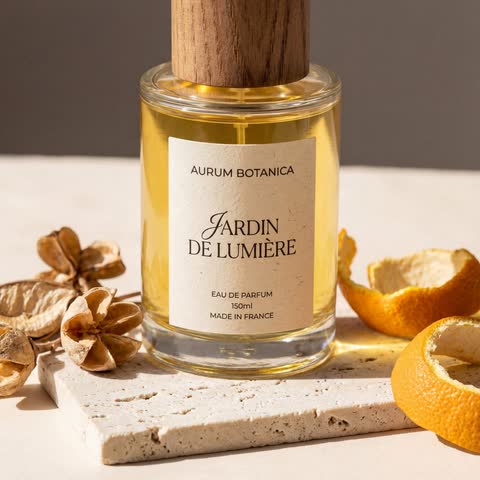 Product photos
 Carousels
 Experimental
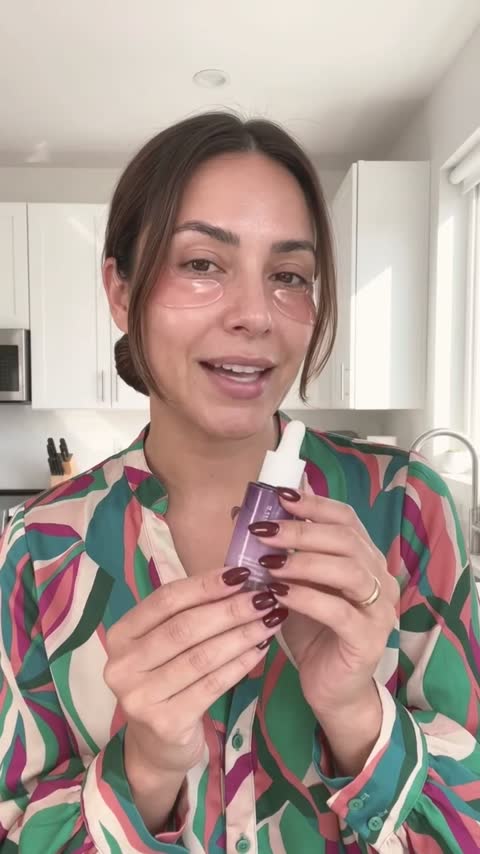 UGC ads
 Product films
 Image ads
 Brand films
 Character and viral
 Product photos
 Carousels
 Experimental
 UGC ads
 Product films
 Image ads
 Brand films
 Character and viral
 Product photos
 Carousels
 Experimental
 UGC ads
 Product films
 Image ads
 Brand films
 Character and viral
 Product photos
 Carousels
 Experimental
 UGC ads
 Product films
 Brand films
 Product photos
 Carousels
 Experimental
 Product films
 Brand films
 Product photos
 Experimental
 Product films
 Brand films
 Product films
 Product films
 Product films
 Product films
Stop bouncing between five apps.
Other tools stop at the render. Hermoso also posts, runs and measures.
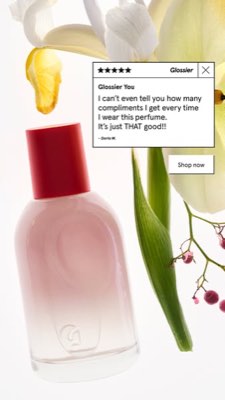
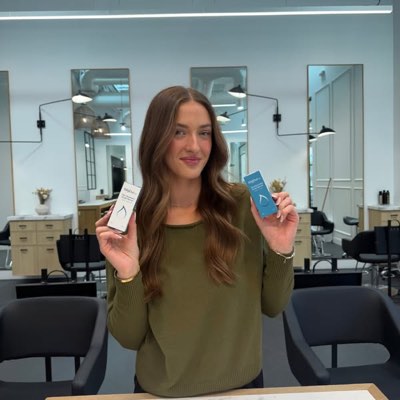








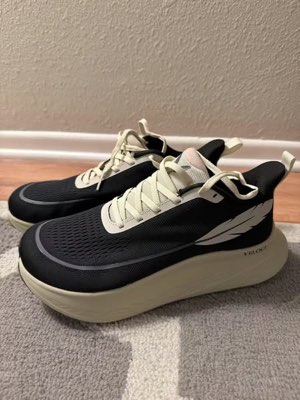


One brief. Everywhere at once.
Say it once. Hermoso researches, renders, posts and runs your ads.
- Threads
- TikTok
- YouTube
- X
- Bluesky
- Telegram
- Google Business Profile
- WordPress
- Discord
- Slack
- Whop
- Meta
- Google Ads
- Microsoft Advertising
- Reddit Ads
- X Ads
- TikTok Ads
- Snapchat Ads
- ChatGPT Ads
- Apple Search Ads
- AppLovin Ads
- Messenger
- Instagram Direct
- X
- Bluesky
- Telegram
- Google Business Profile
- Intercom
- Google Analytics
- Google Tag Manager
- Google Search Console
- Bing Webmaster Tools
- PostHog
- Mixpanel
- Amplitude
- HubSpot
- Stripe
- Vercel
- Klaviyo
- Mailchimp
Your marketing team is already inside your agent.
Hermoso works inside the AI assistant you already use. No new dashboard.
Add Hermoso to ChatGPT
One click opens Hermoso in ChatGPT. Press Install plugin, then sign in with your Hermoso account. No key needed.
Then start your first chat
Opens a new ChatGPT chat with this message ready to send. Or copy it:
Set it up by hand
Or add it by hand
In ChatGPT open Plugins → Add → Create MCP App, name it Hermoso, paste this as the Server URL and keep OAuth. No Create MCP App? Switch on Developer mode under Settings → Plugins.
Add Hermoso to Claude
One click opens Claude with Hermoso already filled in. Press Continue, then sign in with your Hermoso account.
Then start your first chat
Opens a new Claude chat with this message ready to send. Or copy it:
Set it up by hand
Or by hand: copy the connector URL
Open Customize → Connectors
+ Add → Add custom connector → name it Hermoso → paste the URL.
Connect & approve
Sign in with your Hermoso account on the consent page, and no key is needed. Then ask Claude for “an image ad with Hermoso.”
Create a key
Grok Bot cannot open the Hermoso sign-in page, so it signs in with a key instead. Treat the key like a password.
Add the Hermoso Marketing Bot
Paste your key when the bot asks for it. Using a Bot of your own? Paste this into its chat with your key instead.
Paste this into Claude Code
Start a new Claude Code chat and paste this in. Claude Code installs Hermoso, opens the sign-in and runs a small first task, so you type no commands.
Paste this into Cursor
Start a new Cursor chat and paste this in. Cursor installs Hermoso, opens the sign-in and runs a small first task, so you type no commands.
Paste this into Codex
Start a new Codex chat and paste this in. Codex installs Hermoso, opens the sign-in and runs a small first task, so you type no commands.
Add it in Grok
Open Grok’s connectors, then New Connector → Custom → paste the URL and sign in with your Hermoso account. No key needed. On Business and Enterprise plans a team admin adds it once for everyone.
Set it up by hand
In a new Grok chat, paste this:
Paste this into Cline
Start a new Cline chat and paste this in. Cline installs Hermoso, opens the sign-in and runs a small first task, so you type no commands.
Paste this into OpenClaw
Start a new OpenClaw chat and paste this in. OpenClaw installs Hermoso, opens the sign-in and runs a small first task, so you type no commands.
Paste this into Hermes
Start a new Hermes chat and paste this in. Hermes installs Hermoso, opens the sign-in and runs a small first task, so you type no commands.
Copy the connector URL
Any client that takes an MCP server URL can use this one.
Set it up by hand
Or spawn it locally
Clients that launch a local process take this instead, which costs no context until a tool runs.
Neither shape fits?
There is a plain REST API at app.hermoso.ai/v1 with the same tools behind an hmk_ key, for an agent that speaks HTTP and nothing else.
“Find the longest-running Meta ads for my three closest competitors, tell me which hook keeps repeating, then make me a 9:16 UGC video ad using that hook, with my real product photo and captions burned in, and schedule it to Instagram and TikTok for Tuesday 9am.”
The world’s biggest brands already run AI ads. Now it’s a tool, not a studio budget.
See what’s already winning. Before you spend a dollar.
Ad Spy ranks your market’s ads by how long they have run.
New: Hermoso for Chrome saves any ad you see in one click.
Scan your market →
Describe it. The studio does concept, casting, copy.
One chat writes, casts and renders the ad, with your real product.
New: Ads Studio turns your catalog into a batch of static ads.
Open the studio →
Finished, then live. Publish it, then manage the campaigns behind it.
Publish everywhere, run your campaigns, or let autopilot post daily.
- Threads
- TikTok
- YouTube
- X
- Bluesky
- Telegram
- WordPress
- Discord
- Slack
- Whop
- Meta
- Google Ads
- Microsoft Advertising
- Reddit Ads
- X Ads
- TikTok Ads
- Snapchat Ads
- ChatGPT Ads
- Apple Search Ads
- AppLovin Ads

Every format your feed knows. Now yours to make.
Pick a format, drop in your brand, and get a finished ad.
40+ video ad formats, each cast and rendered in your brand
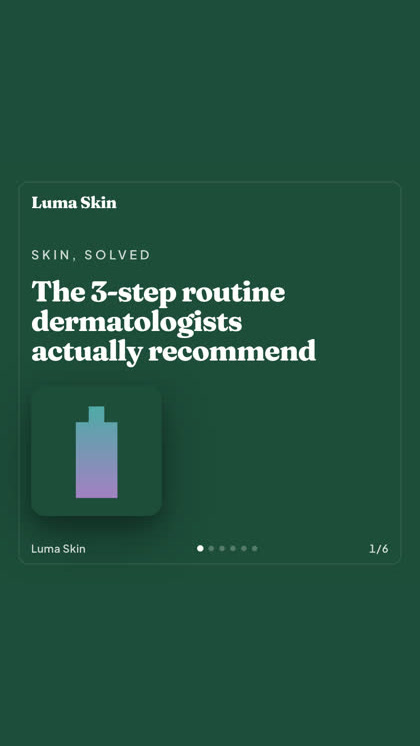
Product photoshoot from one picture · Ad Multiplier one ad, a set to test
One studio. Always the newest models.
A built-in model router picks the best model for every job.
Free to start.
Good to know
https://app.hermoso.ai/mcp, so it works unmodified in ChatGPT, Claude, Claude Desktop, Codex, Cursor, Cline, OpenClaw, Hermes and any other MCP client. There's also an npm CLI (npm install -g hermoso) for terminal agents that prefer to shell out, and installable Claude skills that wrap the common workflows.hermoso CLI instead of an MCP server. In Claude Code, type /plugin marketplace add hermoso-ai/hermoso, then /plugin install hermoso@hermoso. In Codex, run codex plugin marketplace add hermoso-ai/hermoso, then codex plugin add hermoso@hermoso. In Gemini CLI, run gemini extensions install https://github.com/hermoso-ai/hermoso. In Cursor or any other skills-aware agent, run npx skills add hermoso-ai/hermoso -a cursor, naming your own agent after -a. Then sign in once with npx -y hermoso auth login. In Claude.ai, ChatGPT or any other chat app, paste https://app.hermoso.ai/mcp under Settings → Connectors and approve it with your Hermoso account. Nothing to self-host, and everything bills your credits.set_meta_campaign_status, set_google_ads_status, set_microsoft_ads_status, set_reddit_ads_status, set_linkedin_ads_status, set_pinterest_ads_status, set_x_ads_status and set_openai_ads_status among them) each refuse to run without an explicit confirmation flag. Generation spends credits from your balance, and every model's exact per-render cost is published through hermoso_capabilities so the agent can quote you a number before it renders.Your next ad is
one prompt away.
No credit card · Start with 160 free credits, earned as you go