How does the fridge ad work?
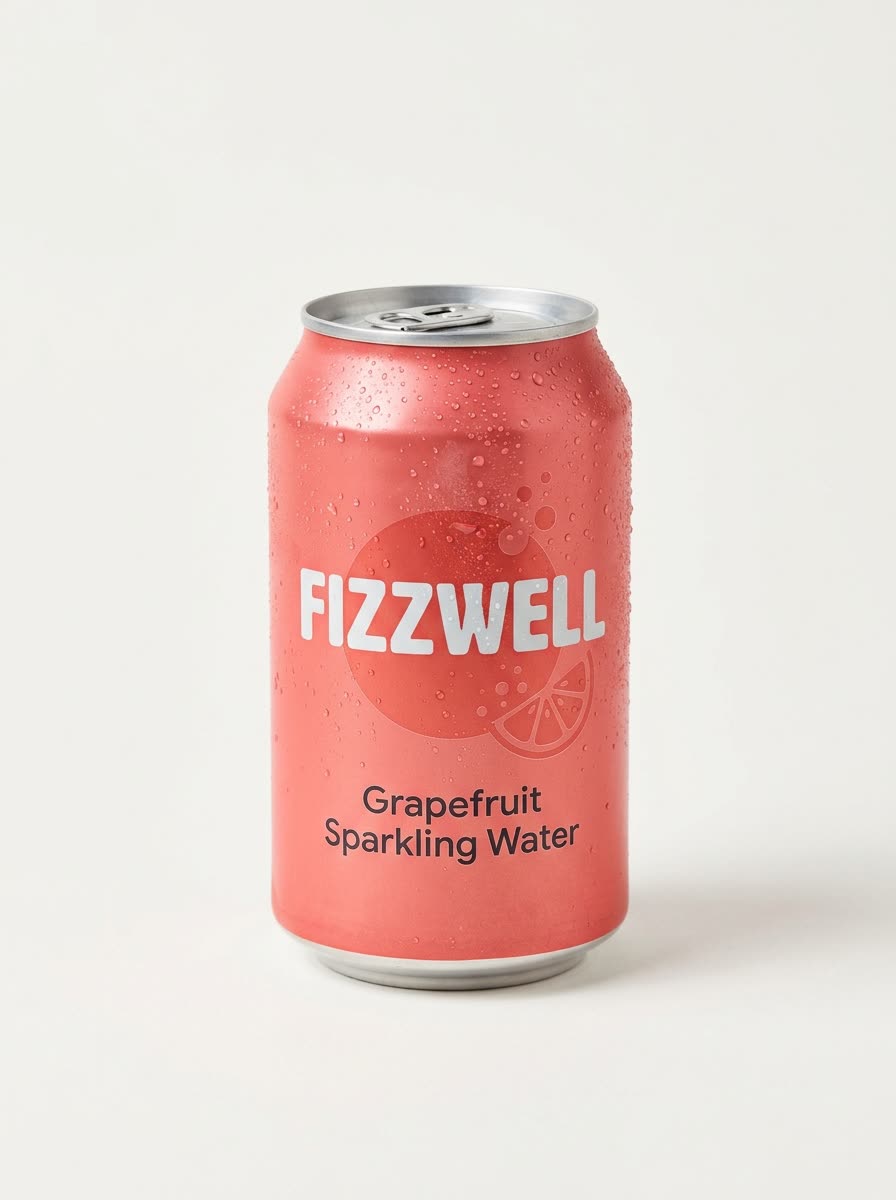
- Add one clear product photo, ideally on a plain background.
- Add your own touch if you like, such as the time of day or the mood of the kitchen.
- Pick the shape: 9:16, square, 16:9, 3:4 or 4:3.
- Press the button. The app shows the price first. You get the picture, then you can choose to make the video.
What kind of product works best?
Anything a person would take out of a fridge: drinks, snacks, sauces, skincare, supplements. Use one sharp photo of the product on its own.
Why use a fridge ad?
The scene is simple and familiar, and it ends on your product in a hand. That makes it a clean hook for vertical video on TikTok, Reels and Shorts.
Can I change the look?
Yes. Add a short note, for example a late night kitchen with the lights off. Pick the shape that fits where the ad will run.
Can I do this from ChatGPT or Claude?
Yes. Connect the Hermoso MCP and ask your assistant for a fridge ad for your product. It tells you the price first, then hands back the file.
What size should I pick?
9:16 fits TikTok, Reels and Shorts, and is the default. Square suits a feed post, and 16:9 suits a website banner or YouTube.
Related
Frequently asked questions
Is the fridge ad maker free?
Hermoso has a free plan with no card, and new accounts can claim free credits. The app shows the exact price before anything runs.
Do I need an account?
Yes, a free Hermoso account. You can fill the box on this page first and sign up when the app opens.
What photo should I upload?
One clear photo of the product, ideally on a plain background.
Which sizes can I make?
9:16 (the default), 1:1, 16:9, 3:4 and 4:3.
Can I add my own idea to the scene?
Yes. Add a short note, such as late at night with the kitchen lights off.
Start free, no card needed. The app shows the exact price before anything runs.
Start free → See pricing