How does the magazine cover maker work?
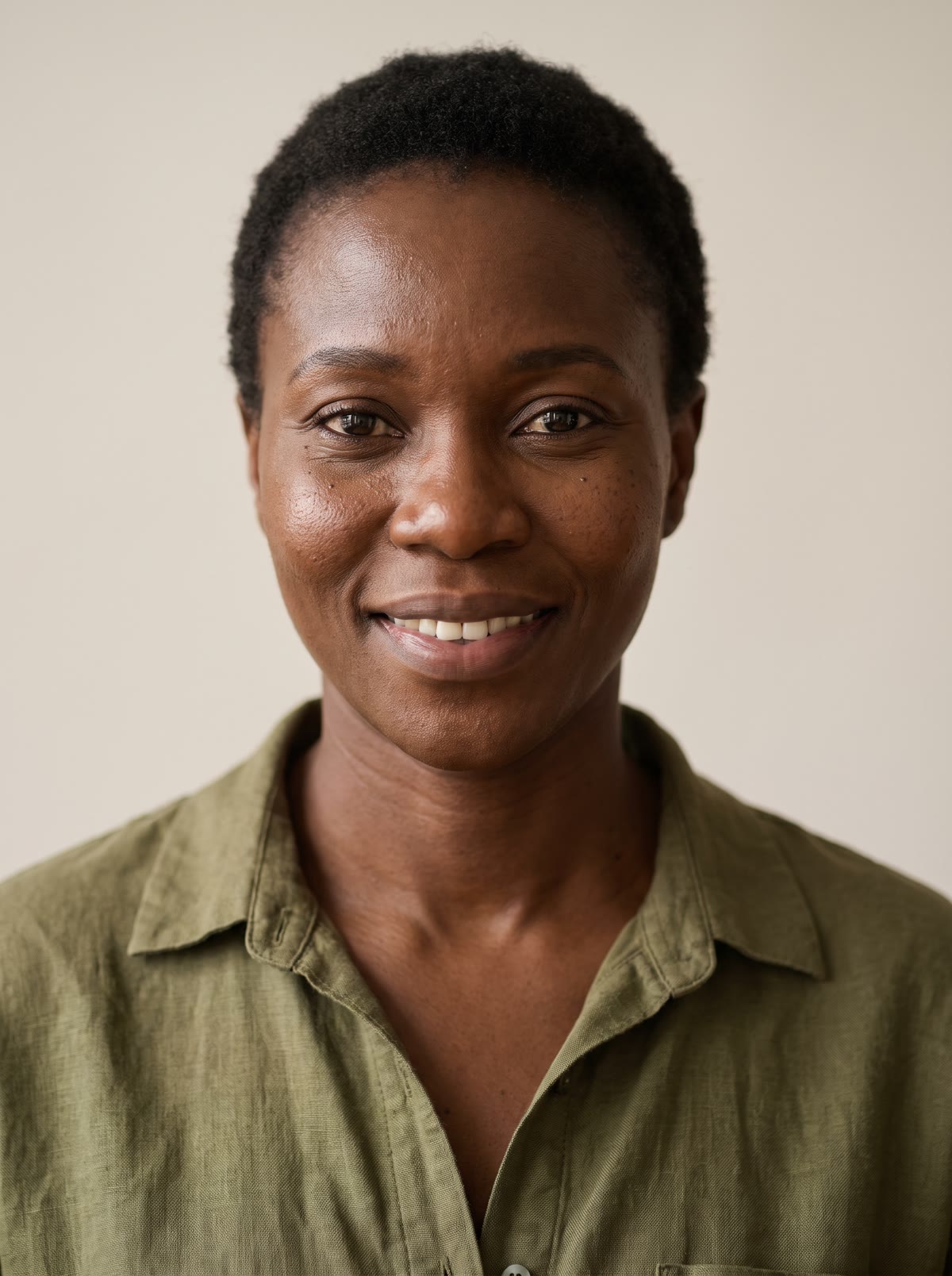
- Add a photo. One clear photo of one person: you, or someone who agreed to it.
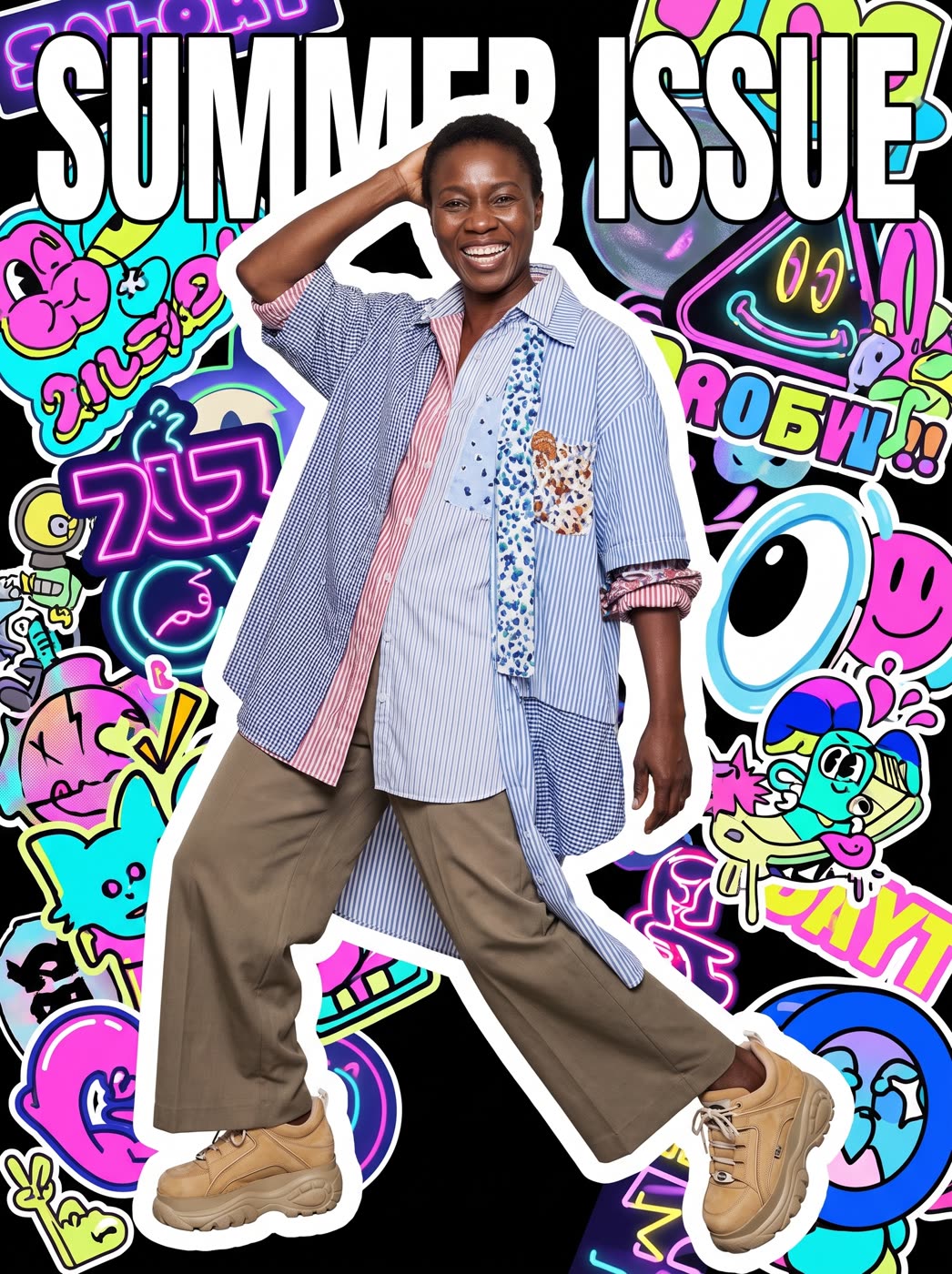
- Pick the style. Tokyo street fashion, glossy fashion, retro 90s or music magazine. Or describe your own.
- Type a cover title, if you like. Up to 30 characters, printed exactly as you type it. Leave it empty for a cover with no words.
- Press the button. The app shows the price first. You pick 3:4 or 9:16 for the size.
What can I use it for?
- A fun profile picture or a birthday gift.
- A cover for a creator, a brand or a podcast guest.
- A post that says you made the cover.
Is it a real magazine?
No. It is an original picture in the style of a magazine cover, made for fun or for your own project. It does not use a real magazine's name or logo.
How do I get a good result?
Use a clear, well-lit photo where the whole person is easy to see. Keep the title short so it is big and readable. Try a few styles, because the same photo looks very different in glossy and in retro. If you use a title, check the spelling before you share the cover, since it is printed exactly as typed.
Can I do this from ChatGPT or Claude?
Yes. Connect the Hermoso MCP and ask for a magazine cover with your photo. Your assistant tells you the price first, then runs it and hands back the file.
Related
Frequently asked questions
Is the magazine cover maker free?
Hermoso has a free plan with no card, and new accounts can claim free credits. The app shows the exact price before anything runs.
Do I need an account?
Yes, a free Hermoso account. You can fill the box on this page first and sign up when the app opens.
Can I type my own cover title?
Yes, up to 30 characters, printed exactly as you type it. You can also leave it empty.
Which styles can I pick?
Tokyo street fashion, glossy fashion, retro 90s and music magazine, or one you describe.
What sizes are available?
3:4 and 9:16.
Start free, no card needed. The app shows the exact price before anything runs.
Start free → See pricing