Google

Nano Banana 2.1 for YouTube thumbnails

Newest Nano Banana: sharp text, true-to-life products, up to 4K

14aspect ratios
up to 14reference images
Hi-reshigh-resolution output
Prompt intext to image

Yes. Nano Banana 2.1 renders 16:9 stills, the shape of a YouTube thumbnail. Hermoso writes the headline and lays it out so it reads at phone size.

Why Nano Banana 2.1 works for YouTube thumbnails

  • 16:9 output.
  • Short, bold text that reads small.

Made with Nano Banana 2.1

Real renders from the Hermoso Studio, shown exactly as they came out, with no edits.

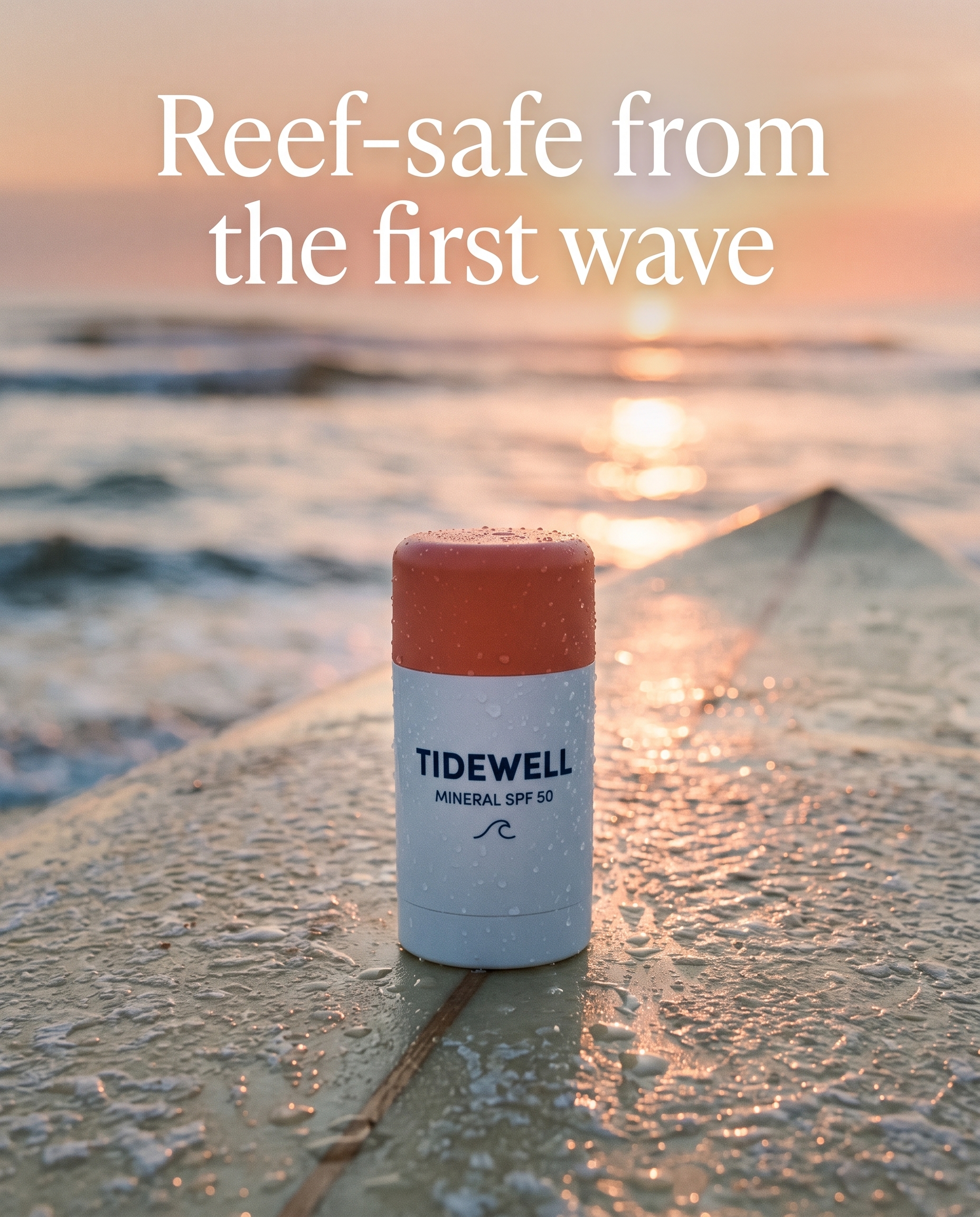
Nano Banana 2.1 sample: the brand's real sunscreen stick on a surfboard at sunrise, label kept word for word
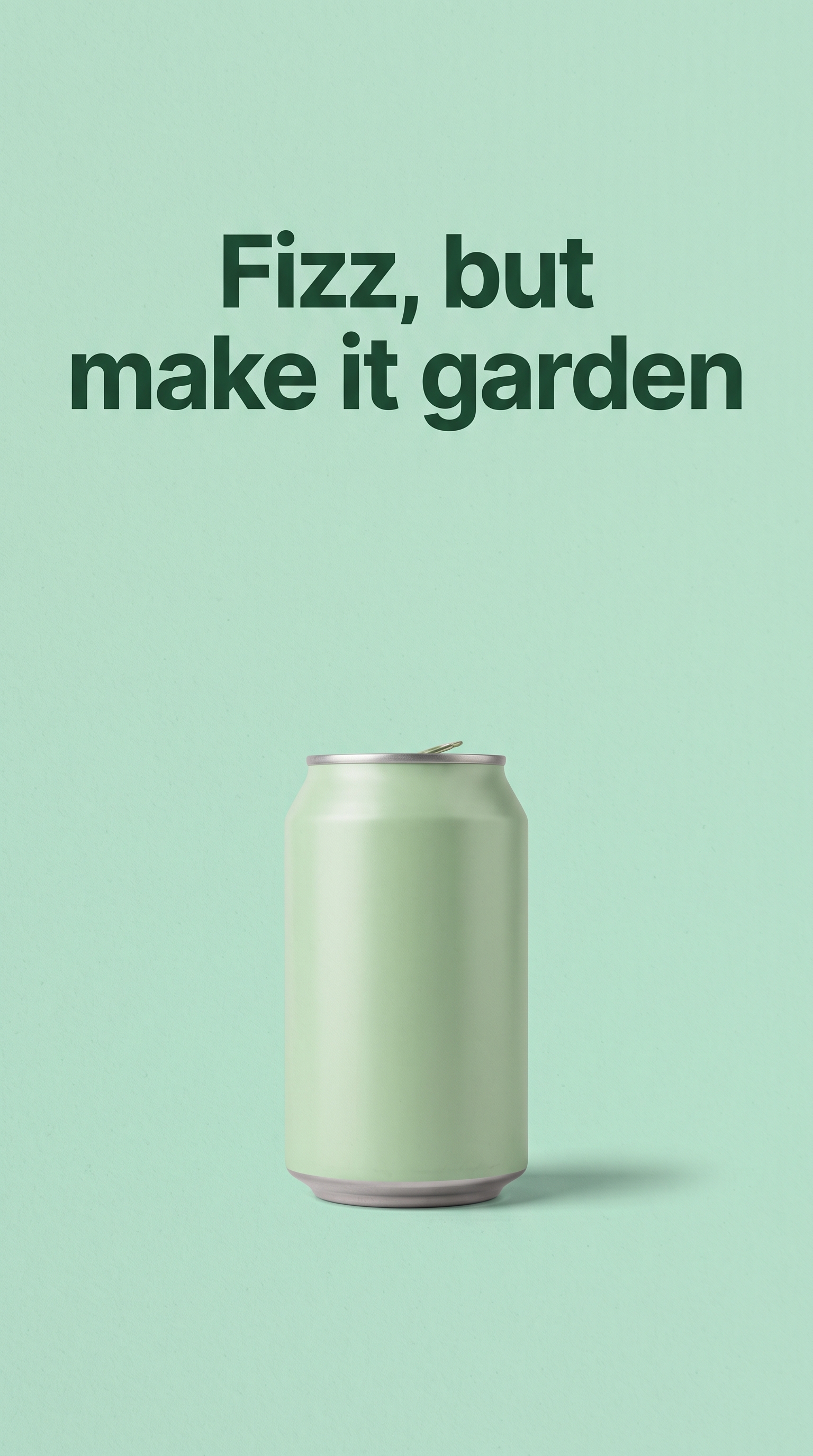
Nano Banana 2.1 sample: a 9:16 poster with its headline set exactly as asked

What YouTube thumbnails need

Size1280 x 720, 16:9
TextThree to five words

How to make one with Hermoso

  1. Paste the video title.
  2. Ask for thumbnails on Nano Banana 2.1.
  3. Pick one, refine it.
  4. Set it on YouTube from Hermoso.

Just ask for it

In Claude, ChatGPT, Cursor or any assistant connected to Hermoso, ask in plain English. Or open Nano Banana 2.1 from the model menu in the app.

Three thumbnails for "I tried every cold brew" on Nano Banana 2.1, big face, two words.

Tips

  • A face and three words beat a busy scene.

Make YouTube thumbnails with Nano Banana 2.1. Start free, and every feature is on every plan.

Try Nano Banana 2.1 →   Nano Banana 2.1 specs

Frequently asked questions

Can Nano Banana 2.1 make thumbnails?

Yes. Ask for 16:9 and the headline in quotes.

How much does a Thumbnails render on Nano Banana 2.1 cost?

The exact credit price is shown in the app before every render and settled at cost. See pricing for what a credit is worth.