How does the AI horror photo work?
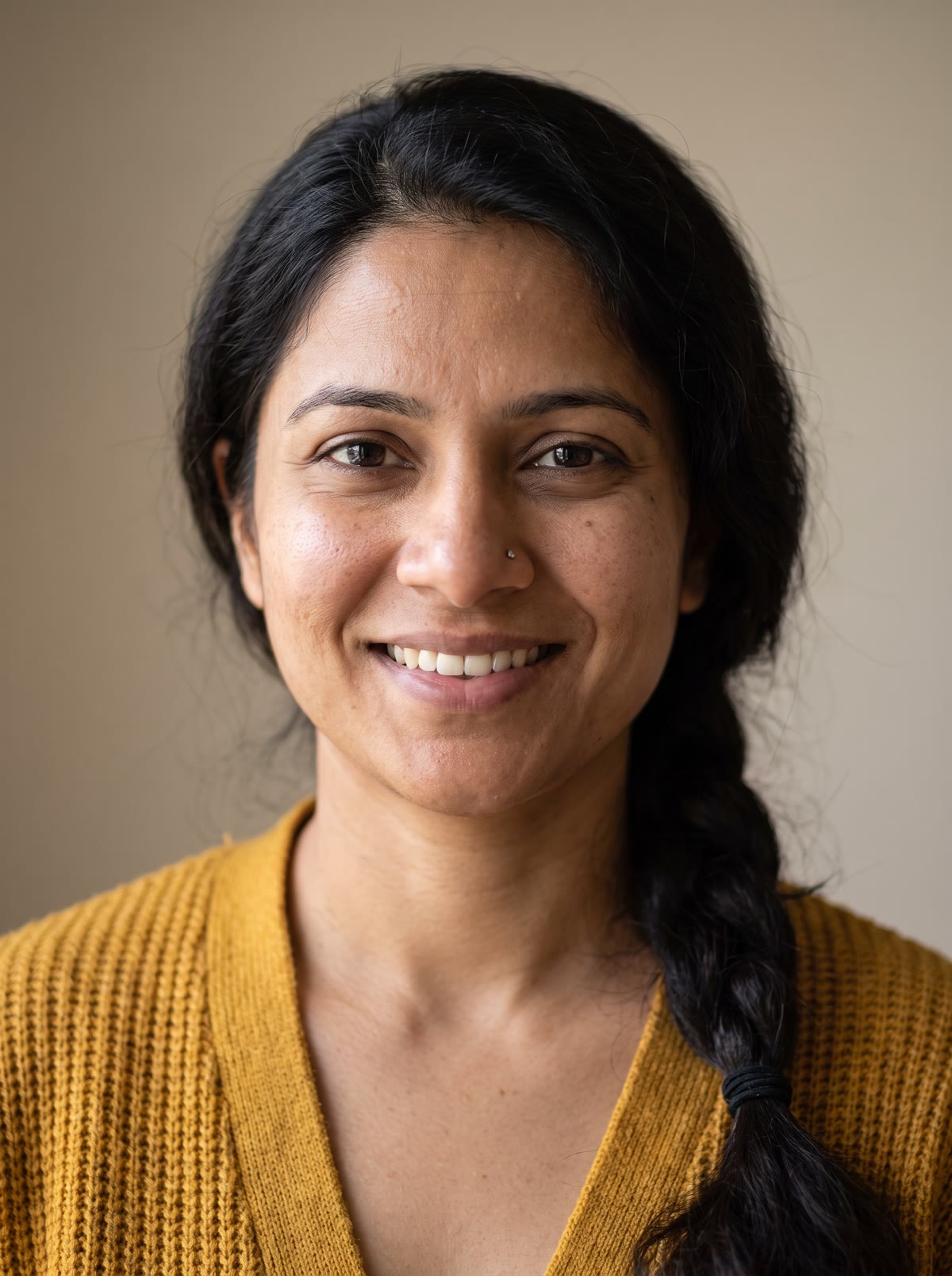
- Add a portrait. A clear photo of one person: you, or someone who agreed to it.
- Add your own touch. Optional, for example in an old theatre.
- Pick the shape. 9:16, 1:1 or 16:9.
- Press the button. The app shows the price first. You get a picture of your scene.
What does the picture look like?
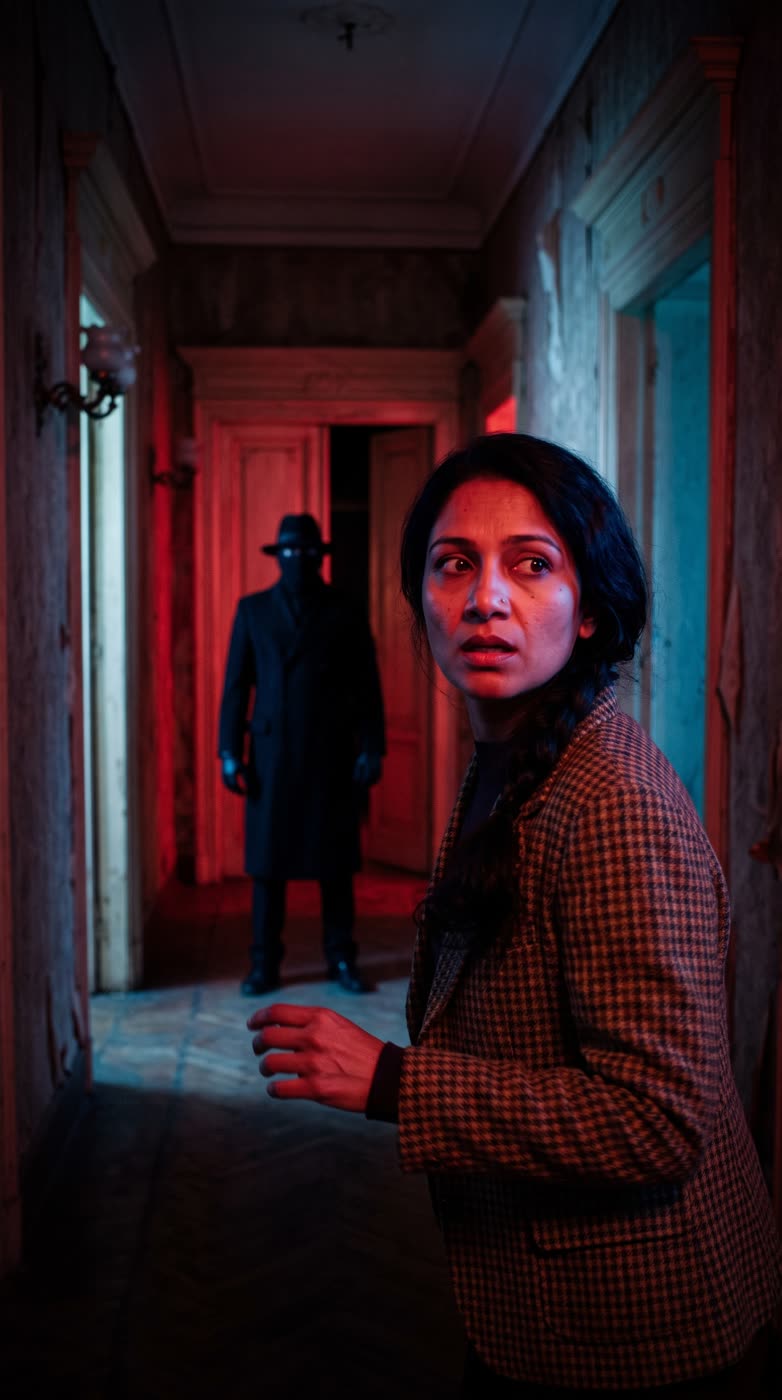
It is styled like a 1970s thriller still, with you in the scene and someone in the doorway. It is a picture, made to look like a film frame.
What is it good for?
- A spooky profile picture for October.
- A horror-themed post for a brand, a podcast or a film club.
- A joke picture for friends who agreed to be in it.
Tips for a good result
- Use one clear, front-facing portrait.
- Use the touch box to change the place, such as a hotel hallway or a cabin.
- Only use photos of people who agreed to it.
Is it scary or just stylish?
It leans on mood more than gore: warm film grain, a moody room and a figure in the doorway. It suits a spooky post, not a shock image.
Run it a few times with different photos or touches and keep the one you like best. The app shows the price each time, so you stay in control of what you spend.
Can I do this from ChatGPT or Claude?
Yes. Connect the Hermoso MCP and ask for a horror scene from your portrait. Your assistant tells you the price first, then hands back the file.
Related
Frequently asked questions
Is the ai horror photo free?
Hermoso has a free plan with no card, and new accounts can claim free credits. The app shows the exact price before anything runs.
Do I need an account?
Yes, a free Hermoso account. You can fill the box on this page first and sign up when the app opens.
Whose photo can I use?
Your own, or someone who agreed to it.
Can I change the setting?
Yes. Use the touch box, for example in an old theatre.
What sizes can I make?
9:16, 1:1 and 16:9.
Start free, no card needed. The app shows the exact price before anything runs.
Start free → See pricing