
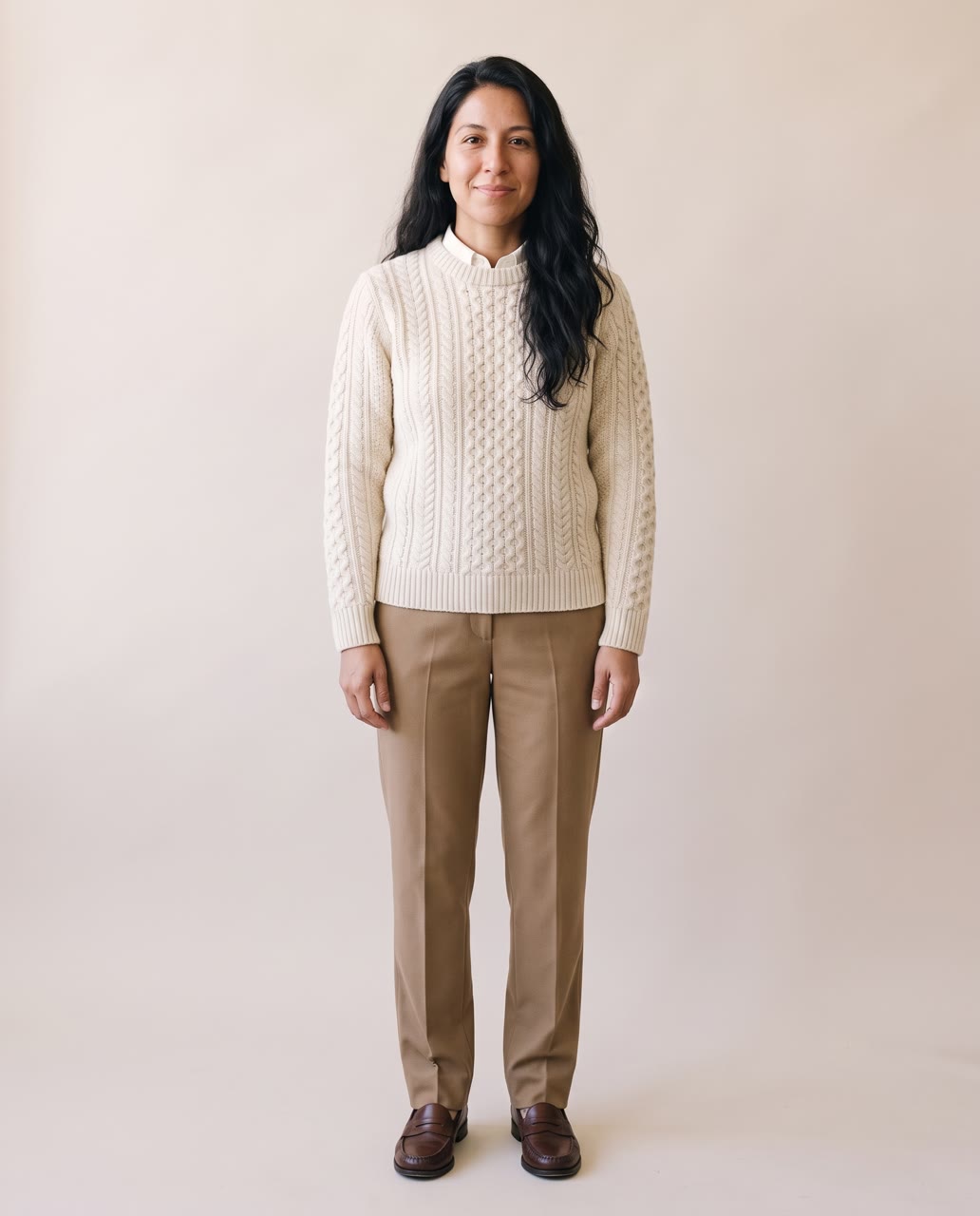
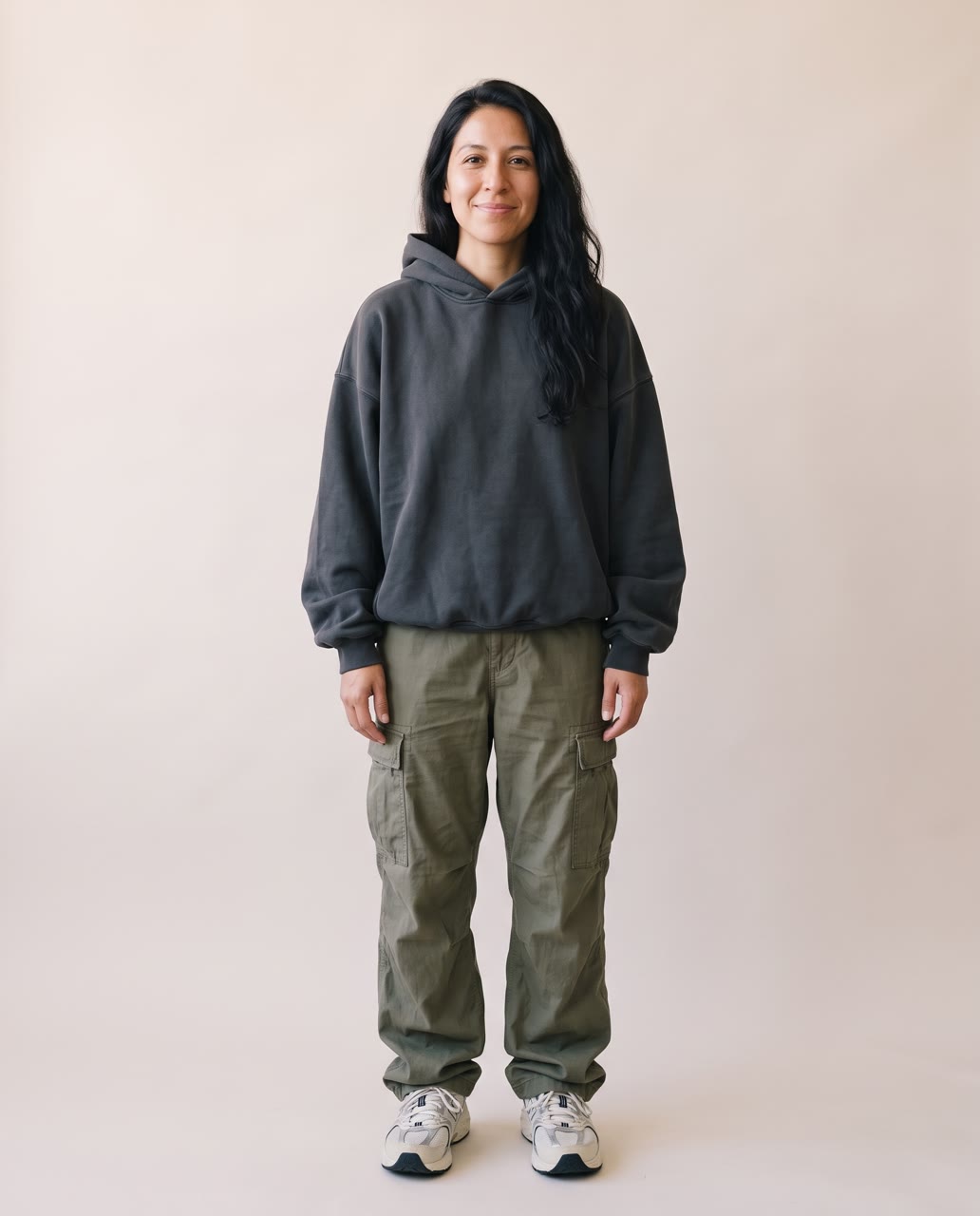
How does the AI outfit generator work?
- Add one clear photo. A full-body photo works best. Use a photo of yourself or of someone who agreed to it.
- Pick the styles. Choose up to four from eight: old money, streetwear, office, evening, athleisure, Y2K, boho summer and winter layers.
- Or describe your own. Write the outfit in your own words.
- Press the button. The app shows the price first, then makes a picture for each style.
Which styles can I try?
There are eight ready styles: old money, streetwear, office, evening, athleisure, Y2K, boho summer and winter layers. You can pick up to four at once and compare them side by side. You can also type a custom outfit, such as a red satin dress and gold heels.
Does the picture keep my shape?
The picture keeps the shape of your photo by default, and it can be set to other shapes in the app. A photo of the whole body shows the outfit best.
What can I use it for?
- Seeing a look before you buy or plan it.
- Picking an outfit for an event or a costume party.
- Showing a style idea to a client or a friend.
Run it again with a different set of styles to try more looks on the same photo.
Can I do this from ChatGPT or Claude?
Yes. Connect the Hermoso MCP and ask your assistant for your photo in a few new styles. It tells you the price first, then runs it and hands back the file.
Related
Frequently asked questions
Is the AI outfit generator free?
Hermoso has a free plan with no card, and new accounts can claim free credits. The app shows the exact price before anything runs.
Do I need an account?
Yes, a free Hermoso account. You can fill the box on this page first and sign up when the app opens.
How many styles can I pick at once?
Up to four, from eight ready styles. You can also describe your own outfit.
Which photo works best?
A clear photo of one person, ideally full body.
Does it work for a costume?
Yes. Describe the costume in the outfit box and it is used as your style.
Is it the same as a virtual try-on?
No. This tool restyles you from your photo in a chosen look. A try-on puts a particular item on you.
Start free, no card needed. The app shows the exact price before anything runs.
Start free → See pricing