How does the chameleon ad work?
- Add your product photo. One clear photo, ideally on a plain background.
- Add your touch. Optional: describe the place, such as a rainforest after the rain.
- Pick the shape. 9:16 is the default. 1:1 and 16:9 are there too.
- Press the button. The app shows the price first, then makes your video.
Why does a chameleon ad stop the scroll?
The idea is simple. An animal that blends into its surroundings turns into your product, colour by colour. People watch to see the change, and the product is the last thing they see. It suits drinks, snacks, cosmetics and anything with strong colours.
Which products work best?
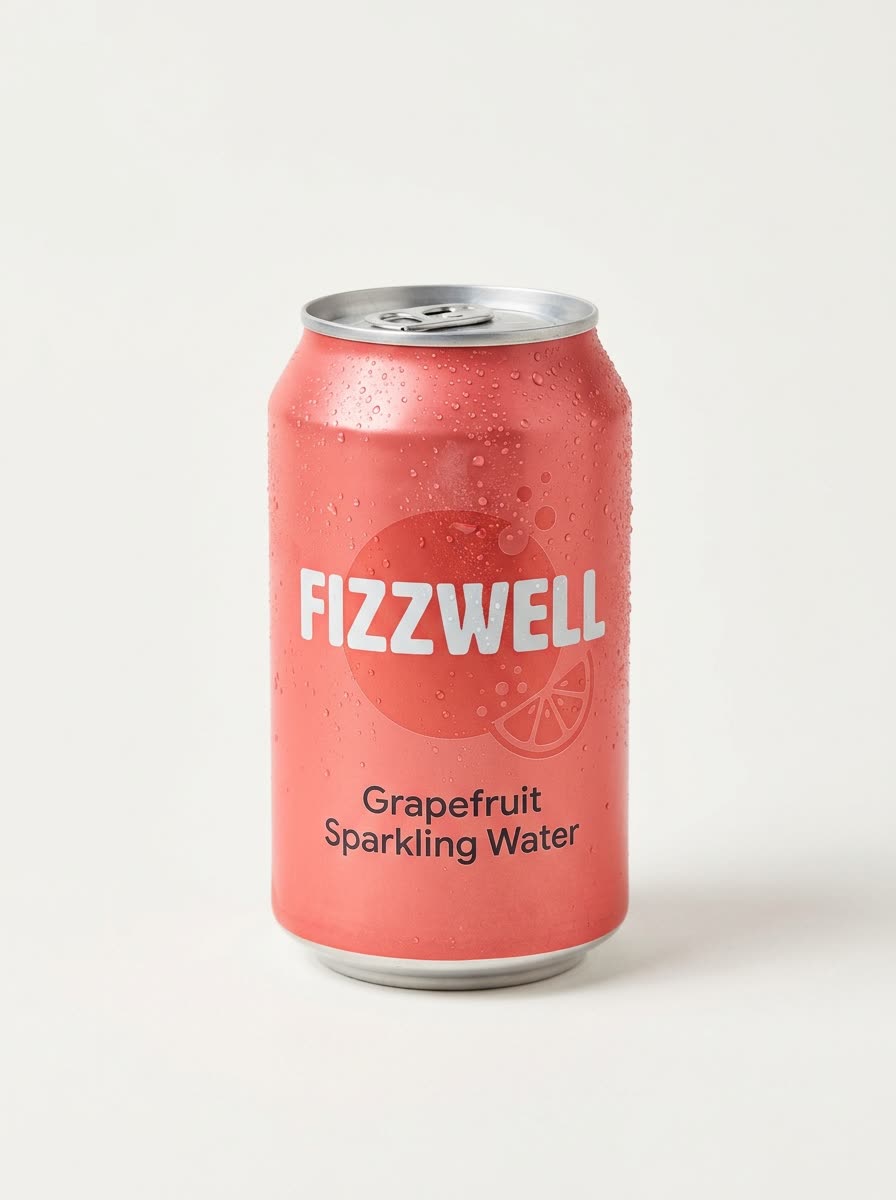
Products with clear, bold colours show the effect best: a can, a bottle, a box. Use a sharp photo with the whole product visible.
Where can I post it?
- Reels, TikTok and Shorts in the 9:16 shape.
- A square feed ad in the 1:1 shape.
- A wide banner or a site video in 16:9.
How long does it take?
The app tells you before you start. A video takes longer than a picture, so you can leave the page open and come back to it. Run it again with a different setting to get another version of the ad.
Can I do this from ChatGPT or Claude?
Yes. Connect the Hermoso MCP and ask your assistant for a chameleon ad for your product. It tells you the price first, then runs it and hands back the file.
Related
Frequently asked questions
Is the chameleon ad maker free?
Hermoso has a free plan with no card, and new accounts can claim free credits. The app shows the exact price before anything runs.
Do I need an account?
Yes, a free Hermoso account. You can fill the box on this page first and sign up when the app opens.
Is it a picture or a video?
A short video. The shape is 9:16 by default, with 1:1 and 16:9 as options.
Can I choose where the chameleon is?
Yes. Use the optional text box to describe the setting, such as a rainforest after the rain.
Do I need a plain background on my photo?
It helps. One clear photo of the product on a plain background gives the best result.
Start free, no card needed. The app shows the exact price before anything runs.
Start free → See pricing