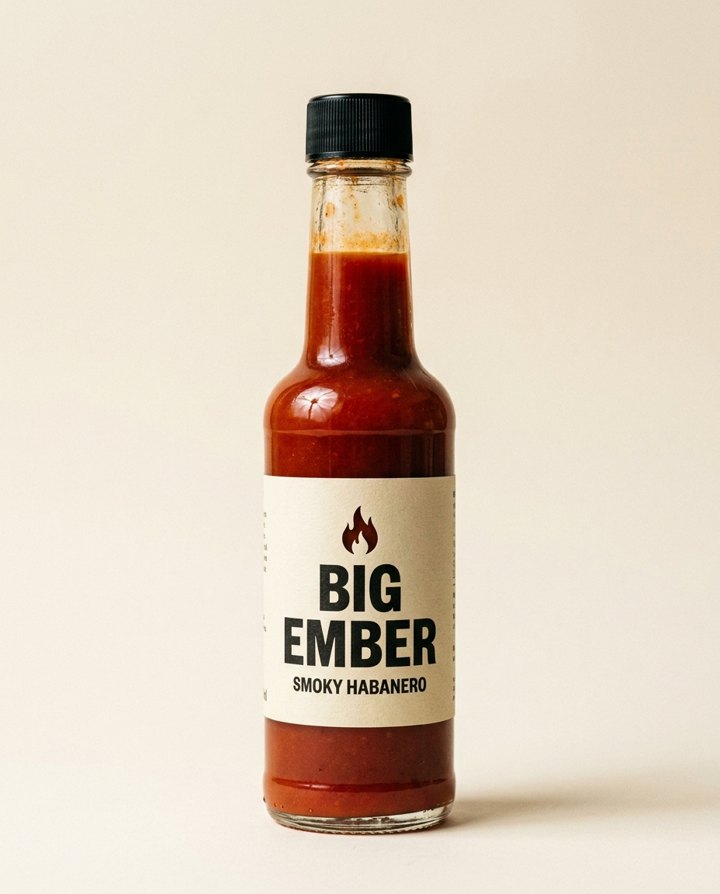
A volcano ad is a loud way to say "this product holds up". The product stays calm and sharp in the foreground while lava and smoke go off behind it. It works for anything you want to look tough, bold or hot, from hot sauce to sunglasses.
How does the volcano ad work?
- Add a product photo. One clear photo of the product, ideally on a plain background.
- Add your own touch. Optional. For example, "at night, glowing lava rivers".
- Pick the shape. 9:16 is the default. Square, 16:9, 3:4 and 4:3 are there too.
- Press the button. The app shows the price first, then makes your ad scene. You can turn it into a short clip in the app.
What kind of product suits it?
Anything where strength, heat or drama fits the message: spicy food, drinks, gear, tools, watches, skincare for tough conditions. It is less of a match for a quiet product. Pick a scene that suits what you sell.
Will my product still look like my product?
The scene is built around your photo, so the product is the thing you uploaded. A clear, sharp photo on a plain background gives the best result. Check the label and shape on the result before you post it.
Tips for a good result
- Use a straight, well lit product photo with the whole product in frame.
- Use the optional note to change the time of day or how the lava looks.
- Use vertical 9:16 for Reels, TikTok and Stories.
Can I do this from ChatGPT or Claude?
Yes. Connect the Hermoso MCP and ask your assistant for a volcano ad from your product photo. It shows the price first, then returns the result.
Related
Frequently asked questions
Is the volcano ad maker free?
Hermoso has a free plan with no card, and new accounts can claim free credits. The app shows the exact price before anything runs.
Do I need an account?
Yes, a free Hermoso account. You can fill the box on this page first and sign up when the app opens.
What do I need to start?
One clear photo of your product, ideally on a plain background.
What sizes can I make?
9:16, 1:1, 16:9, 3:4 and 4:3. The default is 9:16.
Can I change how the volcano looks?
Yes. Use the optional note, for example "at night, glowing lava rivers".
Start free, no card needed. The app shows the exact price before anything runs.
Start free → See pricing