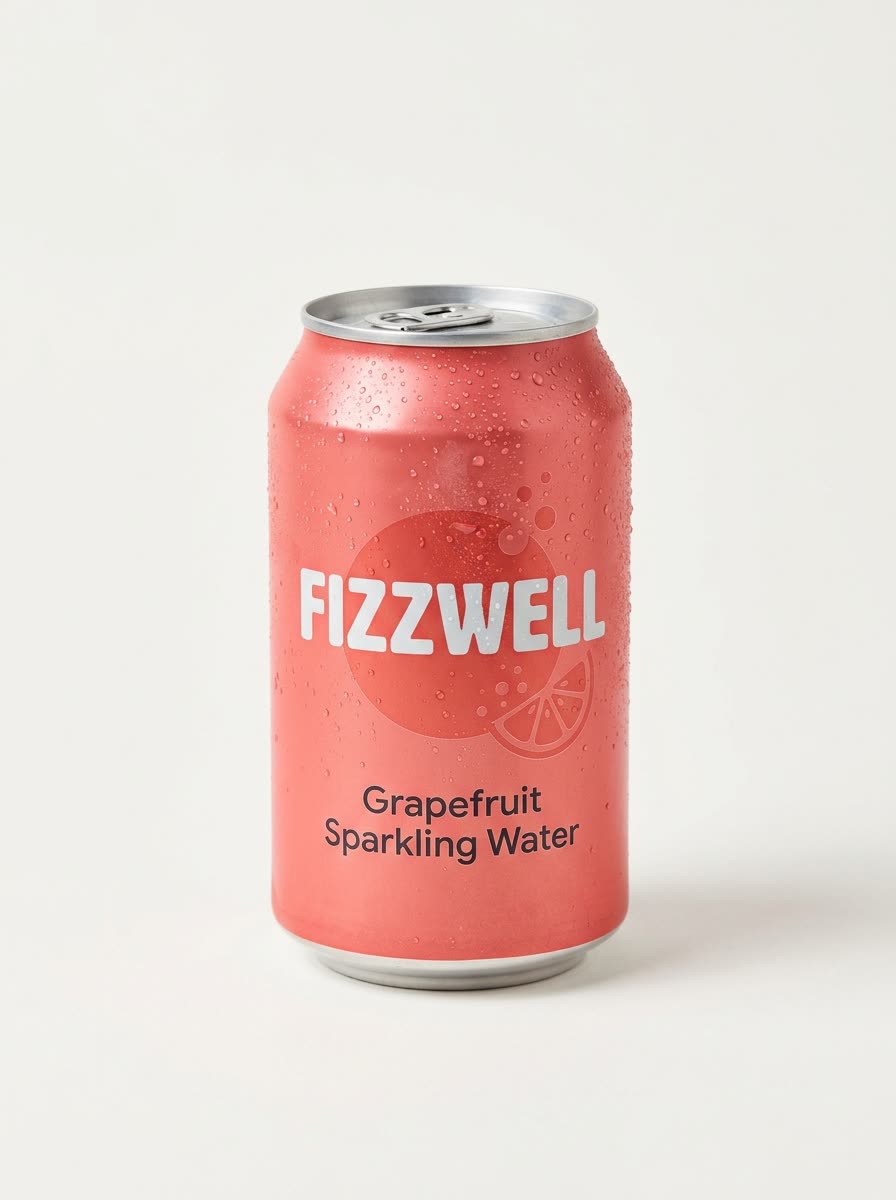
How do fake out of home ads work?
- Add your product photo. One clear photo, ideally on a plain background.
- Pick the place. City centre, beach, desert, snowy mountains or a city park. Or describe your own.
- Pick the size. 9:16 is the default. 1:1, 16:9, 3:4 and 4:3 are there too.
- Press the button. The app shows the price first. You get the picture and a short clip.
What are fake out of home ads?
Out of home means billboards, posters and big outdoor stunts. A fake one looks like a huge real-world installation but is made on a computer. A giant can on a beach or a bottle taller than the buildings gets noticed, and you do not need a permit, a crane or a budget for a stunt.
What can I use them for?
- A scroll-stopping post or Reel for a new product.
- A paid social ad that looks like a campaign.
- A hero image for a launch page.
How do I get a good result?
Use a sharp photo with the full product visible and the label readable. Simple shapes like cans, bottles and boxes read best at giant size. Pick a place that fits the product, such as a beach for a summer drink.
Can I do this from ChatGPT or Claude?
Yes. Connect the Hermoso MCP and ask for a giant product ad. Your assistant tells you the price first, then runs it and hands back the file.
Related
Frequently asked questions
Are fake out of home ads free to make?
Hermoso has a free plan with no card, and new accounts can claim free credits. The app shows the exact price before anything runs.
Do I need an account?
Yes, a free Hermoso account. You can fill the box on this page first and sign up when the app opens.
Are these real billboards?
No. The giant product is made on a computer. It is a picture and a short clip, not a real installation.
Where can my product stand?
A city centre, beach, desert, snowy mountains or a city park, or a place you describe.
Do I get a video as well as a picture?
Yes. The tool makes a still and a short clip from it.
Start free, no card needed. The app shows the exact price before anything runs.
Start free → See pricing