How does the funny product ad maker work?
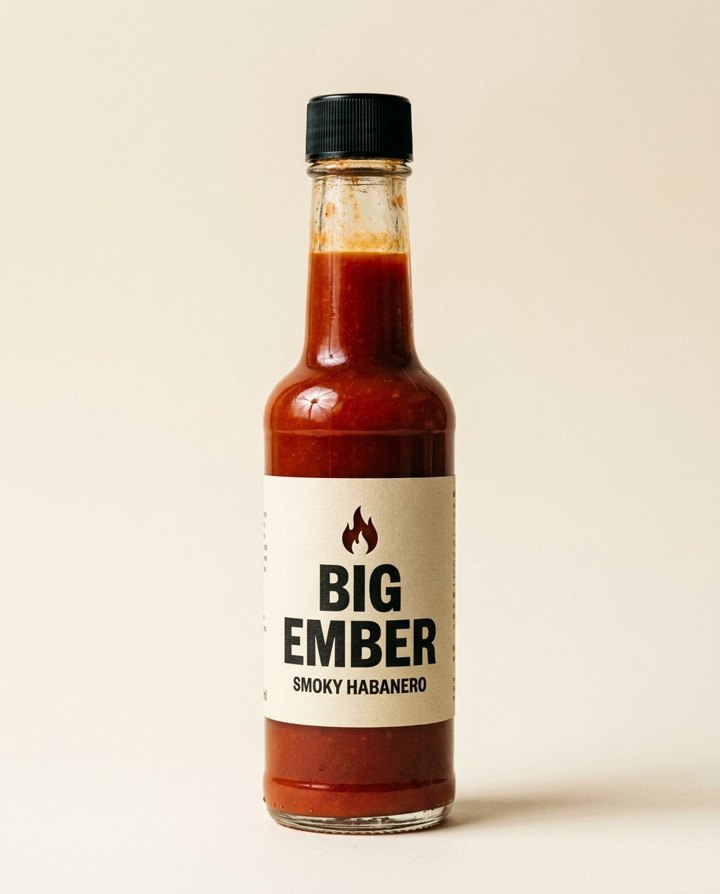
- Add your product photo. One clear photo, ideally on a plain background.
- Add the other product, or not. This is optional. Leave it empty and the rival is plain and unbranded.
- Pick the shape. 9:16 is the default. Square, 16:9, 3:4 and 4:3 work too.
- Press the button. The app shows the price first.
What do I get?
A short, funny comparison picture: your product stands firm while the other one is kicked away. The app can then animate it into a short clip. It is built to get a smile and a pause in the feed.
Can I put a real competitor in it?
You can, but only if you are allowed to compare against that brand where you advertise. Rules differ by country and platform, so check them first. A plain, unbranded rival avoids the question.
Where does this kind of ad work?
- Short-form video: TikTok, Reels and Shorts.
- Paid social, as a quick A/B test against a serious ad.
- Email headers and launch posts that need a bit of humour.
How do I make it funnier?
Keep the idea simple. Put your product on a plain background, leave the rival plain, and add one setting in your own touch, like a kitchen counter. The joke is the kick, so the rest should stay clean.
Can I do this from ChatGPT or Claude?
Yes. Connect the Hermoso MCP and ask your assistant for a funny product ad where your product kicks a rival away. It runs the same tool, tells you the price first and hands back the finished file.
Related
Frequently asked questions
Is the funny product ad maker free?
Hermoso has a free plan with no card, and new accounts can claim free credits. The app shows the exact price before anything runs.
Do I need an account?
Yes, a free Hermoso account. You can fill the box on this page first and sign up when the app opens.
Do I have to add a rival?
No. Leave it empty and the other product is plain and unbranded.
Is it legal to show a competitor?
It depends on where you advertise. Only add another brand’s product if you are allowed to compare against it there.
Does it make a video?
The picture can be animated into a short clip in the app. The price shows first.
Start free, no card needed. The app shows the exact price before anything runs.
Start free → See pricing