
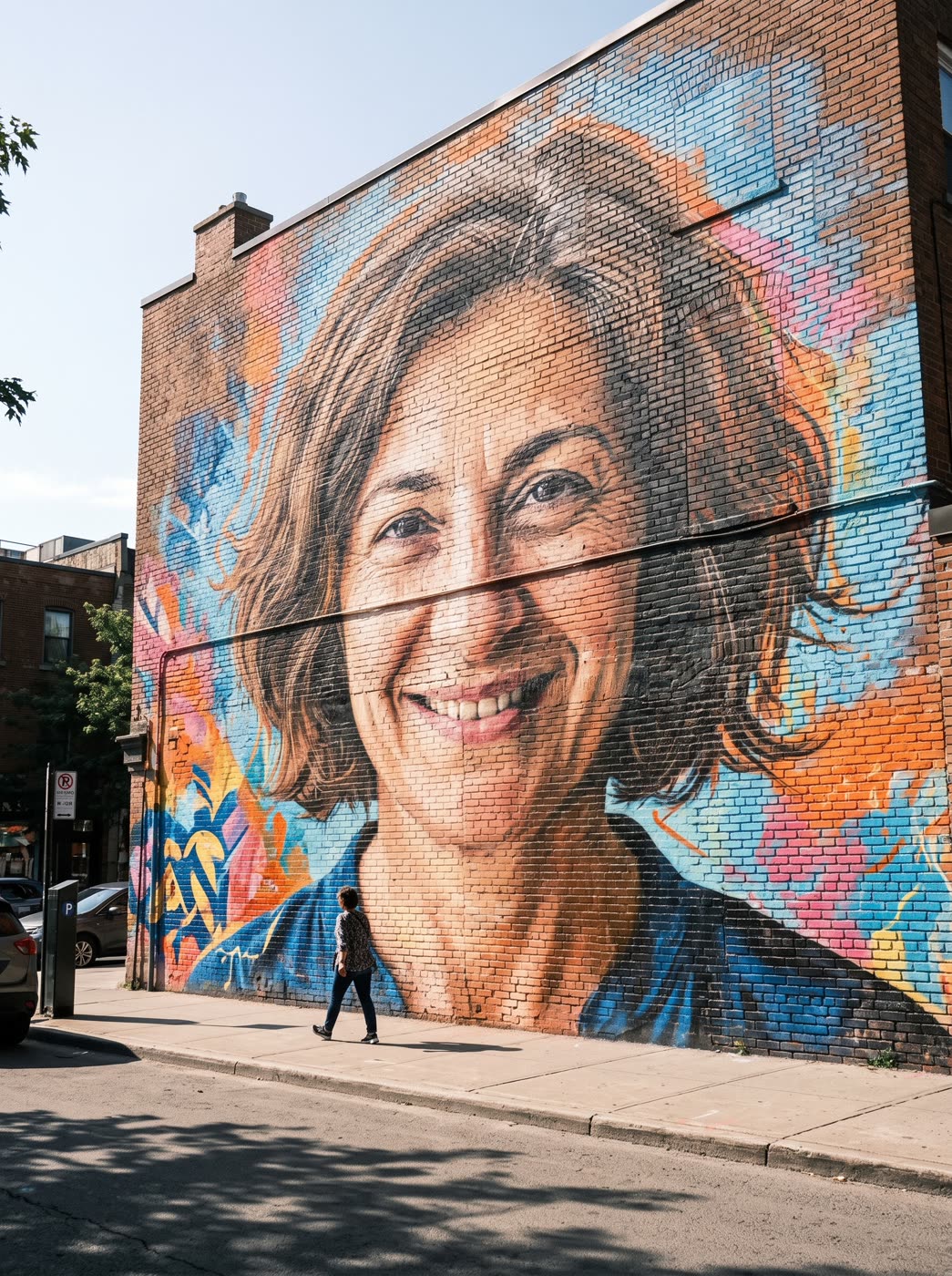
This tool shows how a picture would look painted large on a real wall. It is a picture of a mural in a street scene, made to share, to test an idea or to post. It does not print or ship a wall mural.
How does photo to mural work?
- Add one photo. A person, a pet or a product. One clear photo works best.
- Pick the style. Bold street art, hand-painted or spray graffiti. You can also write your own style.
- Pick the shape. Choose from 9:16, 1:1, 16:9, 3:4 or 4:3. The default is 3:4.
- Press the button. The app shows the price first, then gives you the mural picture.
What can I turn into a mural?
A portrait of yourself, a pet, a logo mascot or a product shot all work. Brands use it to show a product as a large painted ad on a wall. Individuals use it for fun posts and profile pictures.
Can I use this to design a real wall mural?
You can use it as a quick visual idea of how a picture reads at wall scale. For a printed wall mural or a commissioned painting, you will still need a printer or an artist, and a higher resolution original.
Tips for a good result
- Pick a photo with a clear subject and a plain background.
- Choose the style first. Bold street art and graffiti look different from a hand-painted wall.
- Use the optional note for the wall, the lighting or the city.
Can I do this from ChatGPT or Claude?
Yes. Connect the Hermoso MCP and ask your assistant to turn a photo into a street mural. It shows the price first, then returns the picture.
Related
Frequently asked questions
Is the photo to mural tool free?
Hermoso has a free plan with no card, and new accounts can claim free credits. The app shows the exact price before anything runs.
Do I need an account?
Yes, a free Hermoso account. You can fill the box on this page first and sign up when the app opens.
Does it print or ship a mural?
No. It makes a picture of your photo painted as a mural on a wall. It does not print anything.
What mural styles can I pick?
Bold street art, hand-painted and spray graffiti, or you can describe your own.
Can I use a photo of a person?
Yes, a photo of yourself or someone who agreed to it. Pets and products work too.
Start free, no card needed. The app shows the exact price before anything runs.
Start free → See pricing