How does the product transformation video work?
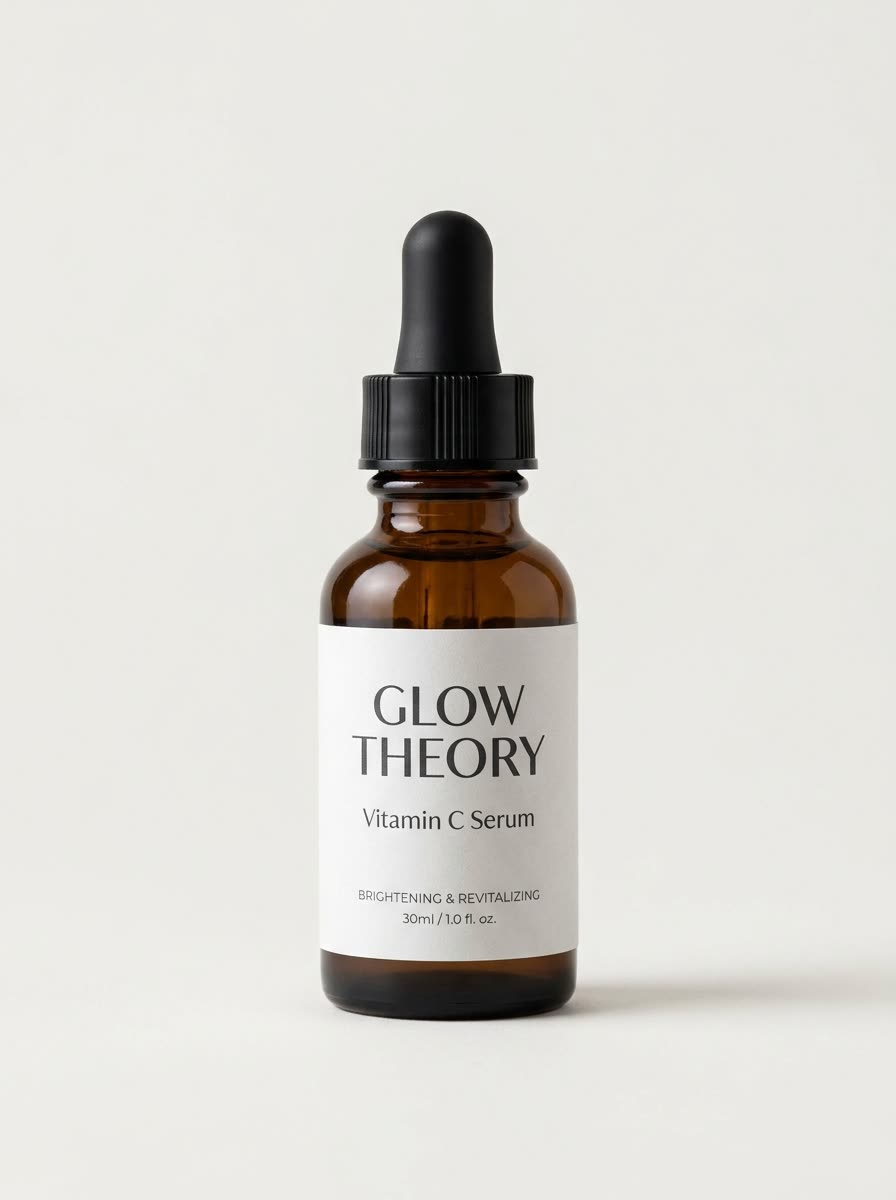
- Add one clear product photo, ideally on a plain background.
- Pick the world: enchanted forest, outer space, under the sea, candy land or winter wonderland. Or type your own.
- Pick the shape: 9:16, square, 16:9, 3:4 or 4:3.
- Press the button. The app shows the price first. You get the picture, then you can choose to make the video.
What do I get?
A short vertical video in which your product stays put and the world around it changes. It is a strong visual hook for a launch, a gift guide or a product page.
Which world should I choose?
- Enchanted forest for natural and skincare products.
- Outer space for tech and gadgets.
- Under the sea for fresh, clean and water themed products.
- Candy land or winter wonderland for sweets and seasonal offers.
Will my product look the same?
The idea is that the product is the fixed point in the scene. Start from a sharp photo so the details are clear.
Can I do this from ChatGPT or Claude?
Yes. Connect the Hermoso MCP and ask your assistant for a product transformation video. It tells you the price first, then hands back the file.
Can I type my own world?
Yes. Besides the five worlds in the list, you can describe your own, such as a neon city at night. Keep it to one clear place.
Related
Frequently asked questions
Is the product transformation video free?
Hermoso has a free plan with no card, and new accounts can claim free credits. The app shows the exact price before anything runs.
Do I need an account?
Yes, a free Hermoso account. You can fill the box on this page first and sign up when the app opens.
Which worlds can I pick?
Enchanted forest, outer space, under the sea, candy land and winter wonderland, or a world you type yourself.
Which sizes can I make?
9:16 (the default), 1:1, 16:9, 3:4 and 4:3.
What photo works best?
One clear photo of the product on a plain background.
Start free, no card needed. The app shows the exact price before anything runs.
Start free → See pricing