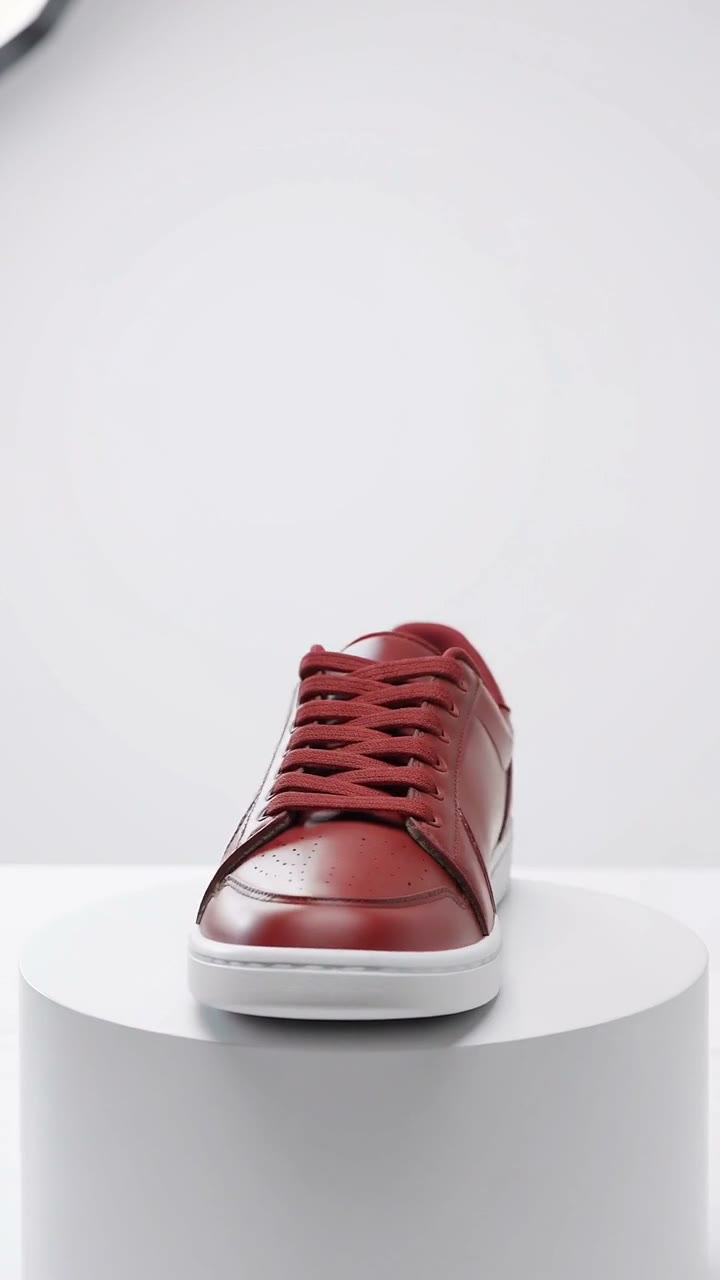
How does replace object in video AI work?
- Add your video. Paste a link or upload a clip of up to 30 seconds.
- Name what to replace. For example, the coffee cup in her hand.
- Say what goes in its place. Type a few words, or add a photo of the new thing so the clip shows your real product.
- Press the button. The app shows the price first. The edit takes a few minutes.
What stays the same in the video?
The motion, the camera and the sound stay. Only the one thing you named changes. The new object moves the way the old one did, so a hand that held a sneaker now holds a bottle of perfume.
Can I put my own product in the video?
Yes. Add a photo of your product next to the video. The clip then shows your real product, not an invented lookalike. A clear photo on a plain background works best.
What makes a good swap?
- Pick one clear object that stays in view.
- Choose a new object of a similar size and shape.
- Name the object plainly, with where it is: the mug on the table.
- Keep clips short. Up to 30 seconds is accepted.
Who uses object replacement in video?
Brands use it to put a product into a clip they already shot, so one good video can show several products. Creators use it for jokes and for fixing a prop. It saves a reshoot when only one object needs to change.
Can I do this from ChatGPT or Claude?
Yes. Connect the Hermoso MCP and ask it to replace an object in a video. Your assistant tells you the price first, then hands back the file.
Related
Frequently asked questions
Is the replace object in video ai free?
Hermoso has a free plan with no card, and new accounts can claim free credits. The app shows the exact price before anything runs.
Do I need an account?
Yes, a free Hermoso account. You can fill the box on this page first and sign up when the app opens.
How long can the video be?
Up to 30 seconds.
Does the sound stay?
Yes. The audio is kept and only the named object changes.
Can I swap in my own product?
Yes. Add a photo of it in the app and the clip shows your real product.
Start free, no card needed. The app shows the exact price before anything runs.
Start free → See pricing