
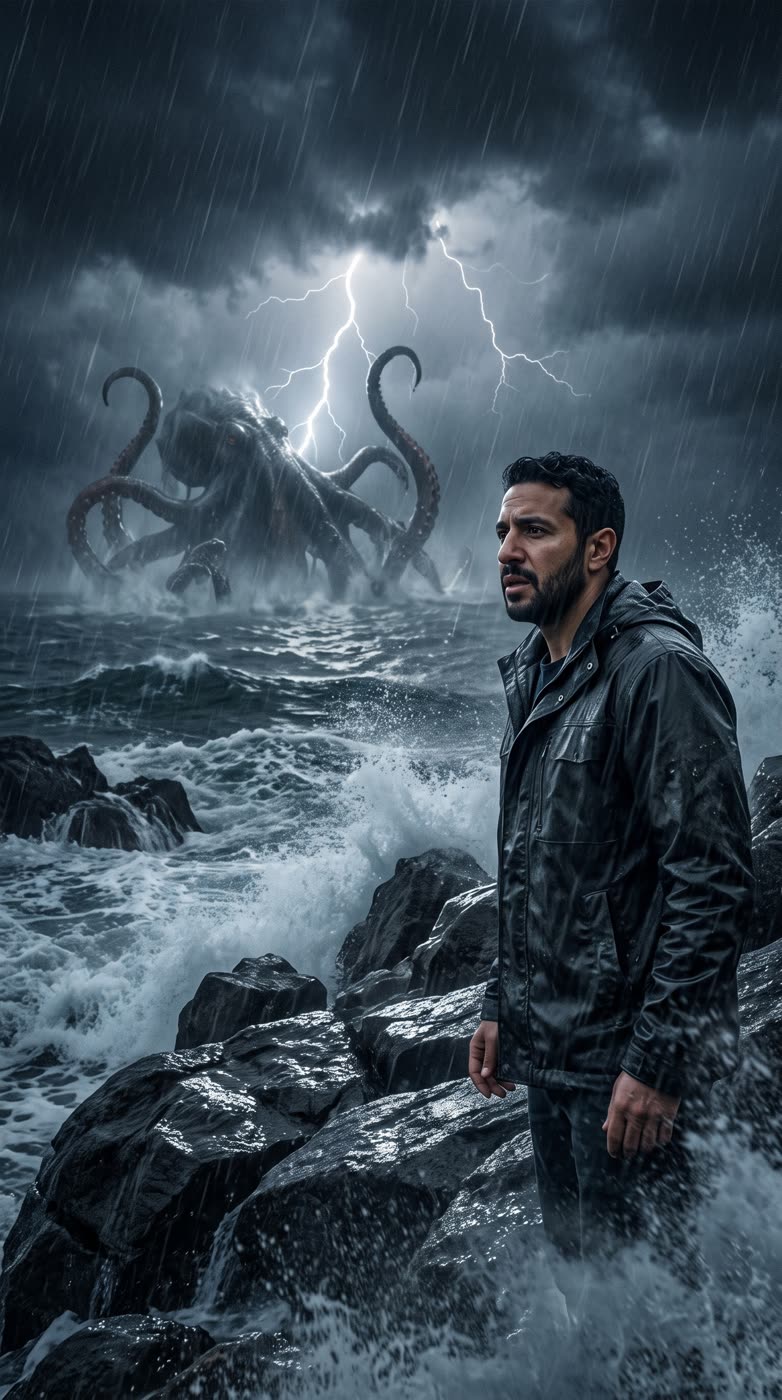
How does the sea monster AI work?
- Add a portrait. A clear photo of one person: you, or someone who agreed to it.
- Pick the shape. 9:16 for stories, 1:1 for a feed post or 16:9 for a wide picture.
- Press the button. The app shows the price first.
- Download your picture. It is a picture of you in front of a stormy sea and the creature.
What does the picture show?
You in the foreground, a stormy sea behind you and a huge sea monster rising from the waves. It is made to look like a film still.
What is it good for?
- A kraken-style post for a game, a book or a tabletop night.
- A dramatic profile picture.
- A cover image for a sea story, a podcast or a stream.
Tips for a good result
- Use one clear portrait with the face in good light.
- A photo from the chest up works well.
- Only use photos of people who agreed to it.
Can I use it for a kraken?
Yes. People search for a kraken picture, and this scene puts a huge sea creature and a storm behind you, which fits that idea well. Use it for a game night, a story cover or a joke post.
Can I do this from ChatGPT or Claude?
Yes. Connect the Hermoso MCP and ask for a sea monster scene from your portrait. Your assistant tells you the price first, then hands back the file.
Related
Frequently asked questions
Is the sea monster ai free?
Hermoso has a free plan with no card, and new accounts can claim free credits. The app shows the exact price before anything runs.
Do I need an account?
Yes, a free Hermoso account. You can fill the box on this page first and sign up when the app opens.
Is it a video or a picture?
You get a picture.
Whose photo can I use?
Your own, or someone who agreed to it.
What sizes can I make?
9:16, 1:1 and 16:9.
Start free, no card needed. The app shows the exact price before anything runs.
Start free → See pricing