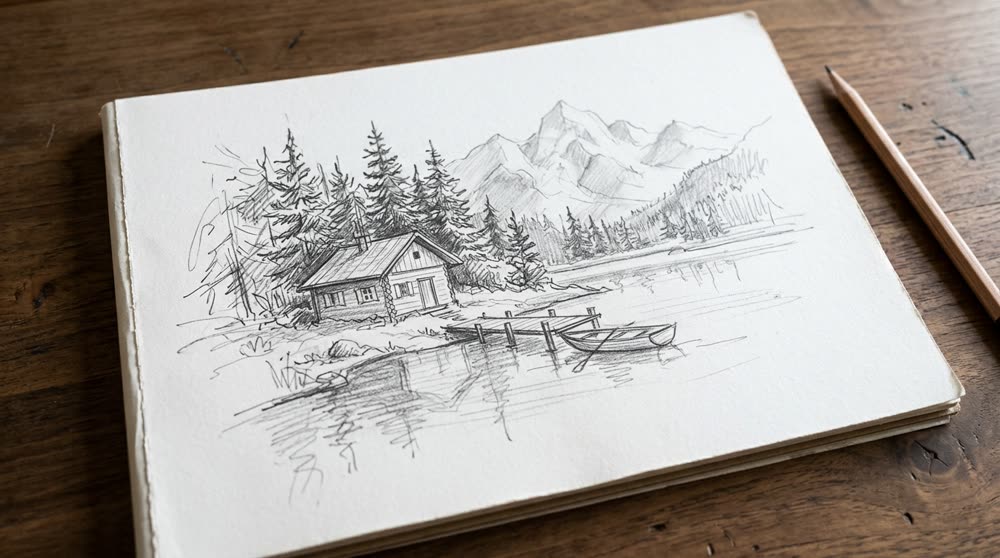
How does sketch to image AI work?
- Add your sketch. A drawing, a doodle or a storyboard frame. A photo of paper works too.
- Add your own touch, if you like. For example "at golden hour" to set the light.
- Pick the size. 16:9 is the default. 9:16, 1:1, 3:4 and 4:3 are there too.
- Press the button. The app shows the price first. You get a real-looking picture, and a short clip too.
What can I use it for?
- Storyboards: see a rough frame as a real shot before you film it.
- Concept ideas for a room, a product, a scene or a character.
- Fun: turn a child's drawing or a doodle into a photo.
How do I get a good result?
Draw clear shapes. Even a simple line drawing works if the main objects are easy to tell apart. Add a word or two in your own touch about the light or the mood. If the first picture is not what you meant, make a clearer sketch or change the touch and try again.
Do I need to be able to draw?
No. Stick figures and rough boxes are fine. The tool follows the layout of your sketch and fills in the detail.
Can I do this from ChatGPT or Claude?
Yes. Connect the Hermoso MCP and ask for a sketch turned into a photo. Your assistant tells you the price first, then runs it and hands back the file.
Related
Frequently asked questions
Is sketch to image AI free?
Hermoso has a free plan with no card, and new accounts can claim free credits. The app shows the exact price before anything runs.
Do I need an account?
Yes, a free Hermoso account. You can fill the box on this page first and sign up when the app opens.
What kind of sketch can I use?
A drawing, a doodle or a storyboard frame. A photo of a drawing on paper works.
Do I get a video too?
Yes. Along with the picture you get a short clip.
Do I need to draw well?
No. The tool follows the layout of a rough sketch and adds the detail.
Start free, no card needed. The app shows the exact price before anything runs.
Start free → See pricing