How does the truck wrap mockup work?
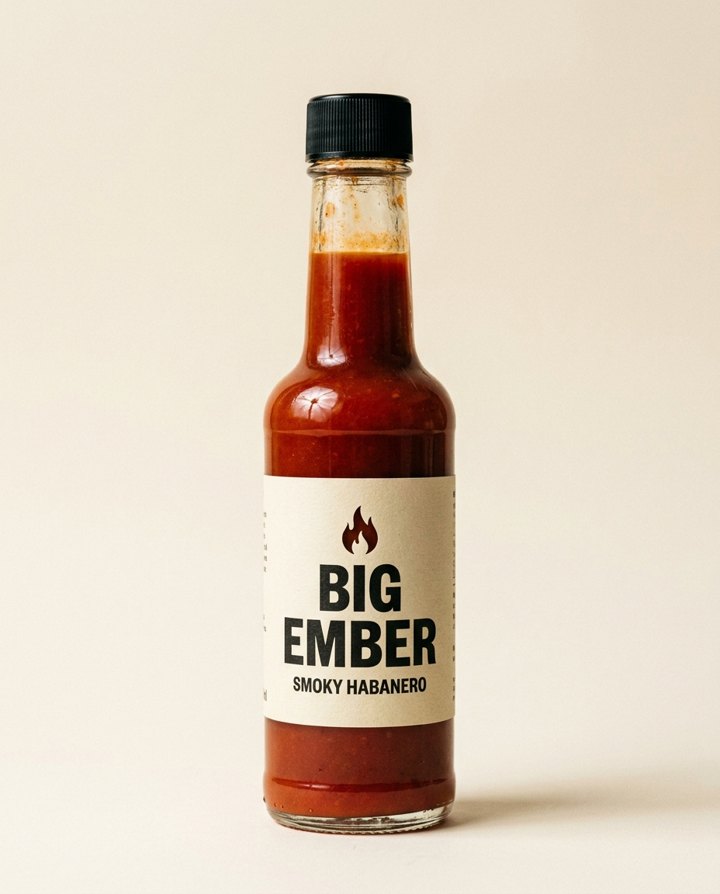
- Add one picture. Your product or your logo, one clear photo.
- Pick the road. City street, open highway, coast road or snowy town. Or describe your own.
- Add words if you like. Optional text for the truck, up to 40 characters. It is printed exactly as you type it.
- Press the button. The app shows the price first. You get the picture and a short clip.
What do I get?
A picture of a truck carrying your artwork, and a short clip of it moving. Pick the shape that fits where it will run: 16:9, 9:16, 1:1, 3:4 or 4:3.
What is a truck mockup good for?
- Showing a client or a boss how a wrap could look before paying for printing.
- A scroll-stopping ad that puts your product in a real-looking street scene.
- A bold launch post for a delivery or food brand.
Tips for a good result
- Use one clear picture on a plain background.
- A logo with simple shapes reads best on the side of a truck.
- Keep the text short, a few words.
Can I try more than one design?
Yes. Run it again with another logo, another road or other words on the truck, and compare the pictures side by side. That is a fast way to pick a design before you pay for a real wrap.
Can I do this from ChatGPT or Claude?
Yes. Connect the Hermoso MCP and ask for a truck ad for your product. Your assistant tells you the price first, then hands back the file.
Related
- Billboard mockup
- Facebook ad mockup
- AI ad generator
- AI product photo generator
Frequently asked questions
Is the truck wrap mockup free?
Hermoso has a free plan with no card, and new accounts can claim free credits. The app shows the exact price before anything runs.
Do I need an account?
Yes, a free Hermoso account. You can fill the box on this page first and sign up when the app opens.
Can I put text on the truck?
Yes. Add up to 40 characters. It is printed exactly as you type it.
Can I use a logo instead of a product?
Yes. Upload a clear picture of your logo or your product.
What sizes can I make?
16:9, 9:16, 1:1, 3:4 and 4:3.
Start free, no card needed. The app shows the exact price before anything runs.
Start free → See pricing