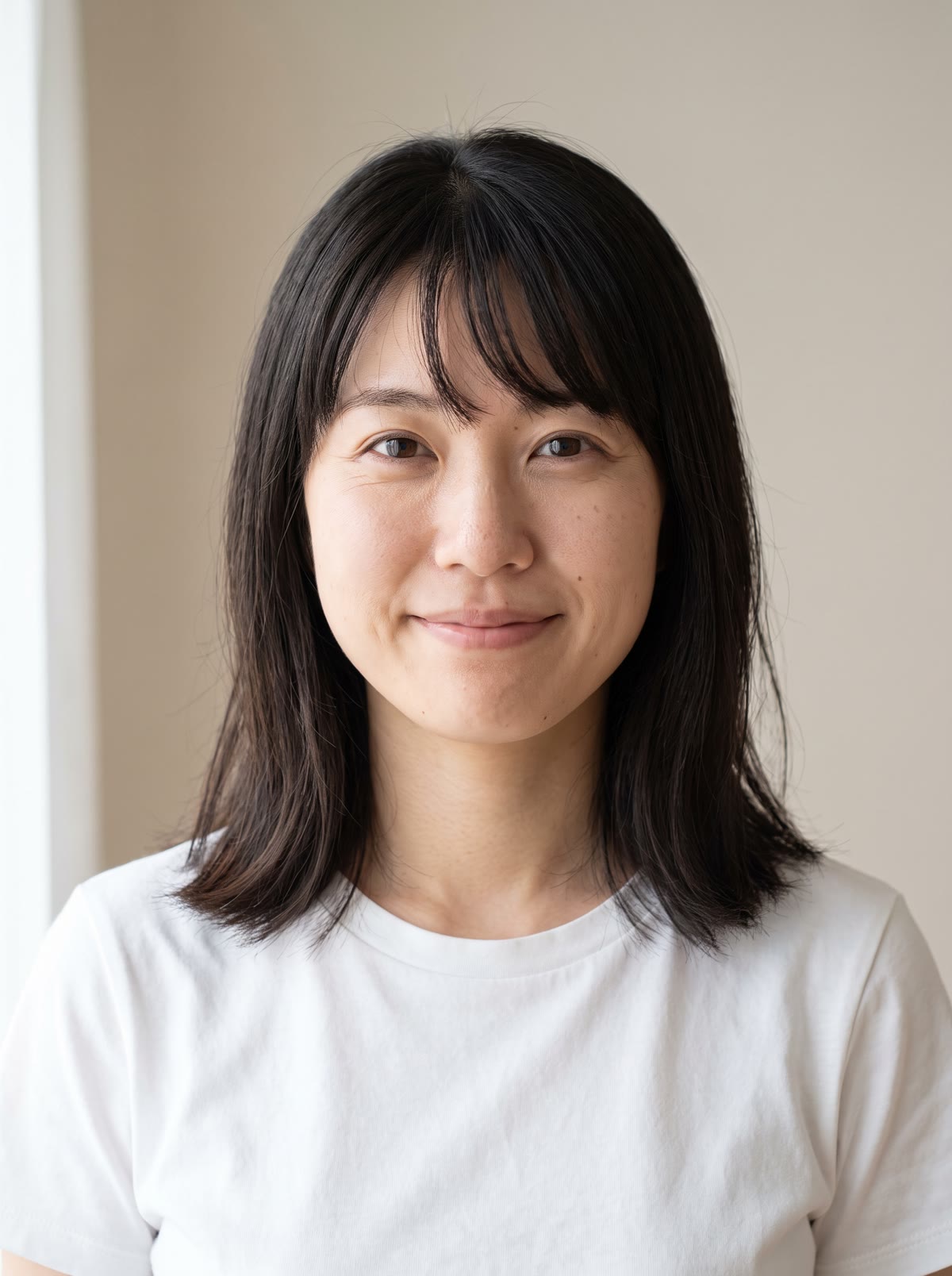
A mukbang is an eating show: someone sits in front of a big spread and enjoys it on camera. You do not need a camera, a kitchen or a table full of food. Add one photo and the tool builds the scene around you.
How does the AI mukbang work?
- Add your photo. Use a clear photo of one person: you, or someone who agreed to it.
- Pick the food. Spicy noodles, fried chicken, a sushi platter or desserts. You can also type your own.
- Pick the shape. Vertical 9:16 for Reels and TikTok, square, or 16:9.
- Press the button. The app shows the price first, then makes your picture. You can then turn it into a short clip in the app.
What can I make it with?
The four ready choices cover the classic mukbang spreads. If your idea is different, use the custom option and describe the food, such as "a tower of pancakes". The tool then builds the scene around your own face.
Is it good for food brands?
It is a fun way to show a menu item, a snack or a dessert in a trending format. Use your own photo or someone who agreed to it, and keep the food true to what you sell.
Tips for a good result
- Use a front-facing photo with your face clear and well lit.
- Pick the shape for where you will post it. 9:16 suits Reels and TikTok.
- Use the optional note to set the place, the time of day or the mood.
Can I do this from ChatGPT or Claude?
Yes. Connect the Hermoso MCP and ask your assistant for an effect on your photo. It shows the price first, then returns the result.
Related
Frequently asked questions
Is the AI mukbang free?
Hermoso has a free plan with no card, and new accounts can claim free credits. The app shows the exact price before anything runs.
Do I need an account?
Yes, a free Hermoso account. You can fill the box on this page first and sign up when the app opens.
What food can I choose?
Spicy noodles, fried chicken, a sushi platter or desserts, or you can type your own food.
What sizes can I make?
9:16 for vertical posts, 1:1 for square and 16:9 for wide.
Can I use someone else's photo?
Only if they agreed to it. Use a photo of yourself or someone who said yes.
Start free, no card needed. The app shows the exact price before anything runs.
Start free → See pricing