
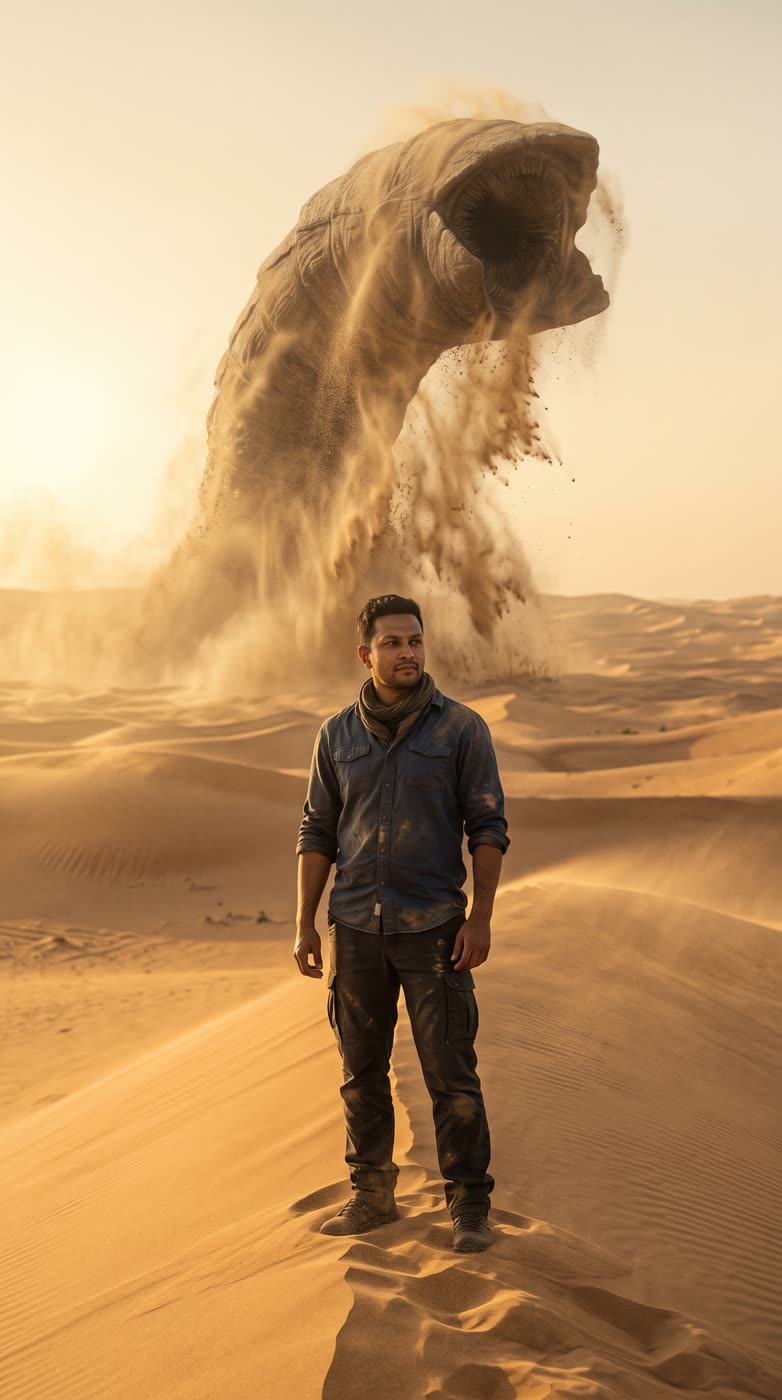
A giant creature rising out of the sand behind you is a classic movie shot. This tool puts you in that shot. You start with one photo, and it builds the desert, the dust and the creature around you.
How does the AI monster video work?
- Add your photo. A clear photo of one person: you, or someone who agreed to it.
- Add your own touch. Optional, if you want to change the light or the weather.
- Pick the shape. 9:16 is the default. Square and 16:9 are available too.
- Press the button. The app shows the price first, then makes your scene. After that you can turn it into a short clip in the app.
Do I get a picture or a video?
You get the picture first. Then the app lets you animate it into a short clip, which is the step that makes it feel like a monster video. You choose whether to do that.
What can I use it for?
- A funny post or a story for friends.
- A teaser for a film, a game or a book with a creature in it.
- An eye-catching thumbnail or cover.
Tips for a good result
- Use a photo where you are standing and your face is clear.
- Pick 9:16 for Reels, TikTok and Stories.
- Keep the note short, such as "at dusk".
Can I do this from ChatGPT or Claude?
Yes. Connect the Hermoso MCP and ask your assistant for a creature scene from your photo. It shows the price first, then returns the result.
Related
Frequently asked questions
Is the AI monster video free?
Hermoso has a free plan with no card, and new accounts can claim free credits. The app shows the exact price before anything runs.
Do I need an account?
Yes, a free Hermoso account. You can fill the box on this page first and sign up when the app opens.
Is it a picture or a video?
It starts as a picture. The app then lets you turn it into a short clip.
What sizes can I make?
9:16, 1:1 and 16:9. The default is 9:16.
Can I use a photo of someone else?
Only if they agreed to it. Use a photo of yourself or someone who said yes.
Start free, no card needed. The app shows the exact price before anything runs.
Start free → See pricing