How does the bullet time effect work?
- Add your product photo. One clear photo, ideally on a plain background.
- Pick the background. Pure white, a world that fits the product, or a frozen splash. You can also describe your own.
- Pick the size. 9:16, 1:1, 16:9, 3:4 or 4:3.
- Press the button. The app shows the price first. You get the frozen picture and a short clip where the camera sweeps part of the way round it.
What is bullet time?
Bullet time is the shot made famous by The Matrix: the action freezes while the camera moves round it. Filming it for real takes a ring of cameras. Here you start from a single photo, so it works for any product you already have a picture of.
What can I use it for?
- A hero image for a product page or a launch post.
- A short loop for Reels, TikTok or Stories.
- A paid ad that stops the scroll, because it looks like a shot that cost a lot to film.
How do I get a good result?
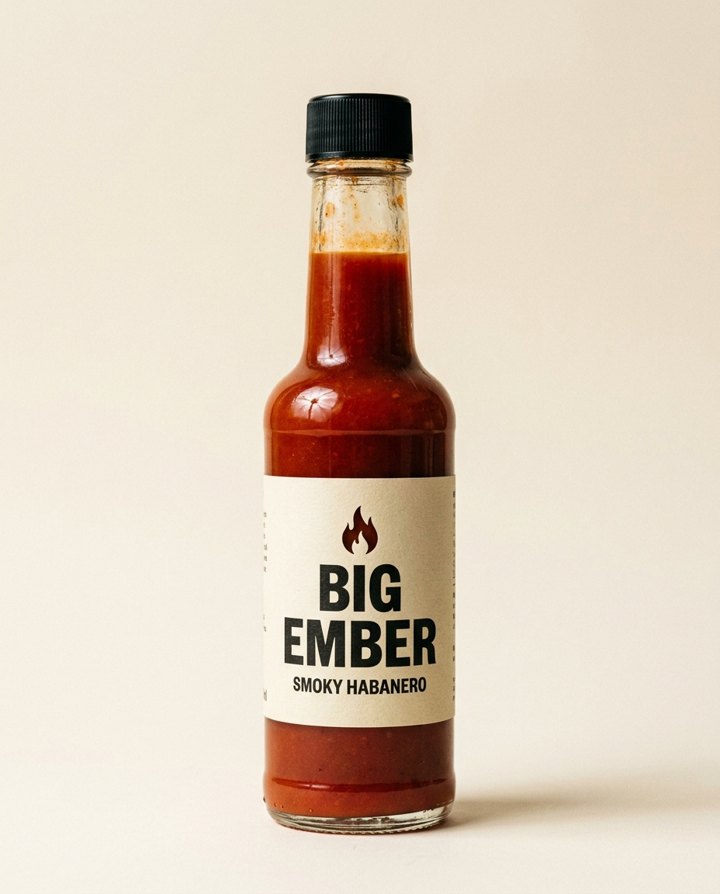
Use a sharp photo where the whole product is visible and the label is readable. Drinks, bottles, sauces, cosmetics and sneakers suit the splash background well. Tell the app the product name in your own touch if you want a specific burst, like citrus or sparks.
Can I do this from ChatGPT or Claude?
Yes. Connect the Hermoso MCP and ask for a bullet time shot of your product. Your assistant tells you the price first, then runs it and hands back the file.
Related
Frequently asked questions
Is the bullet time effect free?
Hermoso has a free plan with no card, and new accounts can claim free credits. The app shows the exact price before anything runs.
Do I need an account?
Yes, a free Hermoso account. You can fill the box on this page first and sign up when the app opens.
Do I need many cameras or a special rig?
No. You start from one product photo. There is no filming.
What do I get back?
A frozen-in-air picture of your product and a short clip with the camera sweeping round it.
Can I choose the background?
Yes: pure white, a world that fits the product, a frozen splash, or one you describe yourself.
Start free, no card needed. The app shows the exact price before anything runs.
Start free → See pricing