How does the ai pop star photo work?
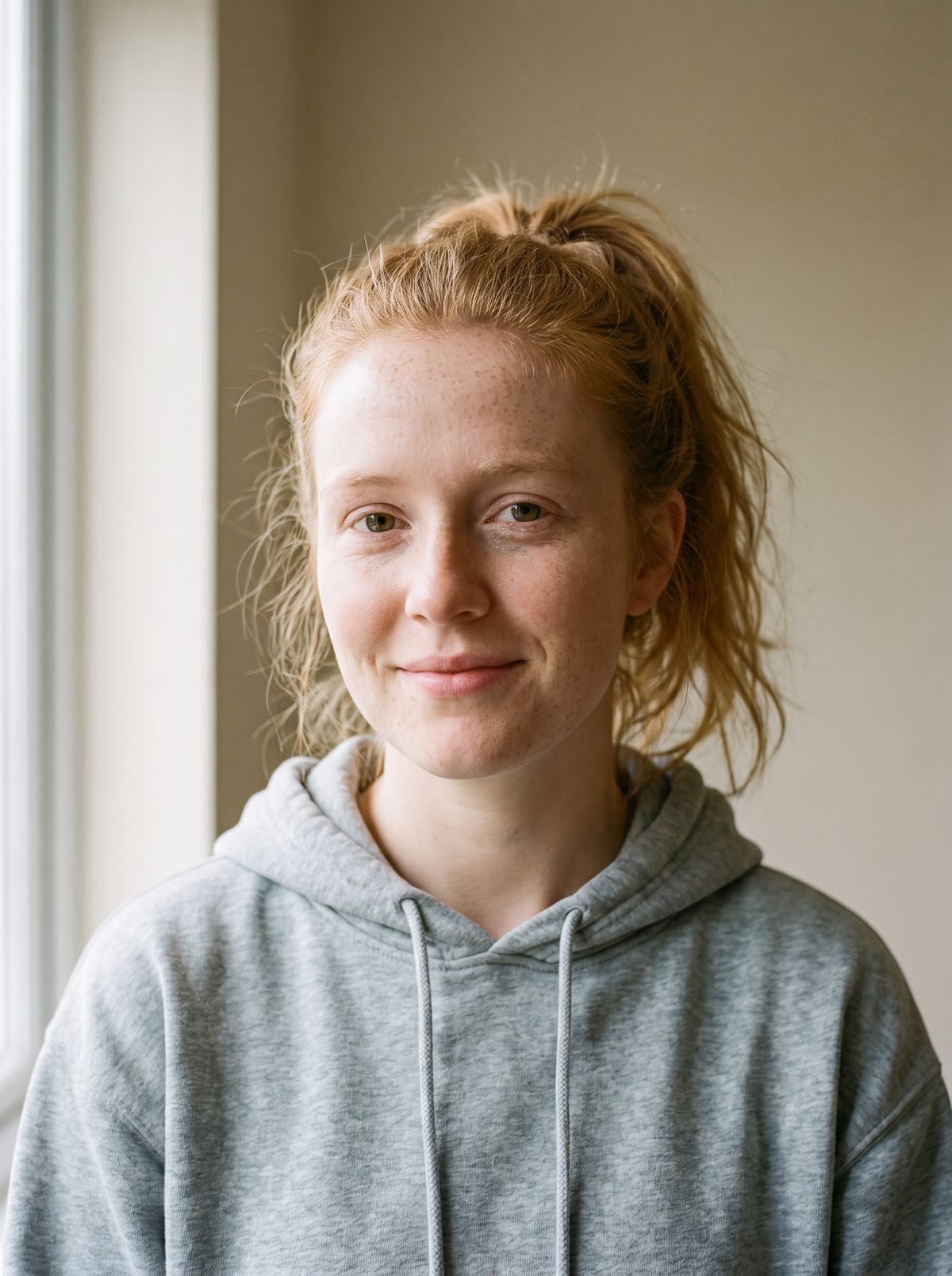
- Add one clear photo of yourself, or of someone who agreed to it.
- Add your own touch if you like, such as the outfit or the colour of the lights.
- Pick the shape: 9:16 for Stories and Reels, square for a feed post, or 16:9.
- Press the button. The app shows the price first, then makes your concert picture.
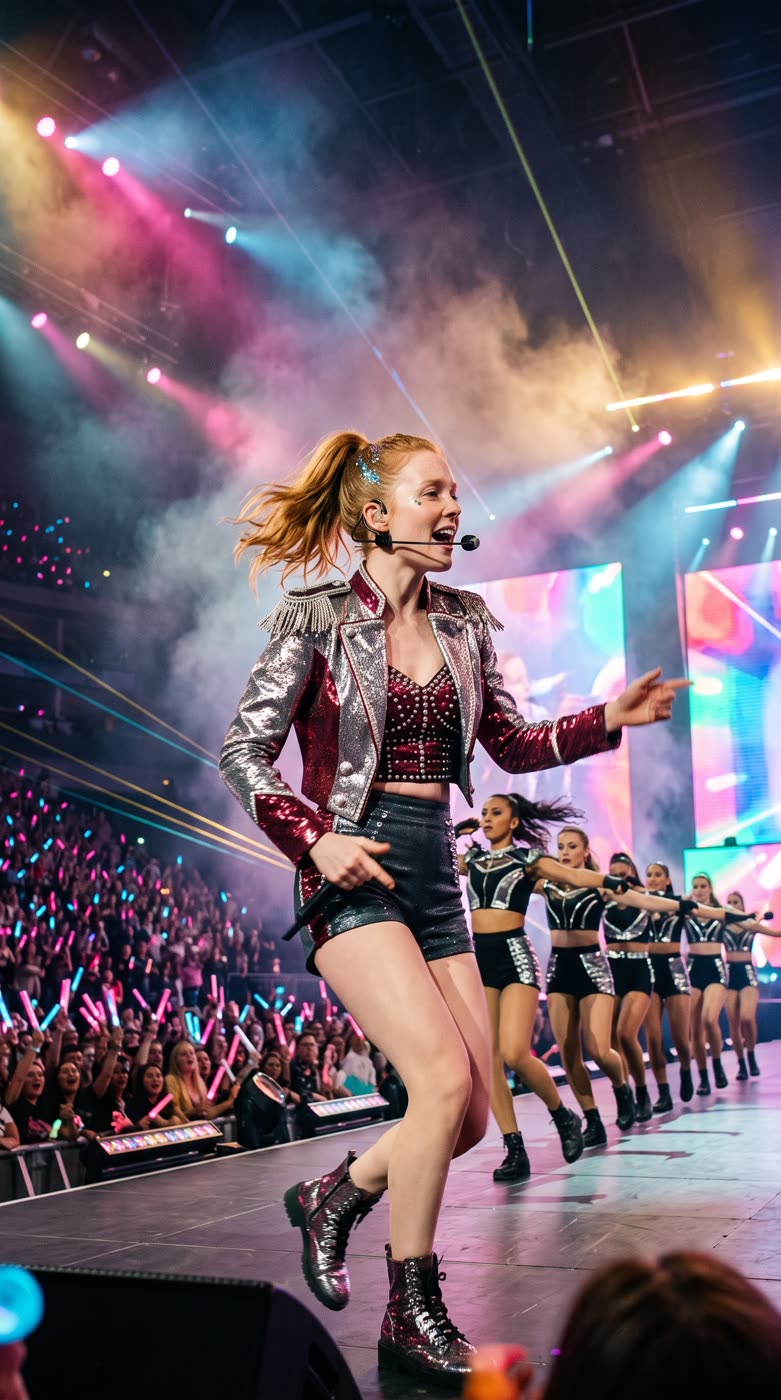
What do I get?
A picture of you on a huge concert stage with backup dancers. After the picture is ready you can choose to bring it to life as a short clip.
What makes a good result?
- A clear, well lit photo with your face easy to see.
- One person in the photo.
- A short extra note, like an outfit colour, rather than a long story.
Where can I use it?
Profile pictures, birthday posts, group chats and fan style edits for TikTok or Instagram. Make it for fun and tell people it is AI made.
Can I do this from ChatGPT or Claude?
Yes. Connect the Hermoso MCP and ask your assistant for a pop star concert picture from your photo. It tells you the price first, then hands back the file.
Can I change the outfit?
Yes. Use the optional note to describe it, for example a silver stage outfit. Keep it short so the picture stays focused on you.
Related
Frequently asked questions
Is the AI pop star photo free?
Hermoso has a free plan with no card, and new accounts can claim free credits. The app shows the exact price before anything runs.
Do I need an account?
Yes, a free Hermoso account. You can fill the box on this page first and sign up when the app opens.
Whose photo can I use?
Your own, or someone who agreed to it.
Which sizes can I make?
9:16 (the default), 1:1 and 16:9.
Can I make it move?
After the picture is ready, the app lets you choose to turn it into a short clip.
Start free, no card needed. The app shows the exact price before anything runs.
Start free → See pricing