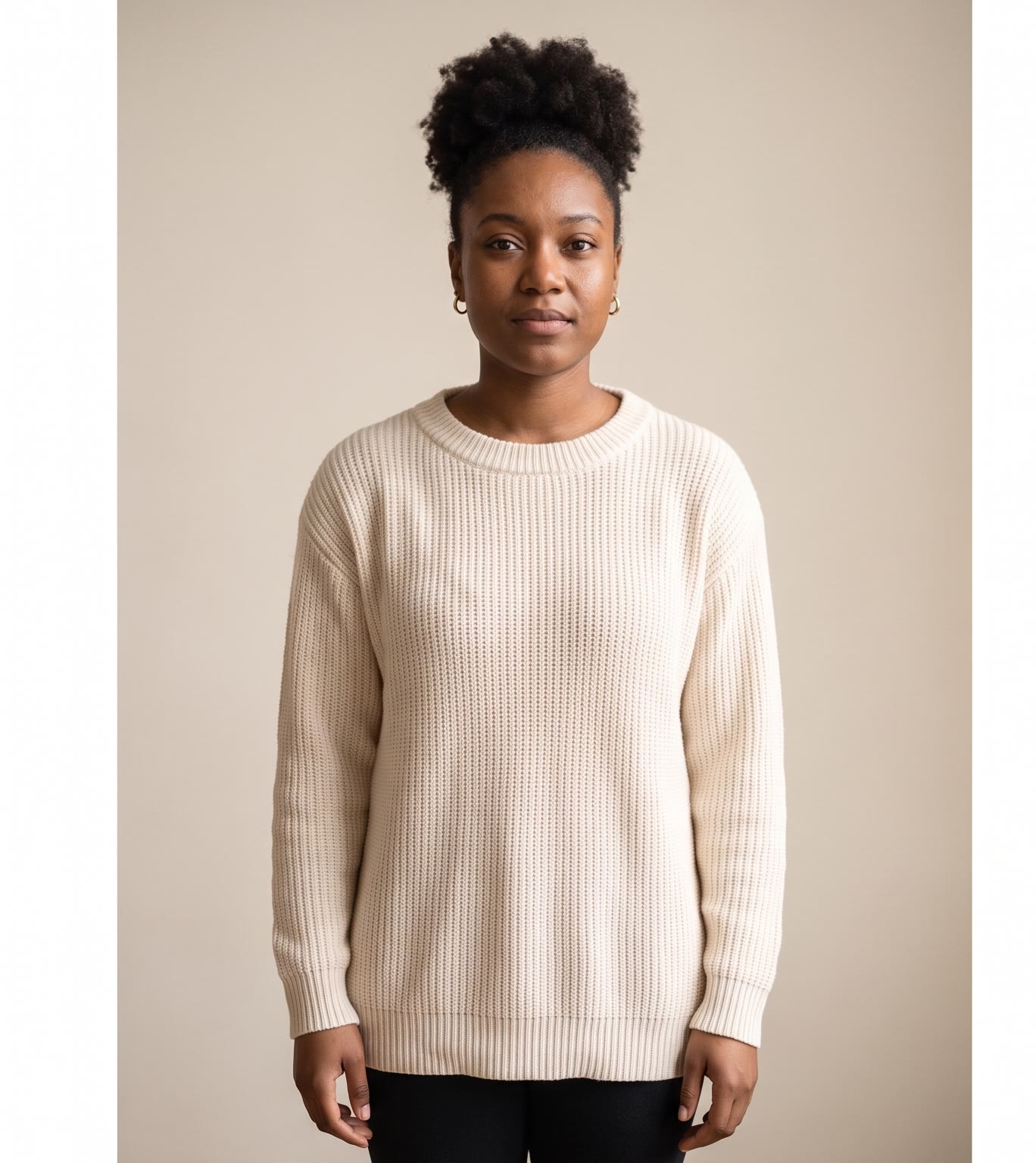
The TikTok outfit transition is a short video where the look changes right on the beat, often with a dance move in between. Filming it by hand means timing every cut to the music. Here the tool times the cuts for you.
How does the TikTok outfit transition work?
- Add your photo. A clear full-body photo of one person: you, or someone who agreed to it.
- Add the outfits. One or two outfit photos.
- Pick a track. Dance, Disco, Upbeat or Lo-fi.
- Press the button. The app shows the price first. It dresses you in the looks, makes a short dance clip, and cuts everything together on the beat.
What is in the finished video?
Your original photo opens it. Then the new looks and slices of the dance clip cut together, with every cut landing on a beat of the track. The music plays under the video.
How is this different from the outfit change reel?
The outfit change video is a fast loop of stills in the same pose. This one adds a moving dance clip and cuts to a named track, so it feels more like a finished edit.
Tips for a good result
- Use a full-body photo with a plain background.
- Pick outfit photos that show the whole garment.
- Match the track to the mood: Dance or Upbeat for energy, Lo-fi for calm.
Can I do this from ChatGPT or Claude?
Yes. Connect the Hermoso MCP and ask your assistant for an outfit video cut on the beat. It shows the price first, then returns the video.
Related
Frequently asked questions
Is the TikTok outfit transition maker free?
Hermoso has a free plan with no card, and new accounts can claim free credits. The app shows the exact price before anything runs.
Do I need an account?
Yes, a free Hermoso account. You can fill the box on this page first and sign up when the app opens.
How many outfits can I add?
One or two outfits.
Which music tracks are there?
Dance, Disco, Upbeat and Lo-fi.
Can I use a photo of someone else?
Only if they agreed to it. Use a photo of yourself or someone who said yes.
Start free, no card needed. The app shows the exact price before anything runs.
Start free → See pricing