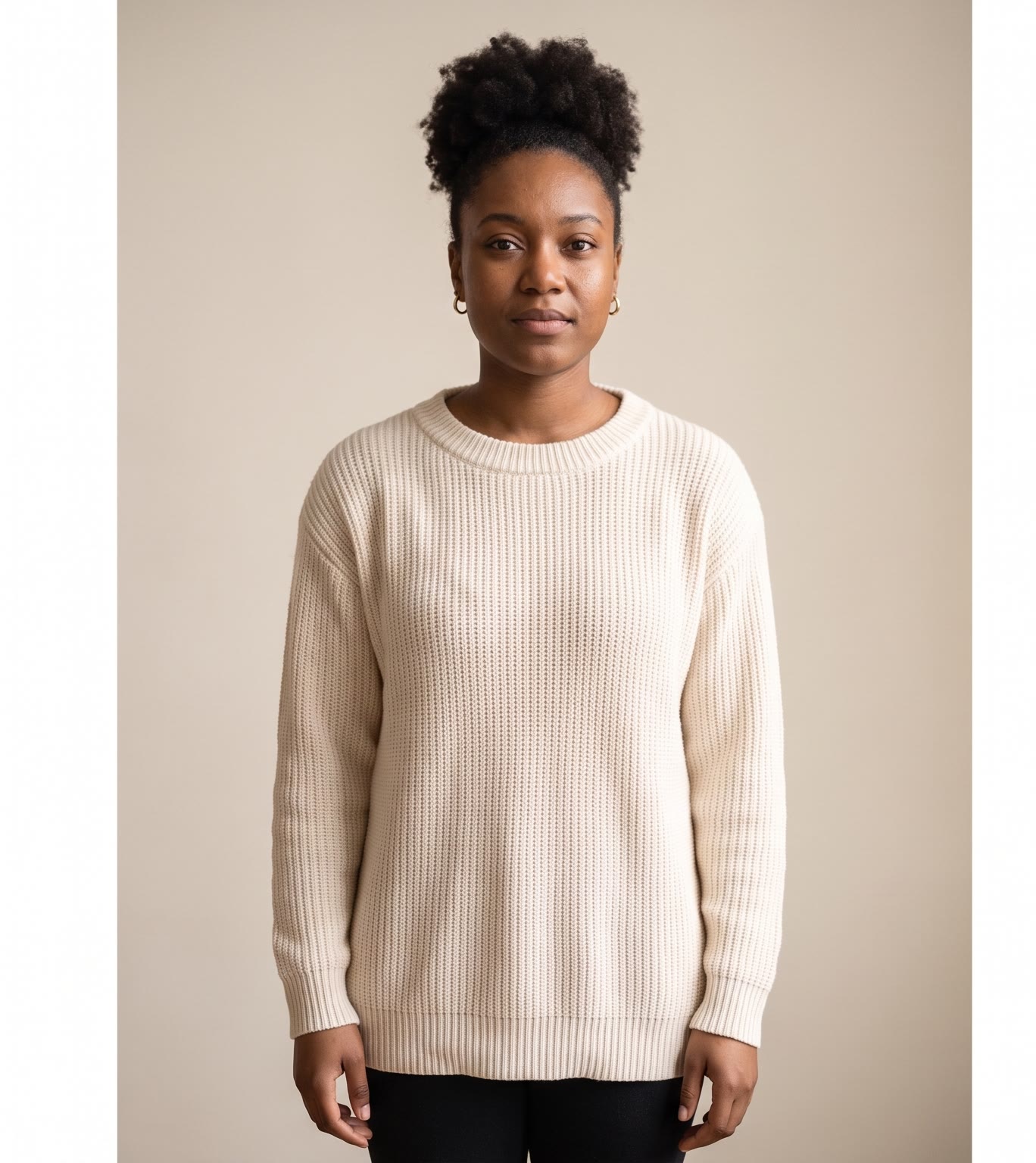
The outfit change video is a popular short: the same person, the same pose, a new look on every beat. Filming it takes a wardrobe and a lot of takes. This tool does it from one photo.
How does the outfit change video work?
- Add your photo. A clear full-body photo of one person: you, or someone who agreed to it.
- Choose the looks. Add photos of clothes you want to try on, up to 6. Or pick styles, up to 8.
- Set pace and music. Fast, medium or slow, with upbeat, hype, chill or elegant music.
- Press the button. The app shows the price first, then dresses you in each look and cuts the reel together.
What does the reel look like?
It is a vertical 9:16 video. Your photo opens it, then each look follows in the same pose and framing, with a small punch on every cut. The looks repeat so the reel loops, and the music plays under it.
Can I try on real clothes from a store?
Yes. Add a photo of the outfit or item, worn or laid flat. Each photo becomes one look. This is useful for fashion sellers who want to show a product on a person.
Tips for a good result
- Use a full-body photo, standing, with a plain background.
- Keep the clothes photos clear, one outfit or item each.
- Use a fast pace for short, punchy reels.
Can I do this from ChatGPT or Claude?
Yes. Connect the Hermoso MCP and ask your assistant for an outfit change reel from your photo. It shows the price first, then returns the video.
Related
Frequently asked questions
Is the outfit change video maker free?
Hermoso has a free plan with no card, and new accounts can claim free credits. The app shows the exact price before anything runs.
Do I need an account?
Yes, a free Hermoso account. You can fill the box on this page first and sign up when the app opens.
How many looks can I add?
Up to 6 clothes photos, or up to 8 styles.
What music can I pick?
Upbeat, hype, chill or elegant.
Can I use a photo of someone else?
Only if they agreed to it. Use a photo of yourself or someone who said yes.
Start free, no card needed. The app shows the exact price before anything runs.
Start free → See pricing