How does the product photo angles AI work?
- Add one product photo. A clear shot on a plain background works best.
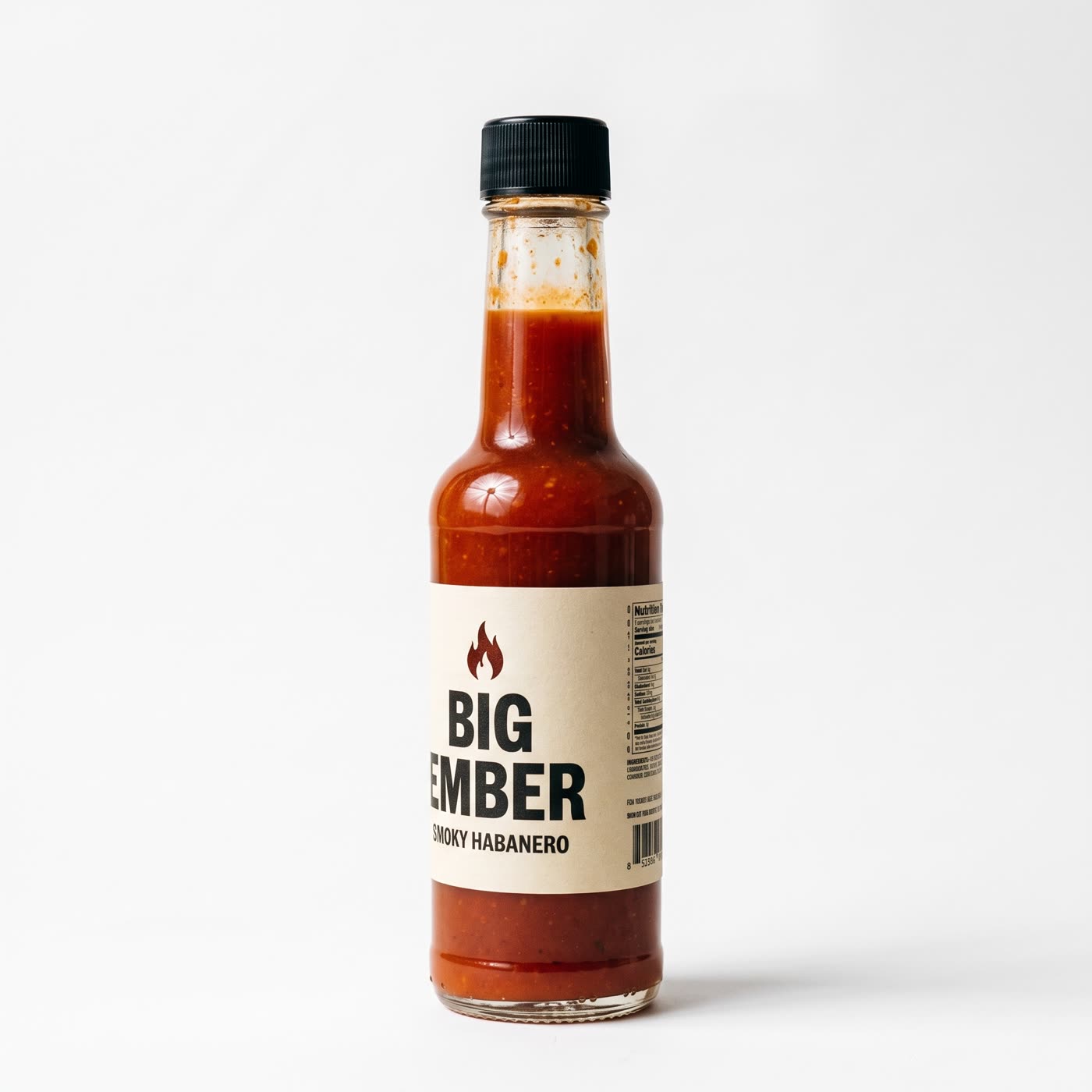
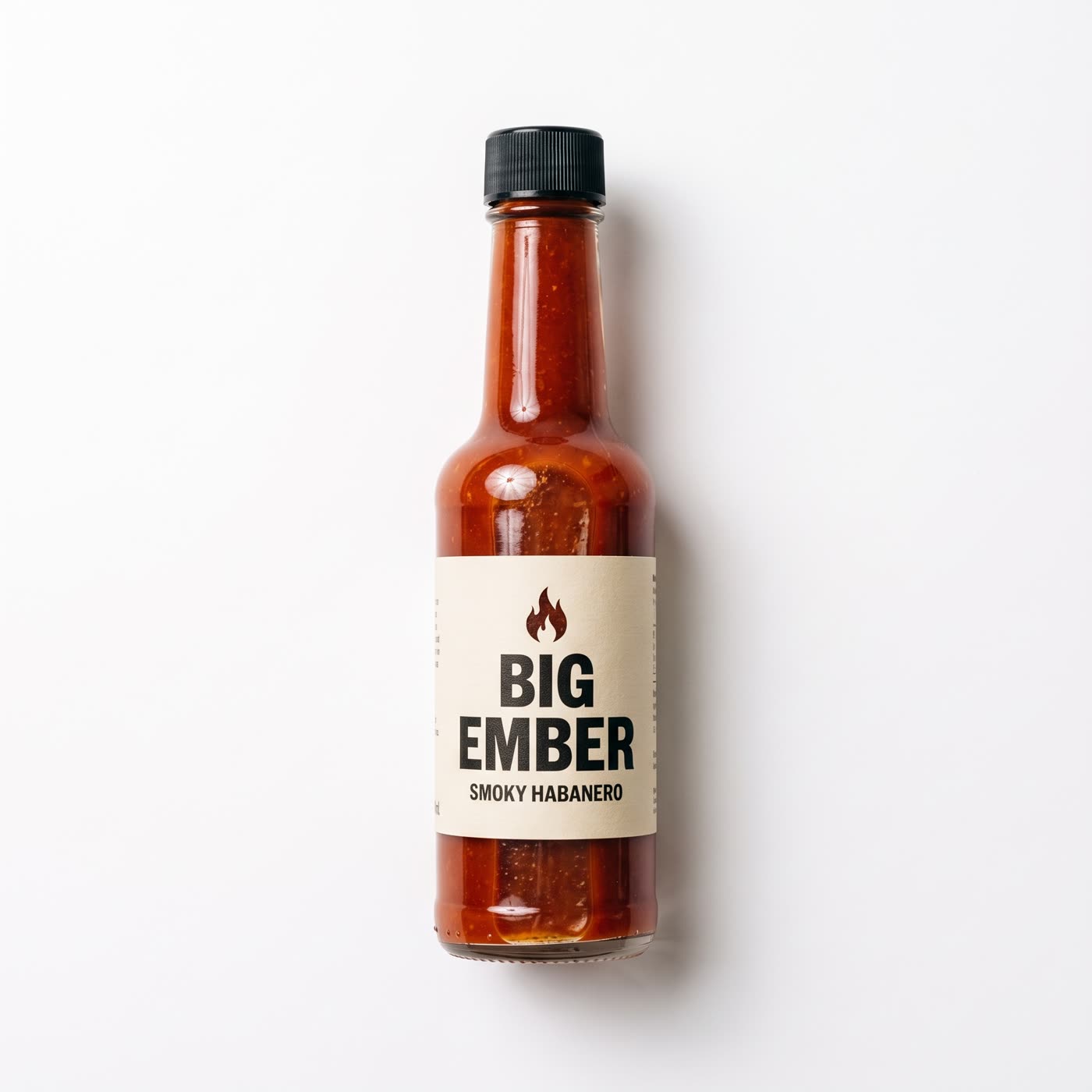
- Pick up to four angles. Front, three-quarter left, three-quarter right, side, back, top-down, low hero angle or close detail.
- Choose the background and shape. White, soft grey, or like your photo. Square, 4:5, 3:4, 16:9 or 9:16.
- Press the button. The app shows the price first.
What do I get?
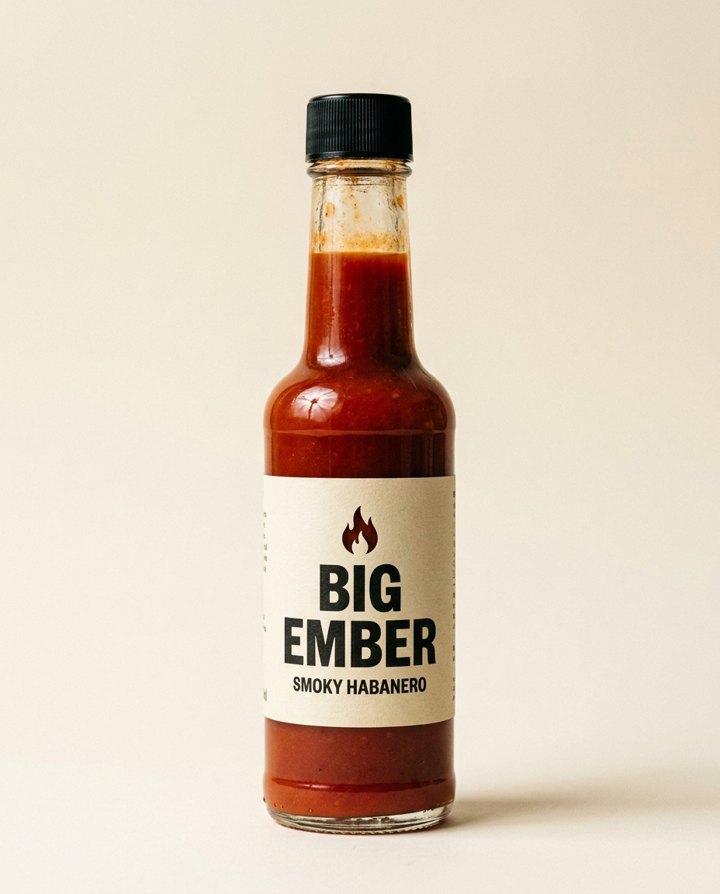
One new picture for each angle you pick, up to four per run. The product stays the same product: same shape, colour and label, seen from a different side. You can add a line of your own, such as "on a marble surface", to change the setting.
Why use more than one angle?
- Product pages. Shoppers want to see the back and the side before they buy.
- Marketplace listings. Many need a main shot plus extra views.
- Ads and carousels. A different angle on each slide keeps people swiping.
How do I get a good result?
Start from a sharp, well-lit photo where the whole product is in frame. Plain backgrounds help. If the product has small print on the back, a close detail angle shows it best when the original photo shows that side too.
Can I do this from ChatGPT or Claude?
Yes. Connect the Hermoso MCP and ask your assistant for new angles of a product photo. It runs the same tool, tells you the price first and hands back the finished file.
Related
Frequently asked questions
Is the product photo angles AI tool free?
Hermoso has a free plan with no card, and new accounts can claim free credits. The app shows the exact price before anything runs.
Do I need an account?
Yes, a free Hermoso account. You can fill the box on this page first and sign up when the app opens.
How many angles can I make at once?
Up to four per run, picked from eight: front, three-quarter left, three-quarter right, side, back, top-down, low hero angle and close detail.
What backgrounds can I choose?
White, soft grey, or a background like your own photo. You can also describe your own.
Does the product stay the same?
The tool is built to keep your product recognisable. Check each picture before you use it, especially small print.
Start free, no card needed. The app shows the exact price before anything runs.
Start free → See pricing