
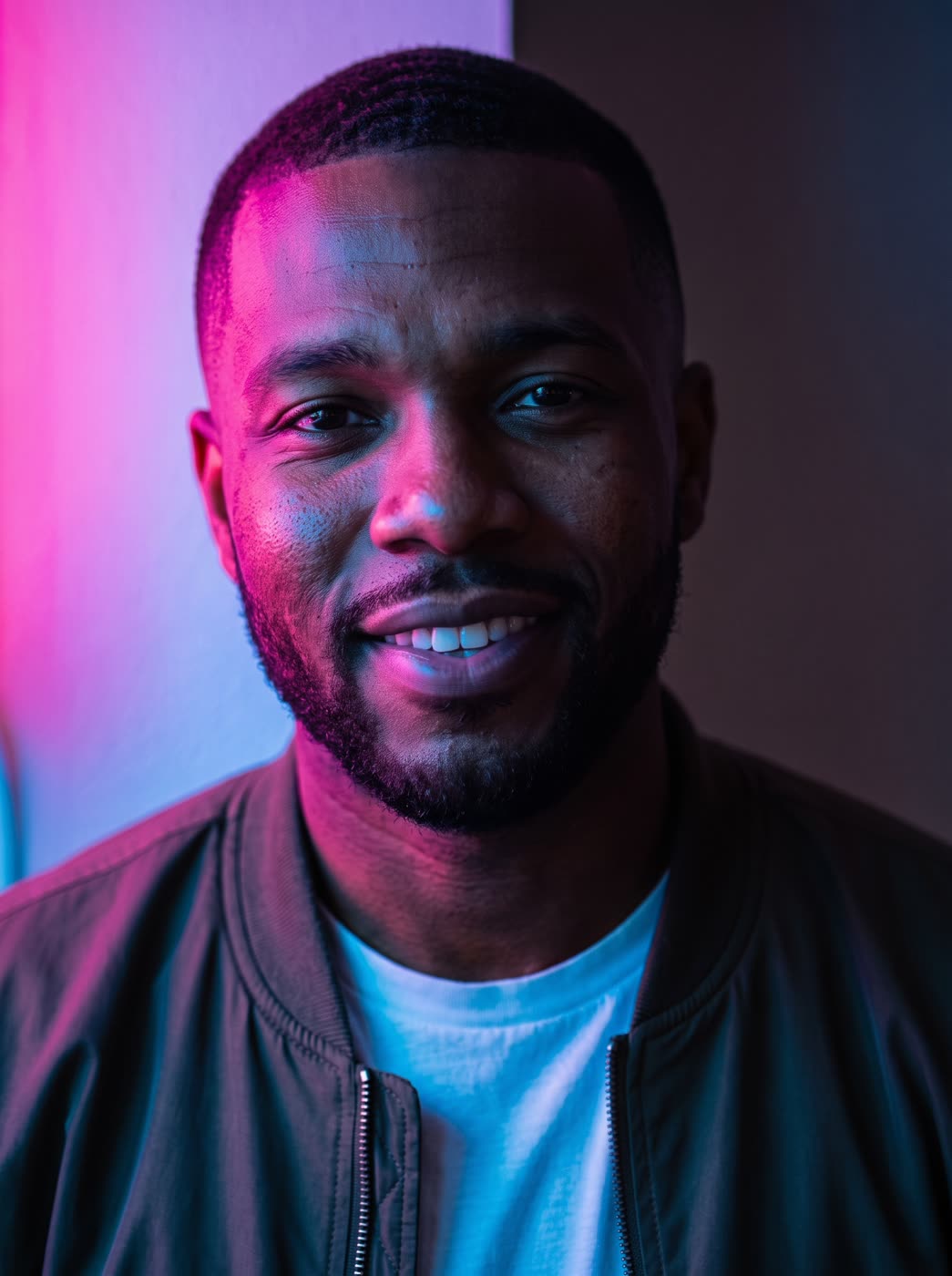
How does the relight image ai work?
- Add your photo. Any photo or picture, as a file or a link.
- Choose the light. Pick where it comes from: the front, left, right, above, behind or below.
- Pick the colour and strength. Clean white, warm, golden hour, cool daylight, neon pink and blue or moody blue, or type your own. Then soft, medium or dramatic.
- Press the button. The app shows the price first, then gives you the relit picture.
What can I change with an AI relight?
Three things: the direction of the light, its colour and how strong it is. You can also add a short note of your own, such as light through a window blind. The picture itself stays the same, so the person or product is still recognisable.
Which light colour should I pick?
- Clean white for product shots and profile photos.
- Warm or golden hour for a soft, friendly look.
- Cool daylight or moody blue for a calmer, cinematic feel.
- Neon pink and blue for nightlife, music and gaming looks.
What size is the result?
The result keeps the shape of your photo by default. You can also choose another shape, such as square, 4:5, 9:16 or 16:9.
Can I do this from ChatGPT or Claude?
Yes. Connect the Hermoso MCP and ask your assistant for a relit version of your photo. It tells you the price first, then hands back the file.
Can I use it for product photos?
Yes. Relighting is a quick way to fix a flat or uneven photo, or to make one product shot match the mood of the rest of your page. Pick clean white for a neutral look, or a coloured light for a campaign.
Related
Frequently asked questions
Is the relight image AI free?
Hermoso has a free plan with no card, and new accounts can claim free credits. The app shows the exact price before anything runs.
Do I need an account?
Yes, a free Hermoso account. You can fill the box on this page first and sign up when the app opens.
Does it keep my photo the same?
The aim is the same picture with different light. You choose the direction, colour and strength, and you can add a short note of your own.
Can I use a photo of a person?
Yes, use a photo of yourself or someone who agreed to it.
Which sizes can I get?
It keeps your photo’s shape by default. You can also pick 1:1, 4:5, 9:16, 16:9, 3:4, 4:3, 2:3, 3:2 or 21:9.
Start free, no card needed. The app shows the exact price before anything runs.
Start free → See pricing