
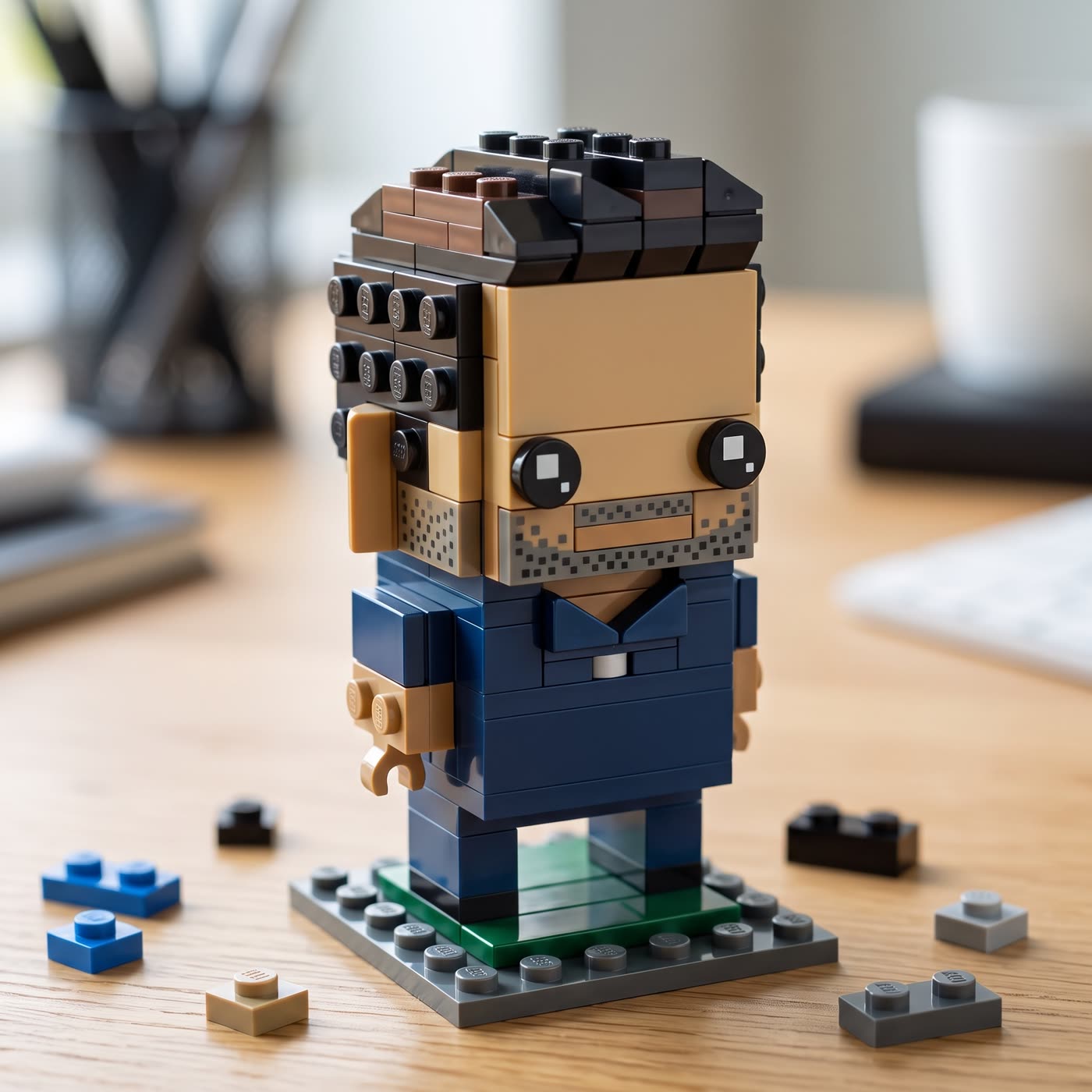
How does it turn you into a LEGO style figure?
- Add one clear photo. Use a photo of yourself, or of someone who agreed to it.
- Add your touch. Optional: write a detail such as a tiny brick skateboard.
- Pick the shape. 1:1, 9:16, 16:9, 3:4 or 4:3.
- Press the button. The app shows the price first, then builds your figure.
Can I make a minifigure of my pet or product?
Yes. The photo can show a person, a pet or a product. One clear photo with good light works best. The tool keeps your hair, clothes and colours so the figure still looks like you.
What can I use the picture for?
- A profile picture for a social account.
- A gift or a card for someone who likes toy bricks.
- A fun post for your brand, such as your team as brick figures.
Tips for a good result
Face the camera, keep the background simple and avoid heavy filters. If you add a touch, keep it short and about one thing, such as what the figure holds or stands on.
Run it again with a different touch to get a new version, such as a figure holding a coffee or wearing a hat.
Can I do this from ChatGPT or Claude?
Yes. Connect the Hermoso MCP and ask your assistant for a toy-brick style figure from a photo. It tells you the price first, then runs it and hands back the file.
Related
Frequently asked questions
Is the LEGO style generator free?
Hermoso has a free plan with no card, and new accounts can claim free credits. The app shows the exact price before anything runs.
Do I need an account?
Yes, a free Hermoso account. You can fill the box on this page first and sign up when the app opens.
Is this affiliated with LEGO?
No. Hermoso is not affiliated with LEGO. The tool makes an original toy-brick style picture.
Can I make a figure of a group?
This tool works best with one subject in the photo. For a group, make each person on their own.
What sizes can I make?
1:1, 9:16, 16:9, 3:4 and 4:3. The default is square.
Start free, no card needed. The app shows the exact price before anything runs.
Start free → See pricing