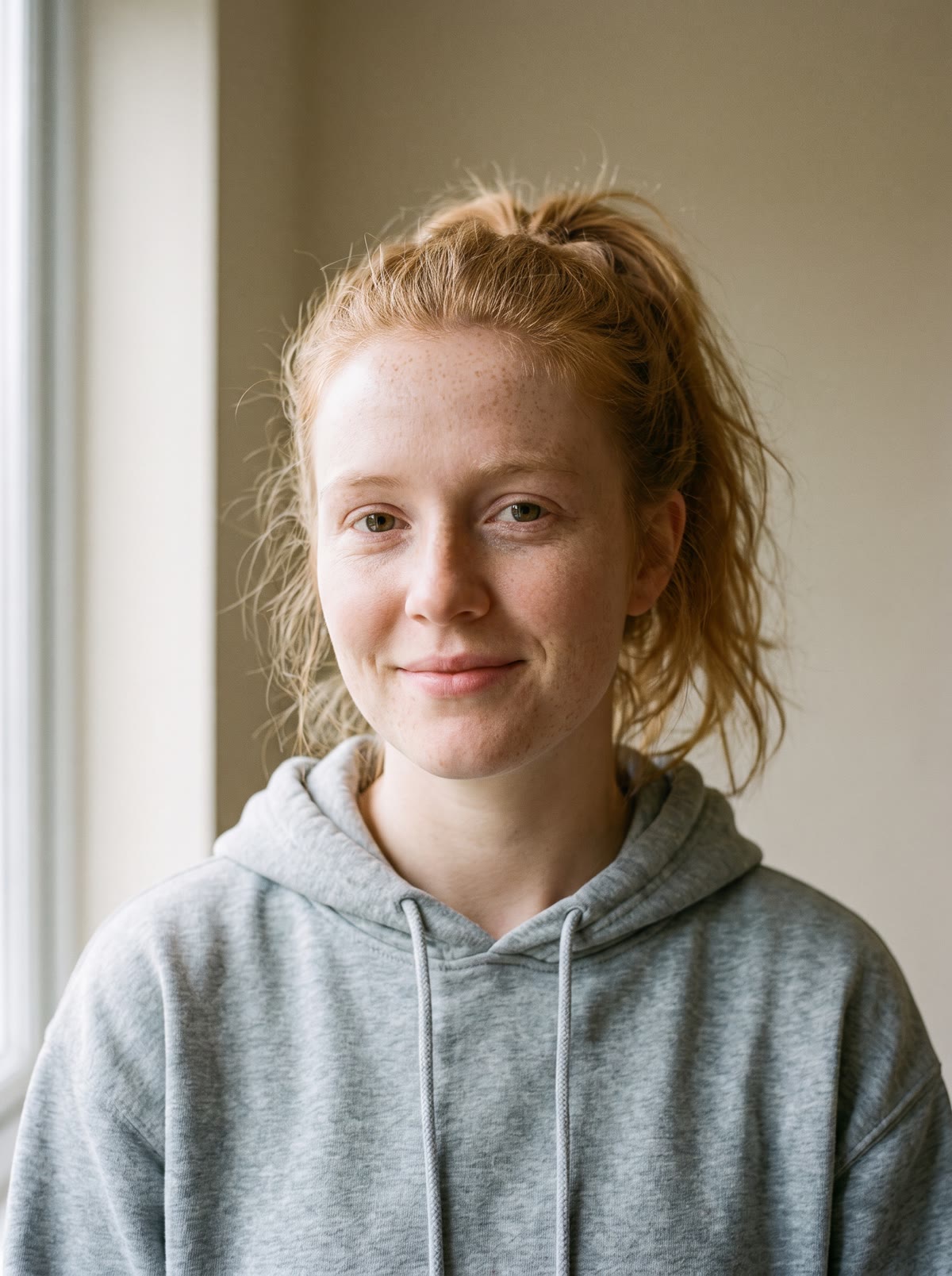
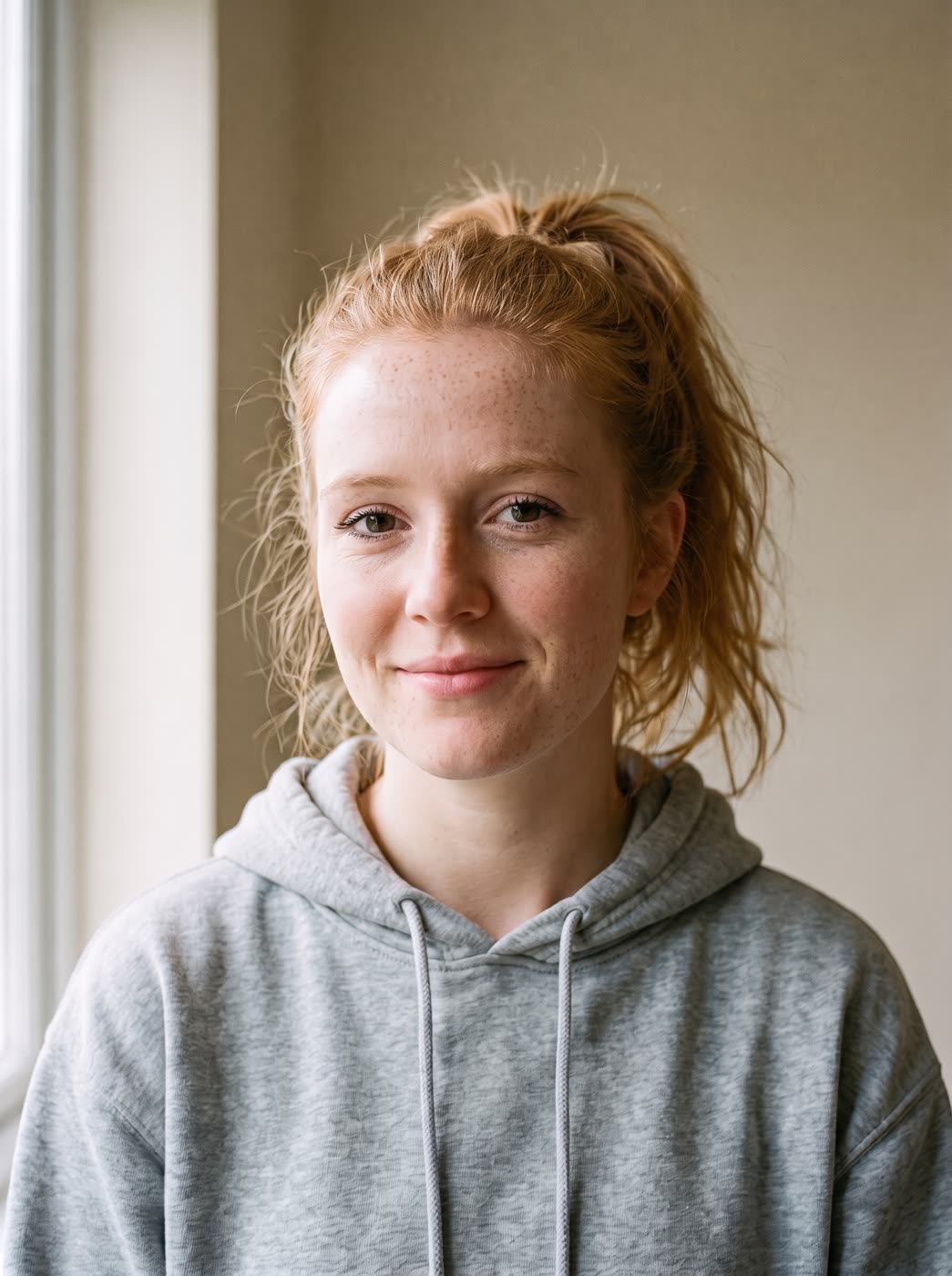
Heavy skin smoothing makes a face look like a doll. This tool goes the other way. It cleans up the picture, brings back fine detail and sharpens the eyes, while the pores, freckles and shape of the face stay yours.
How does the AI skin enhancer work?
- Add a portrait. Use a clear photo of one person: you, or someone who agreed to it.
- Choose how much. Natural, Light retouch or Polished.
- Say what to keep or fix. This is optional. For example, "keep my freckles" or "fix the blur".
- Press the button. The app shows the price first, then gives you the enhanced photo.
Will it make my skin look fake?
Not if you start with Natural. That level aims for real texture and sharper eyes. Light retouch tidies a little more. Polished is the cleanest of the three, and it is still not the airbrushed look. Try Natural first and step up only if you want more.
What size is the result?
By default the result keeps the shape of your photo. If you want a different shape, the app offers common sizes such as square, 4:5, 9:16 and 16:9.
Tips for a good result
- Start with a sharp, well lit photo. The tool improves detail, it cannot invent a face that is not in the picture.
- Name what must not change, such as freckles, a scar or a beauty mark.
- Use a photo of yourself or someone who agreed to it.
Can I do this from ChatGPT or Claude?
Yes. Connect the Hermoso MCP and ask your assistant to enhance a portrait. It shows the price first, then returns the photo.
Related
Frequently asked questions
Is the AI skin enhancer free?
Hermoso has a free plan with no card, and new accounts can claim free credits. The app shows the exact price before anything runs.
Do I need an account?
Yes, a free Hermoso account. You can fill the box on this page first and sign up when the app opens.
What levels can I pick?
Natural, Light retouch and Polished. Natural is the default.
Will it remove my freckles?
Only if you ask for that. You can write "keep my freckles" in the optional note and the tool works around them.
Can I use a photo of someone else?
Only if they agreed to it. Use a photo of yourself or someone who said yes.
Start free, no card needed. The app shows the exact price before anything runs.
Start free → See pricing