你的 AI营销智能体 。
为你制作广告、发布到各处、回复私信并运营你的广告系列,直接在 ChatGPT 或 Claude 中使用。
无需信用卡 · 立即获得 160 免费额度 · 模型零加价
发布到 18 个渠道 。在 12 个广告平台 上投放广告。
100+ models 100+ models
别再在五个应用 之间来回切换了。
其他工具生成完就结束。Hermoso 还会发布、投放并衡量效果。
常规做法 Arcads Higgsfield Canva Buffer Ads Manager
Arcads 写提示词生成 UGC 广告 $110/月
下载 ugc_v3.mp4
Higgsfield 写提示词生成 b-roll 素材 $49/月
下载 broll_final2.mp4
Canva 加字幕和 logo $15/月
导出 ad_captions_v9.mp4
Buffer 上传到 18 个渠道 $90/月
再次上传 ad_captions_v9_FINAL.mp4
Ads Manager ×12 重建每一个广告系列 $0,只花你的时间
0 20 40 60 80 100 120 140 160 分钟
0 1 2 3 4 5 工具
0 1 2 3 4 5 订阅
0 1 2 3 4 下载
每月 $0 $110 $159 $174 $264 $240 光订阅费就这么多,还没花一分钱投广告
在 Hermoso 里
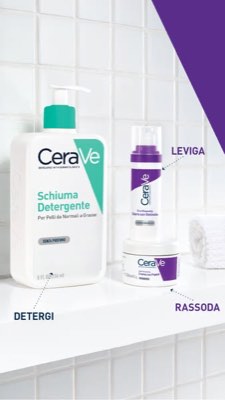
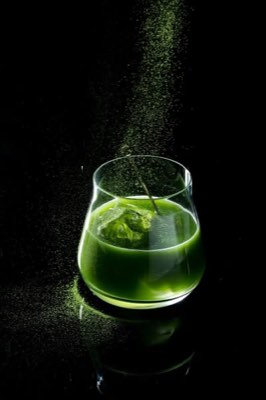
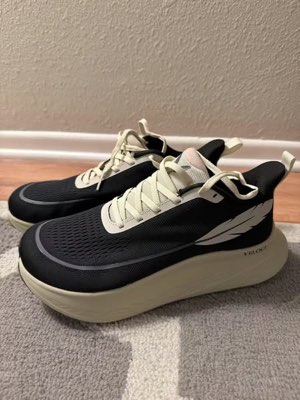
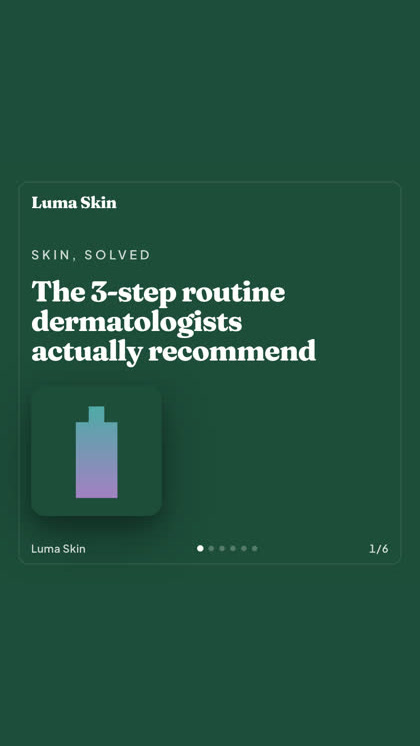
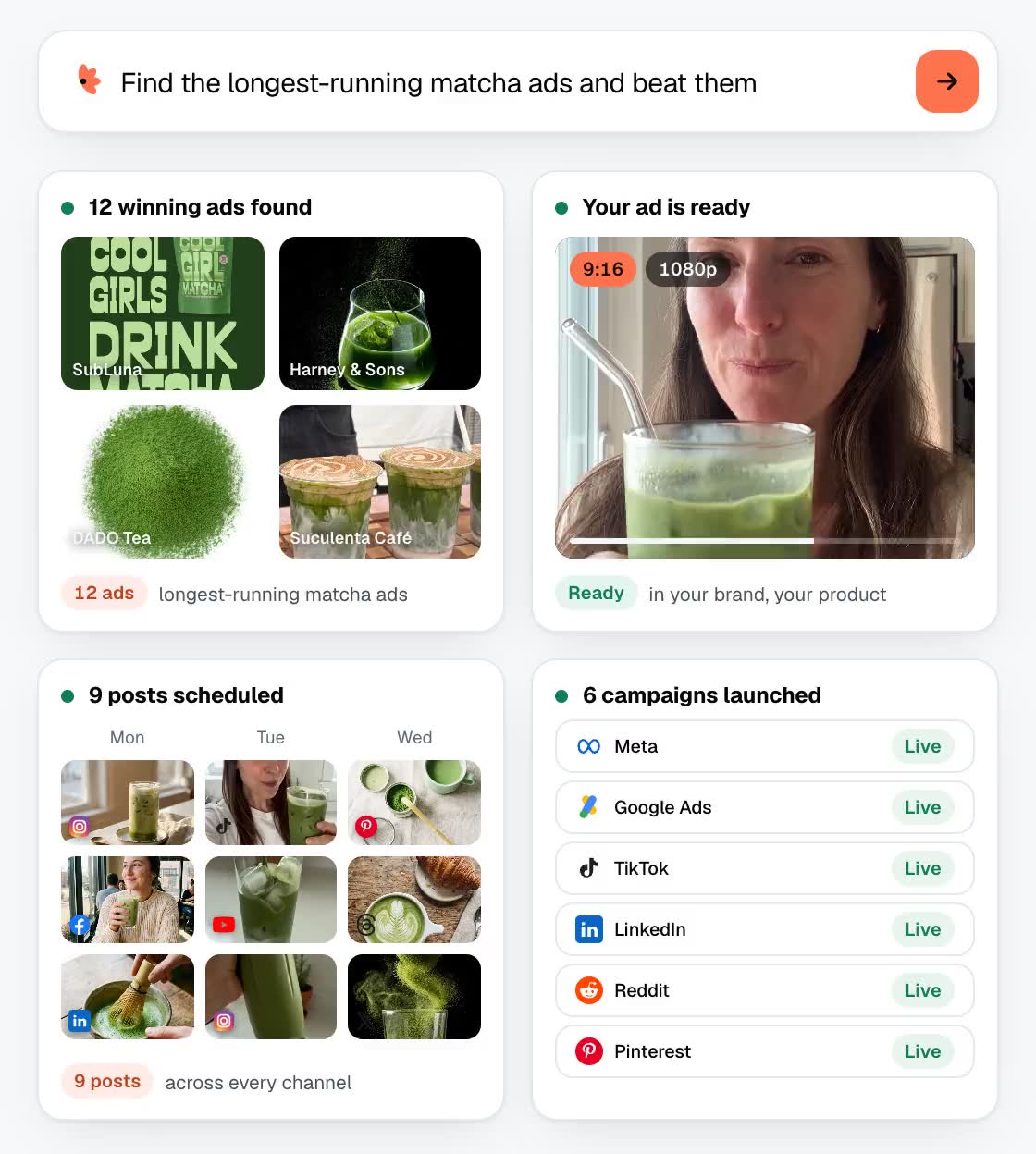
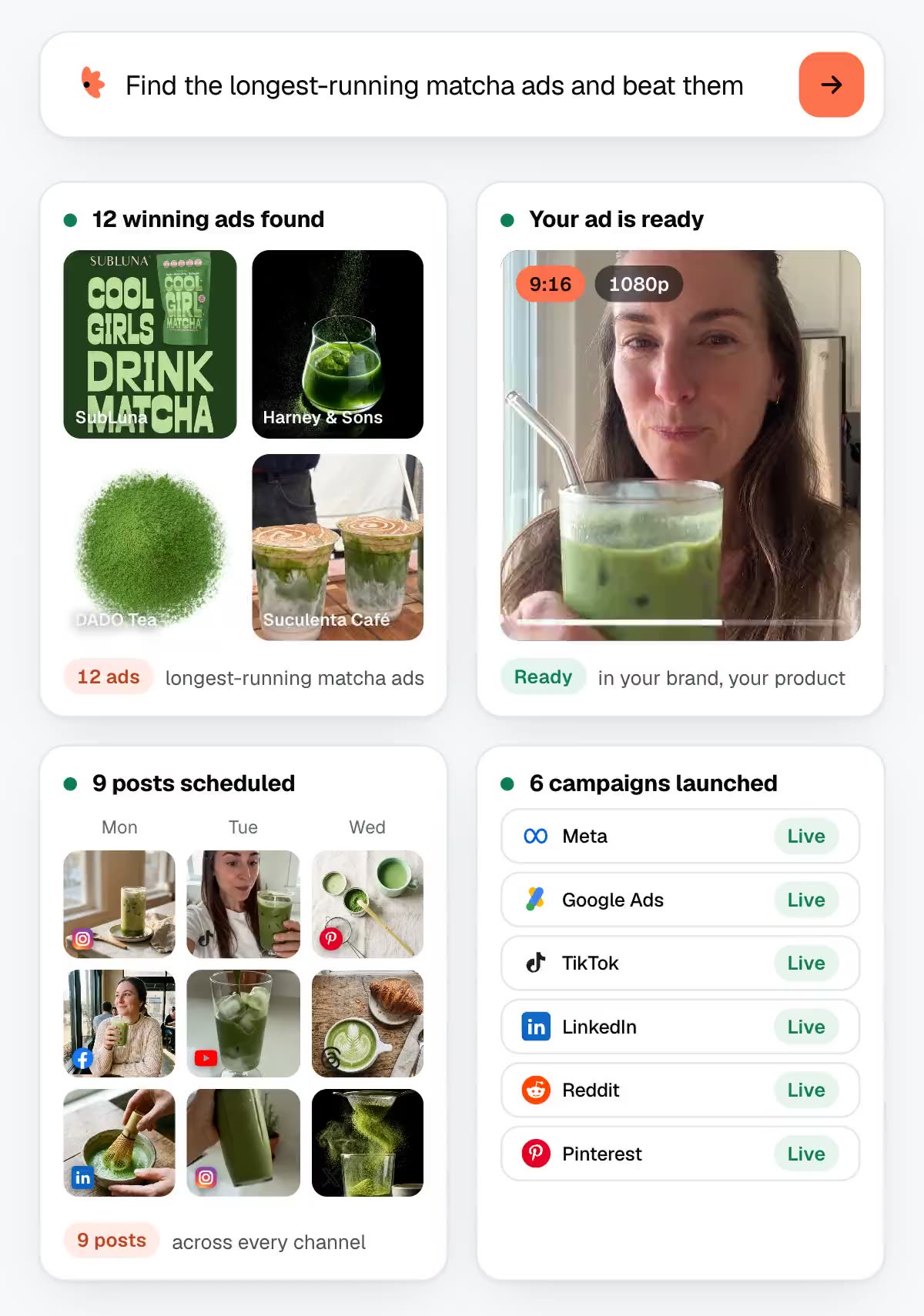
做一支精华液 UGC 广告,并以 $80 CPA 投放上线 找出投放时间最长的抹茶广告,然后打败它们 做一支越野跑鞋的 UGC 广告,排期发到 18 个渠道
找到 12 支爆款广告
按你的品牌生成广告
已发布到 18 个渠道
以 $80 CPA 在 12 个广告平台上线运行
9 支抹茶广告已投放 200 多天
3 个还没人试过的切入角度
4 支按你品牌风格生成的广告
已排期发布到每个渠道
从 30 条真实评价里提炼出的开场钩子
带上你 logo 生成的 UGC 广告
已排期发到 18 个渠道
结果汇总成一份报告
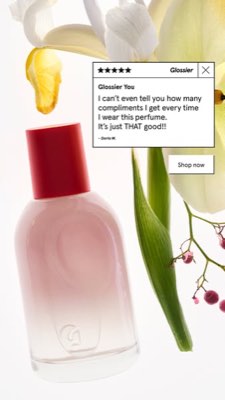
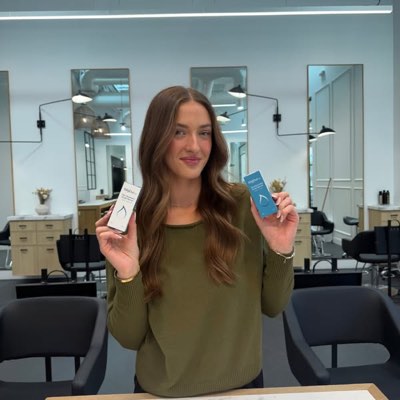
CeraVe Glossier KilgourMD Vibriance
Harney & Sons DADO Tea SubLuna Suculenta Café
Allbirds HOKA Salomon Veloci Running
每月 $0 免费起步。按次生成付费,不用取消任何订阅。
一份文案。四面八方同时传播。
说一次就行。Hermoso 会调研、渲染、发布并投放你的广告。
Organic 18 个渠道 · 立即发布或排期
Facebook Instagram Threads TikTok YouTube X LinkedIn Pinterest Bluesky Telegram Google Business Profile WordPress Webflow Wix Shopify Blog Discord Slack Whop
Paid 12 个广告平台 · 广告系列、定向、预算
Meta Google Ads Microsoft Advertising Reddit Ads LinkedIn Pinterest X Ads TikTok Ads Snapchat Ads ChatGPT Ads Apple Ads AppLovin Ads
Inbox 18 个渠道 · 回复私信、评论和评价
Messenger Instagram Direct Facebook X Bluesky Telegram WhatsApp LINE Slack Discord Outlook Gmail TikTok Threads YouTube LinkedIn Google Business Profile Intercom
Analytics 12 个衡量工具 · 流量、转化漏斗、搜索排名
Google Analytics Google Tag Manager Google Search Console Bing Webmaster Tools PostHog Mixpanel Amplitude HubSpot Stripe Vercel Klaviyo Mailchimp
Email 使用你自己的邮箱 · 序列邮件、跟进和回复集中在一个收件箱 了解邮件外联 → Gmail Google Workspace Outlook Microsoft 365 Yahoo Mail iCloud Mail Zoho Mail Fastmail 支持其他任何邮箱 邮件序列 跟进邮件 A/B 版本 邮箱轮换 你设置的每日上限 发送前审核 收到回复即停止 内置退订 由你的智能体运行
1,354 个你的代理可以直接调用的工具
18 个自然流量渠道用于发布和排期
12 个广告平台用于构建和读取活动
100+ 个图像、视频、语音和文案模型,一份账单
你的营销团队早已在你的代理之中 。
Hermoso 直接运行在你已在使用的 AI 助手里,无需新的仪表盘。
ChatGPT Claude Grok Bot Claude Code Cursor Codex Grok Cline OpenClaw Hermes Any MCP client 1 将 Hermoso 添加到 ChatGPT 点击一次即可在 ChatGPT 中打开 Hermoso。按下 安装插件 ,然后用你的 Hermoso 账户登录。无需密钥。
添加到 ChatGPT
2 然后开始你的第一次对话 打开一个新的 ChatGPT 对话,其中已准备好这条消息可直接发送。或复制它:
在 ChatGPT 中打开
Hermoso, 根据我的网站设置我的品牌,并制作我的第一条广告 复制 手动设置 1 或手动添加 在 ChatGPT 中打开 Plugins → Add → Create MCP App ,命名为 Hermoso ,将此内容粘贴为 Server URL ,并保留 OAuth 。没有 Create MCP App?在 Settings → Plugins 下开启 Developer mode 。
https://app.hermoso.ai/mcpCopy 1 Add Hermoso to Claude One click opens Claude with Hermoso already filled in. Press Continue , then sign in with your Hermoso account.
Add to Claude
2 然后开始你的第一次对话 打开一个新的 Claude 对话,其中已准备好这条消息可直接发送。或复制它:
在 Claude 中打开
Hermoso, 根据我的网站设置我的品牌,并制作我的第一条广告 复制 手动设置 1
Or by hand: copy the connector URL https://app.hermoso.ai/mcpCopy 2 Open Customize → Connectors + Add → Add custom connector → name it Hermoso → paste the URL.
3 Connect & approve Sign in with your Hermoso account on the consent page, and no key is needed. Then ask Claude for “an image ad with Hermoso.”
1 创建密钥 Grok Bot 无法打开 Hermoso 的登录页面,因此它改用密钥登录。请像对待密码一样保管密钥。
创建密钥
2 添加 Hermoso Marketing Bot 添加到 Grok Bot
当机器人要求时粘贴你的密钥。使用自己的 Bot?请改为将此内容连同你的密钥粘贴到它的聊天中。
Set up Hermoso for me so I can research ads, find creators, generate images and videos, and publish from here.
Add an MCP server of type stdio (a command), not a URL. Command: `npx -y hermoso mcp`. Environment variable: `HERMOSO_TOKEN` = the key I paste below. Do not put the key in a URL.
Key: <paste the key from app.hermoso.ai → MCP & CLI → Terminal & API keys>
Then run one real tool call: list my brands.
Copy 1 粘贴到 Claude Code 新建 Claude Code 聊天并粘贴。Claude Code 会安装 Hermoso、打开登录界面并运行第一个小任务,无需输入命令。
复制提示词
Set up Hermoso for me. It is an AI marketing tool (hermoso.ai) that researches ads, makes image and video ads and posts to my social accounts.
1. Install it by running: claude plugin marketplace add hermoso-ai/hermoso && claude plugin install hermoso@hermoso
   If the new skills only load after a restart, tell me, and use npx meanwhile.
2. Sign me in by running: npx -y hermoso auth login
   It opens my browser and I will approve the connection there. If this machine has no browser, ask me for a Hermoso API key and run npx -y hermoso auth login --token <key> instead.
3. Once I am signed in, do one small task to show it works: tell me my Hermoso credit balance and which profile is saved.
4. Then set up my brand from my website and make my first ad.
Copy 1 粘贴到 Cursor 新建 Cursor 聊天并粘贴。Cursor 会安装 Hermoso、打开登录界面并运行第一个小任务,无需输入命令。
复制提示词
Set up Hermoso for me. It is an AI marketing tool (hermoso.ai) that researches ads, makes image and video ads and posts to my social accounts.
1. Install it by running: npx skills add hermoso-ai/hermoso -a cursor
   If the new skills only load after a restart, tell me, and use npx meanwhile.
2. Sign me in by running: npx -y hermoso auth login
   It opens my browser and I will approve the connection there. If this machine has no browser, ask me for a Hermoso API key and run npx -y hermoso auth login --token <key> instead.
3. Once I am signed in, do one small task to show it works: tell me my Hermoso credit balance and which profile is saved.
4. Then set up my brand from my website and make my first ad.
Copy 1 粘贴到 Codex 新建 Codex 聊天并粘贴。Codex 会安装 Hermoso、打开登录界面并运行第一个小任务,无需输入命令。
复制提示词
Set up Hermoso for me. It is an AI marketing tool (hermoso.ai) that researches ads, makes image and video ads and posts to my social accounts.
1. Install it by running: codex plugin marketplace add hermoso-ai/hermoso && codex plugin add hermoso@hermoso
   If the new skills only load after a restart, tell me, and use npx meanwhile.
2. Sign me in by running: npx -y hermoso auth login
   It opens my browser and I will approve the connection there. If this machine has no browser, ask me for a Hermoso API key and run npx -y hermoso auth login --token <key> instead.
3. Once I am signed in, do one small task to show it works: tell me my Hermoso credit balance and which profile is saved.
4. Then set up my brand from my website and make my first ad.
Copy 1 在 Grok 中添加 打开 Grok 的连接器,然后点击 New Connector → Custom ,粘贴 URL,并用你的 Hermoso 账户登录。无需密钥。在 Business and Enterprise 套餐中,团队管理员只需添加一次,即可供所有人使用。
打开 Grok 连接器
https://app.hermoso.ai/mcpCopy 手动设置 1 在新的 Grok 对话中粘贴这段话: Hermoso, 根据我的网站设置我的品牌,并制作我的第一条广告 复制 1 粘贴到 Cline 新建 Cline 聊天并粘贴。Cline 会安装 Hermoso、打开登录界面并运行第一个小任务,无需输入命令。
复制提示词
Set up Hermoso for me. It is an AI marketing tool (hermoso.ai) that researches ads, makes image and video ads and posts to my social accounts.
1. Install it by running: npx skills add hermoso-ai/hermoso -a cline
   If the new skills only load after a restart, tell me, and use npx meanwhile.
2. Sign me in by running: npx -y hermoso auth login
   It opens my browser and I will approve the connection there. If this machine has no browser, ask me for a Hermoso API key and run npx -y hermoso auth login --token <key> instead.
3. Once I am signed in, do one small task to show it works: tell me my Hermoso credit balance and which profile is saved.
4. Then set up my brand from my website and make my first ad.
Copy 1 粘贴到 OpenClaw 新建 OpenClaw 聊天并粘贴。OpenClaw 会安装 Hermoso、打开登录界面并运行第一个小任务,无需输入命令。
复制提示词
Set up Hermoso for me. It is an AI marketing tool (hermoso.ai) that researches ads, makes image and video ads and posts to my social accounts.
1. Install it by running: npx skills add hermoso-ai/hermoso -a openclaw
   If the new skills only load after a restart, tell me, and use npx meanwhile.
2. Sign me in by running: npx -y hermoso auth login
   It opens my browser and I will approve the connection there. If this machine has no browser, ask me for a Hermoso API key and run npx -y hermoso auth login --token <key> instead.
3. Once I am signed in, do one small task to show it works: tell me my Hermoso credit balance and which profile is saved.
4. Then set up my brand from my website and make my first ad.
Copy 1 粘贴到 Hermes 新建 Hermes 聊天并粘贴。Hermes 会安装 Hermoso、打开登录界面并运行第一个小任务,无需输入命令。
复制提示词
Set up Hermoso for me. It is an AI marketing tool (hermoso.ai) that researches ads, makes image and video ads and posts to my social accounts.
1. Install it by running: npx skills add hermoso-ai/hermoso -a hermes-agent
   If the new skills only load after a restart, tell me, and use npx meanwhile.
2. Sign me in by running: npx -y hermoso auth login
   It opens my browser and I will approve the connection there. If this machine has no browser, ask me for a Hermoso API key and run npx -y hermoso auth login --token <key> instead.
3. Once I am signed in, do one small task to show it works: tell me my Hermoso credit balance and which profile is saved.
4. Then set up my brand from my website and make my first ad.
Copy 1 Copy the connector URL Any client that takes an MCP server URL can use this one.
复制链接
https://app.hermoso.ai/mcpCopy 手动设置 1 Or spawn it locally Clients that launch a local process take this instead, which costs no context until a tool runs.
{ "mcpServers": { "hermoso": { "command": "npx", "args": ["-y", "hermoso", "mcp"] } } }Copy 2 Neither shape fits? There is a plain REST API at app.hermoso.ai/v1 with the same tools behind an hmk_ key, for an agent that speaks HTTP and nothing else.
「找出我三个最接近的竞争对手投放时间最长的 Meta 广告,告诉我哪个钩子反复出现,然后用那个钩子给我做一支 9:16 的 UGC 视频广告(用我真实的产品照片、字幕烧录进去)并排期到周二上午 9 点发到 Instagram 和 TikTok。」
全球顶尖品牌早已在投放 AI 广告。如今它是一件工具,而非一笔制片预算。
No. 01 · Coca-Cola AI · 16:9
No. 02 · BMW AI · 16:9
No. 03 · Toys“R”Us Sora · 16:9
No. 04 · Under Armour AI · 1:1
No. 05 · Svedka AI · 16:9
No. 06 · Cadbury AI · 16:9
No. 07 · Volkswagen AI · 16:9
No. 08 · iM8 AI · 9:16
No. 09 · eToro Veo 3 · 16:9
No. 10 · Coca-Cola Masterpiece · 16:9
No. 11 · Google Veo 3 · 1:1
No. 12 · Vodafone AI · 16:9
No. 13 · Kalshi Veo 3 · 16:9
No. 14 · Valentino AI · 16:9
No. 15 · Heinz A.I. Ketchup · 16:9
No. 16 · McDonald’s AI · 9:16
No. 17 · Virgin Voyages AI · 16:9
02
第二幕 · Studio
描述你想要的。创意构思、选角、文案,平台一手包办。
一段对话即可撰写、选角并渲染带有你真实产品的广告。
新功能: Ads Studio 可将你的产品目录变成一批静态广告。
打开 Studio →
03
第三幕 · Ship
成品即成品。收藏、变体、发布。
全平台发布、运行你的广告,或让 自动驾驶 每天自动发帖。
发布到 Facebook Instagram Threads TikTok YouTube X LinkedIn Pinterest Bluesky Telegram WordPress Discord Slack Whop 投放广告到 Meta Google Ads Microsoft Advertising Reddit Ads LinkedIn Pinterest X Ads TikTok Ads Snapchat Ads ChatGPT Ads Apple Ads AppLovin Ads
发布一条广告 →
一个 Studio。永远是最新的模型。
A built-in model router picks the best model for every job.
常见问题
你需要了解的
Hermoso 到底能做什么? Hermoso 是一个
AI 营销智能体 ,核心是一个
AI 广告生成器 。它调研你所在品类里表现最好的广告,制作符合品牌的成品视频和图片广告以及自然帖子,发布并排期到你自己的渠道,回复评论和私信,并搭建和读取背后的付费广告系列,让你的营销进入自动驾驶。你可以通过 MCP 用 AI 智能体驱动这一切,也可以在网页版工作室里点击使用同一个引擎。在比较工具?请看我们整理的
最佳 AI 营销工具 清单。
我可以只用排期工具,或者只用广告管理器吗? 可以。每一部分都能单独使用。你可以为在任何地方制作的视频和图片排期发帖,围绕 Hermoso 从未碰过的创意去跑 Meta、Google Ads、Microsoft Advertising、Reddit Ads、LinkedIn、Pinterest、X Ads、TikTok Ads、Snapchat Ads、ChatGPT Ads、Apple Ads 和 AppLovin Ads 的广告系列,或者拿 Ad Spy 的调研结果自己来做广告。没有哪个工具要求你先用过另一个,而且每个套餐都包含完整工作室。这里没有任何东西是单独收费的模块。
我能在 Claude、Codex 或 Cursor 里使用 Hermoso 吗? 可以,这正是主要的使用方式。Hermoso 提供托管的 MCP 服务器,地址是 https://app.hermoso.ai/mcp,因此无需任何改动即可在 Claude、Claude Code、Claude Desktop、Codex、Cursor、Cline、OpenClaw、Hermes 以及任何其他 MCP 客户端中运行。还有一个 npm CLI(npm install -g hermoso),供偏好命令行调用的终端代理使用,以及可安装的 Claude 技能,将常见工作流打包好。
如何把 Hermoso 添加到我的智能体? 在编程智能体中只需一条命令,它会安装五个 Hermoso 技能,由它们驱动 hermoso CLI,而不是 MCP 服务器。在 Claude Code 中,输入 /plugin marketplace add hermoso-ai/hermoso,然后输入 /plugin install hermoso@hermoso。在 Codex 中,运行 codex plugin marketplace add hermoso-ai/hermoso,然后运行 codex plugin add hermoso@hermoso。在 Gemini CLI 中,运行 gemini extensions install https://github.com/hermoso-ai/hermoso。在 Cursor 或任何其他支持技能的智能体中,运行 npx skills add hermoso-ai/hermoso -a cursor,并在 -a 后写上你自己的智能体名称。然后用 npx -y hermoso auth login 登录一次。在 Claude.ai、ChatGPT 或任何其他聊天应用中,将 https://app.hermoso.ai/mcp 粘贴到「设置 → Connectors」下,用你的 Hermoso 账户授权即可。无需自建托管,所有费用从你的额度中扣除。
我的代理通过 MCP 到底能做什么? 1,354 个工具,覆盖七大任务。在 Meta、Google 和 LinkedIn 广告库中调研广告,再加上 TikTok、Instagram、YouTube、Reddit 和 Threads 的自然内容。用 100+ 个模型制作成片的图片广告、视频广告、UGC 虚拟人和配音。在一个内容日历上发布或排期到 Facebook、Instagram、Threads、TikTok、YouTube、X、LinkedIn、Pinterest、Bluesky、Telegram、Google Business Profile、WordPress、Webflow、Wix、Shopify Blog、Discord、Slack 和 Whop。在一个收件箱里回复来自 Messenger、Instagram Direct、X、Bluesky、Slack、Discord、LINE、Telegram 和 WhatsApp 的评论、提及、评价和私信。在 WhatsApp 上逐个给客户发消息,或把审核通过的模板发给整份名单。先连接你的 WhatsApp Business 账号即可开始,这些消息由 Meta 直接计费,不扣 Hermoso 积分。搭建并读取 Meta、Google Ads、Microsoft Advertising、Reddit Ads、LinkedIn、Pinterest、X Ads、TikTok Ads、Snapchat Ads、ChatGPT Ads、Apple Ads 和 AppLovin Ads 的广告系列。在 Google Analytics 4 里查看这一切带来的成效,导出到 Google Sheets、Docs、Drive 和 OneDrive,并保存品牌记忆、技能和共享资料。LinkedIn 帖子会发到你选择的公司 Page,你的个人资料在你开启之前保持关闭。在 X 上,Hermoso 会发帖、回复、读取指标和投放广告,并在每条 X 帖子发出前显示它的费用。
我的代理会不问就花钱吗? 不会动用广告预算。Meta 对象创建时默认处于暂停状态,而那些能真正触发广告花费的状态开关(每个广告平台各有一个,包括 set_meta_campaign_status、set_google_ads_status、set_microsoft_ads_status、set_reddit_ads_status、set_linkedin_ads_status、set_pinterest_ads_status、set_x_ads_status 和 set_openai_ads_status)都必须有明确的确认标志才会执行。生成会从你的余额中扣除积分,而每个模型每次渲染的确切成本都通过 hermoso_capabilities 公布,所以 agent 在渲染前就能给你报出具体数字。
我需要设计或剪辑技能吗? 不需要。用日常语言描述你想要的效果(或改编一条竞品广告),平台会自动处理创意构思、文案撰写、选角和渲染。只要能写一句关于产品的话,你就能制作出广告。
它展示给我的广告来自哪里? Ad Spy 从 Meta、Google、LinkedIn 广告库以及 TikTok、Instagram、YouTube、Reddit 和 Threads 的有机内容中抓取公开创意,并按每条广告的投放时长和持续性进行排名,这是衡量实际效果的有力指标。让你从经过验证的结构出发,而非空白页面。
生成的广告真的符合我的品牌调性吗? 是的。Hermoso 读取你的网站、产品、Logo 和色彩方案,建立品牌档案,将你的真实素材融入创意,并通过像素级精准的文字合成确保品牌标识绝不模糊。输出的是完整成品广告,而非千篇一律的素材库图片。
我对生成的内容拥有所有权吗? 是的。你创作的所有内容均归你所有,可在任何平台投放,无水印,包括付费媒体。
广告会看起来像 AI 生成的吗? 我们将任务路由至最强大的模型,并在后期将你的真实产品和文字合成进去,因此输出的效果呈现为完整的成品创意,而非明显的 AI 渲染图。欢迎参阅案例展示。
改编竞品广告合法吗? 你使用的是公开广告库中的创意作为灵感和结构参考,产品、文案和品牌均属于你自己。这与创意团队研究市场上有效策略的做法一样。
它由哪些模型驱动? 当前可用的最强模型,按质量和成本智能路由:视频使用 Seedance 2.5、Veo 3.1、Kling 4.0、Gemini Omni 1.2 和 MiniMax H3;图片使用 Nano Banana 2.1、Recraft V4.1、FLUX 3、GPT Image 2.6 和 Grok Imagine 2.0;智能 Studio 由 Claude Opus 5.5 驱动。你无需选择模型,也不必为草稿支付全价。
可以制作视频,而不只是图片吗? 可以。短视频是产品的核心功能。生成 9:16、1:1 和 16:9 视频片段,改编参考视频并匹配其结构和节奏,再添加 UGC 虚拟形象和字幕,全部在同一个 Studio 内完成。
它适合代理商使用吗? 非常适合。为每位客户创建独立的档案,邀请团队成员并分配权限,并将每个品牌的记忆、灵感库和账单完全分离。
如何开始使用? 免费注册,无需信用卡。将你的网站或产品图片交给 Hermoso,立即开始创作。你将获得 160 免费积分:注册即得 25 个,其余在设置品牌和探索过程中赚取,随着创作还有更多里程碑奖励。
你的下一支广告一句提示 。
无需信用卡 · 从 160 免费额度开始,边用边赚
在这些平台找到 Hermoso
Adobe、Adobe Express 和 Adobe Express 徽标是 Adobe 的商标。其他名称和徽标归其各自所有者所有。
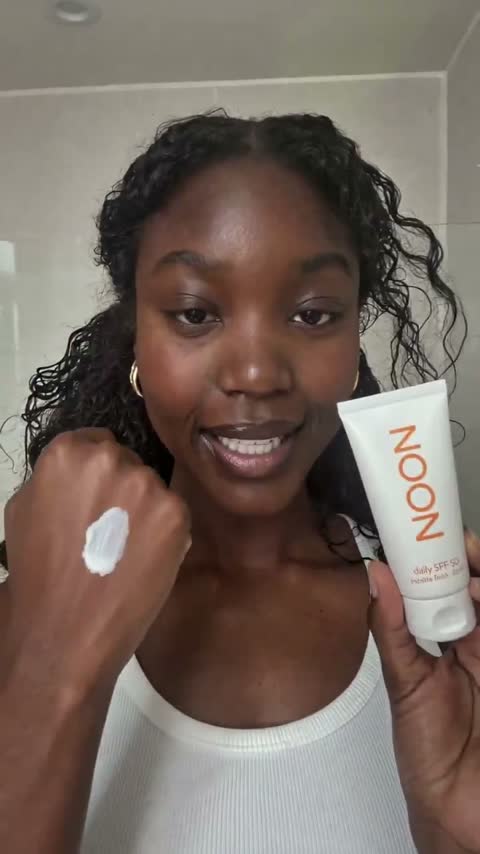 UGC 广告
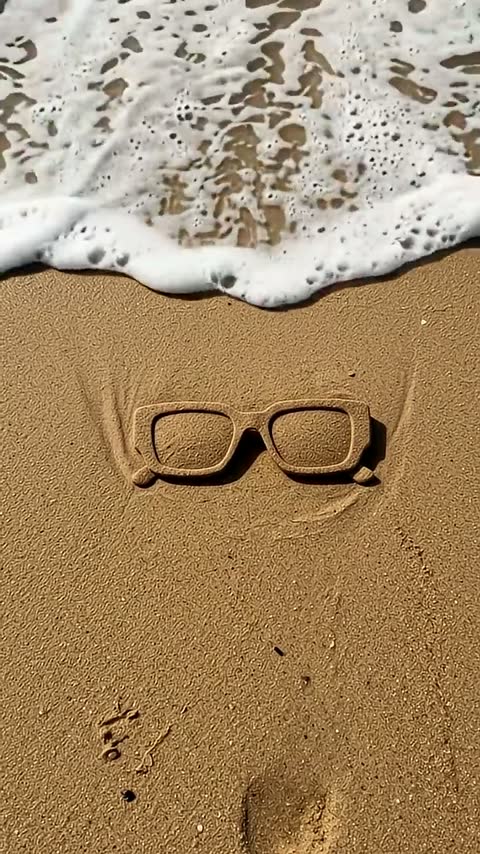 产品短片
 图片广告
 品牌影片
 角色与爆款
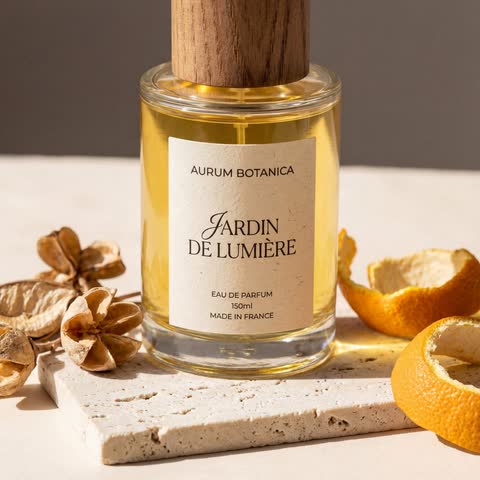 产品照片
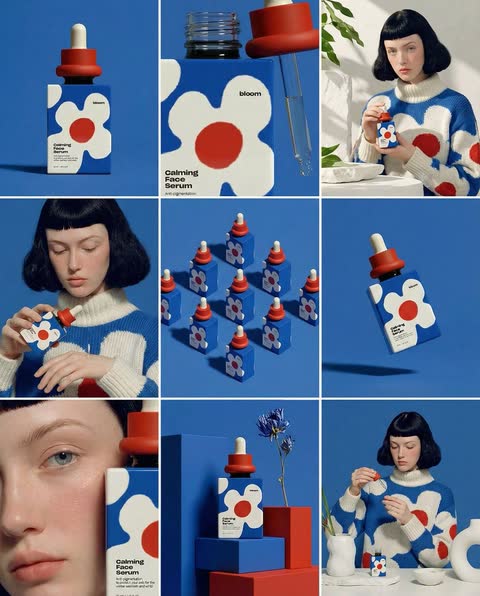 轮播
 实验性
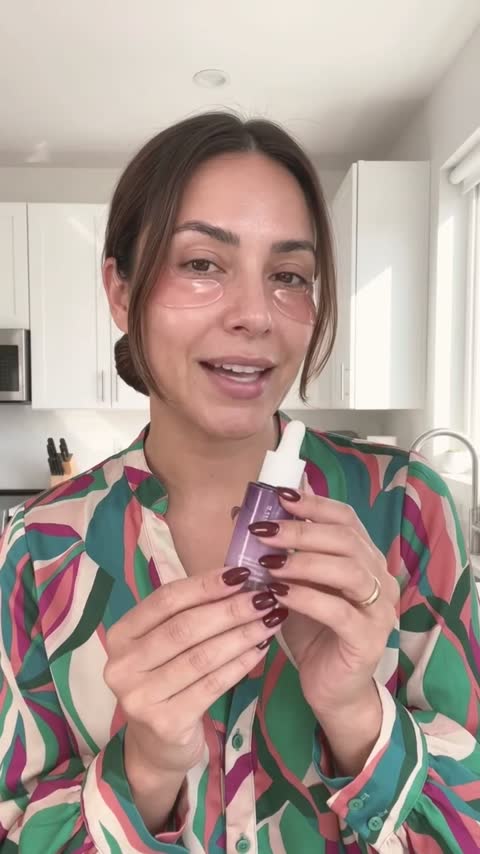 UGC 广告
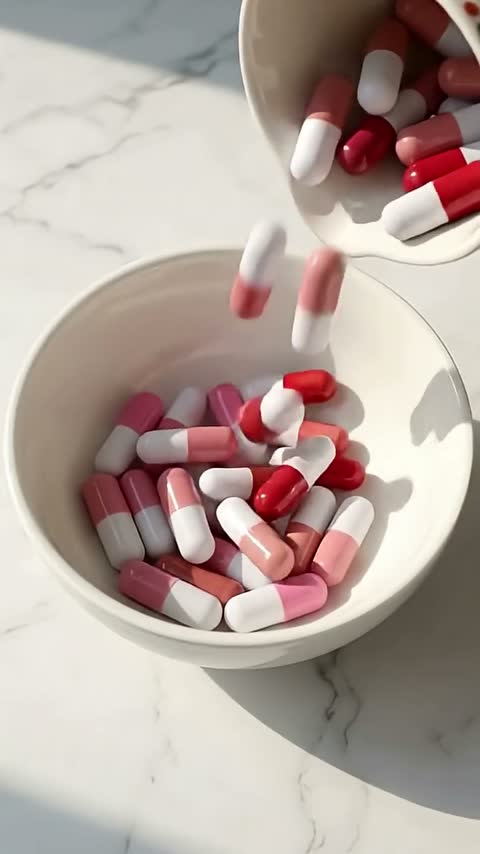 产品短片
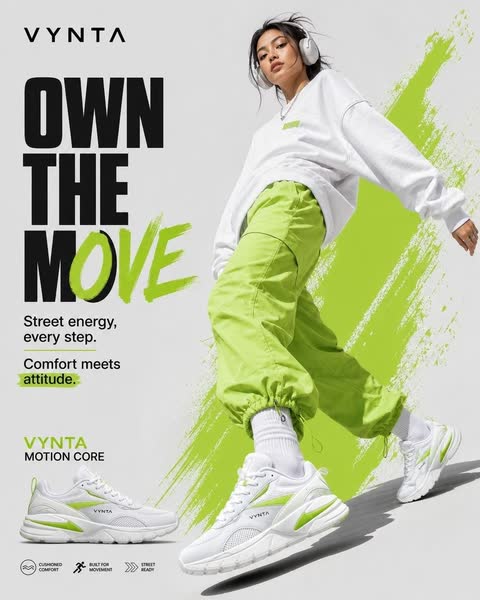 图片广告
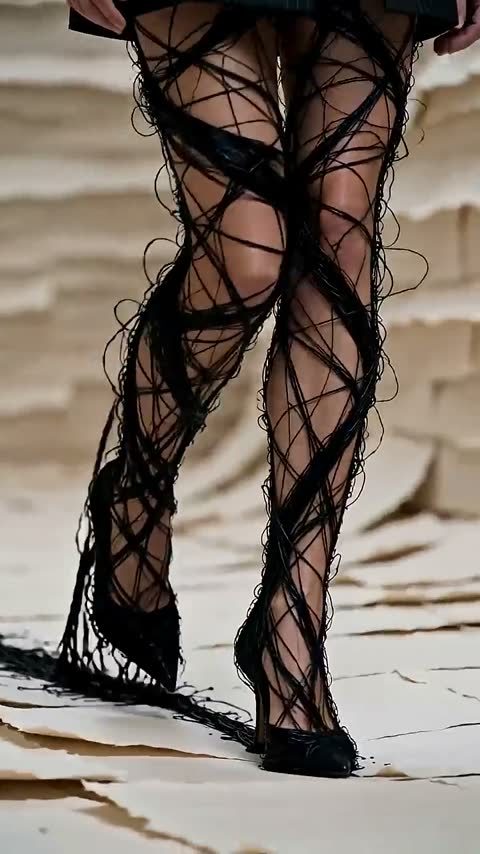 品牌影片
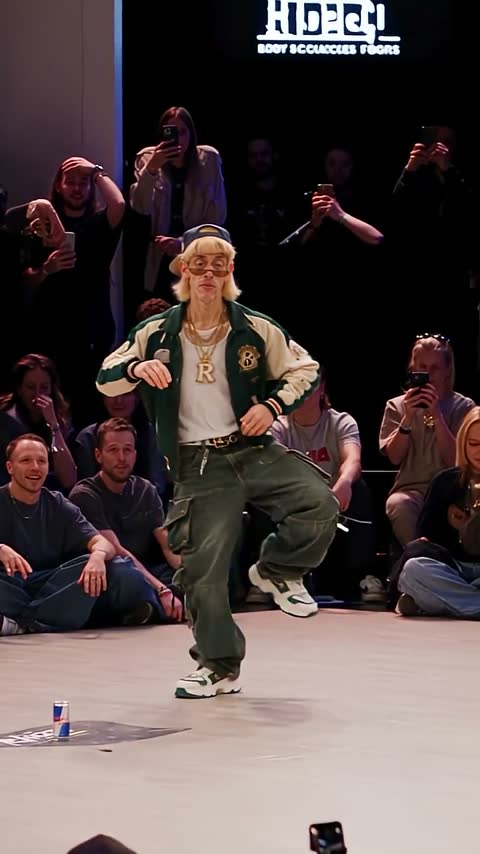 角色与爆款
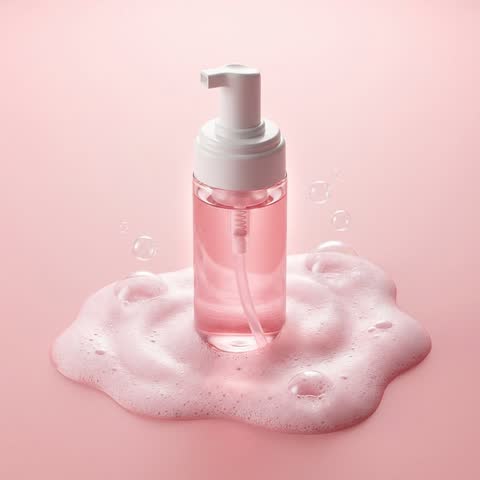 产品照片
 轮播
 实验性
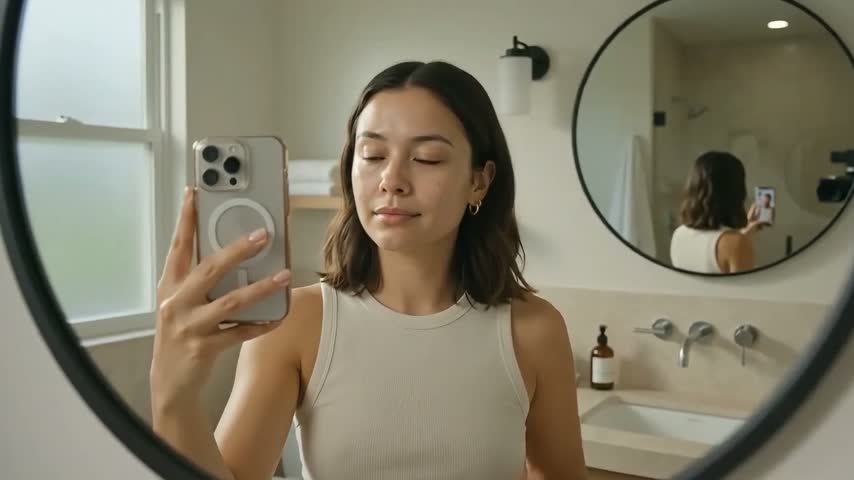 UGC 广告
 产品短片
 图片广告
 品牌影片
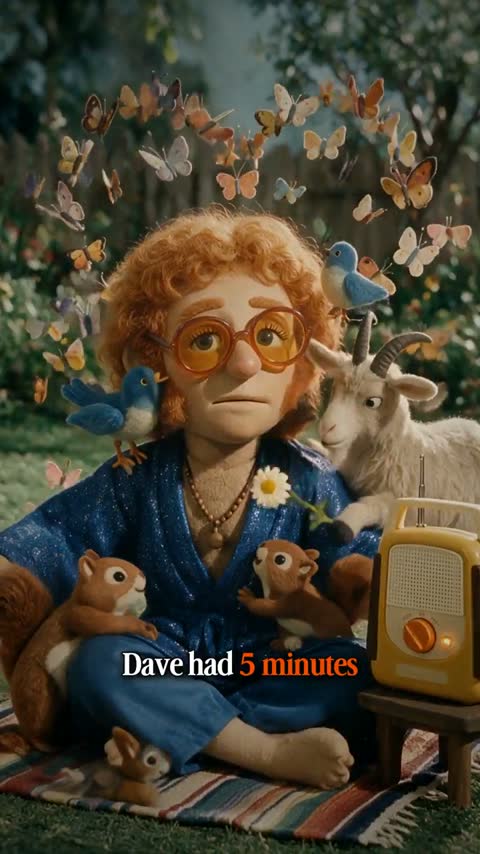 角色与爆款
 产品照片
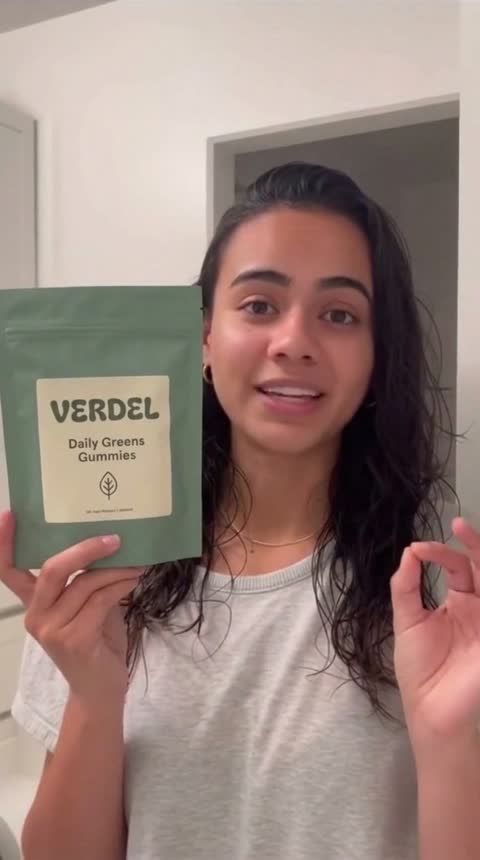 轮播
 实验性
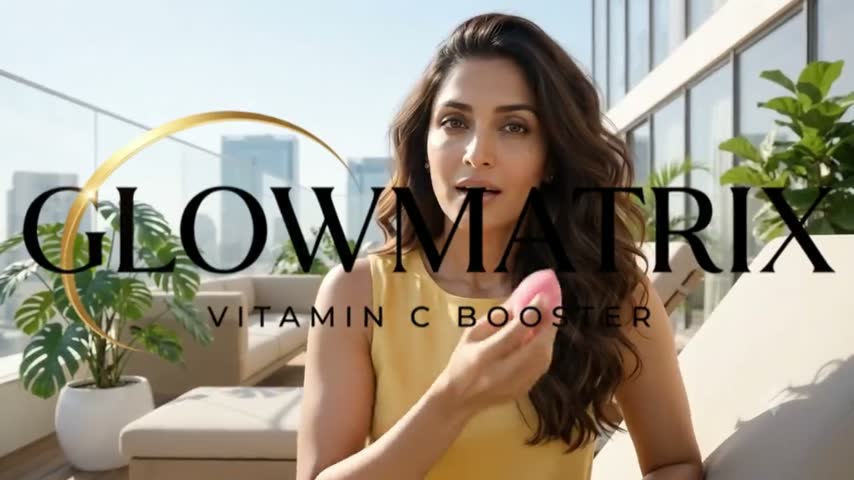 UGC 广告
 产品短片
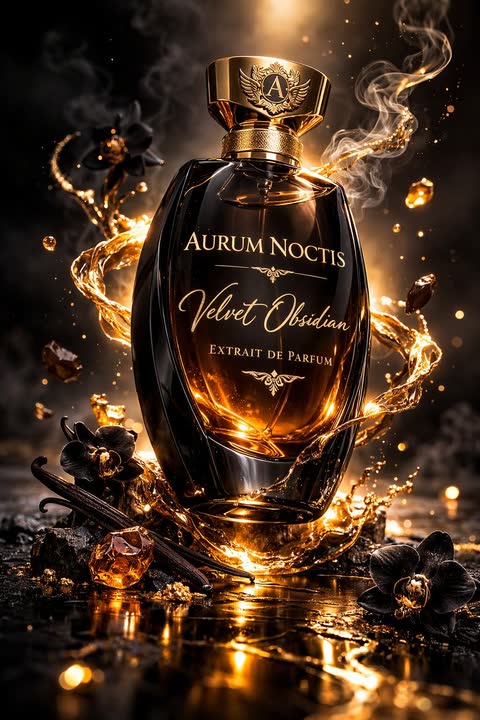 图片广告
 品牌影片
 角色与爆款
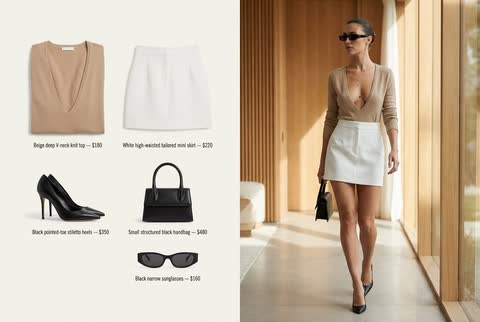 产品照片
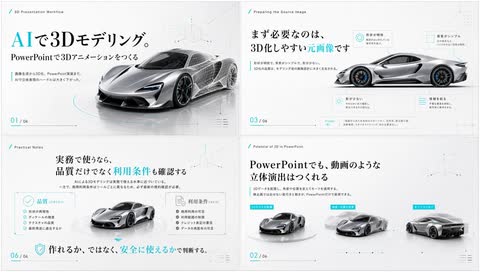 轮播
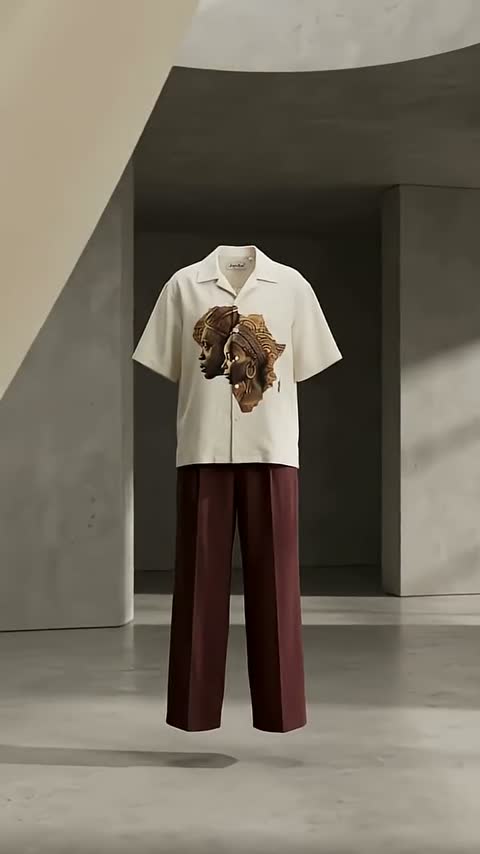 实验性
 UGC 广告
 产品短片
 品牌影片
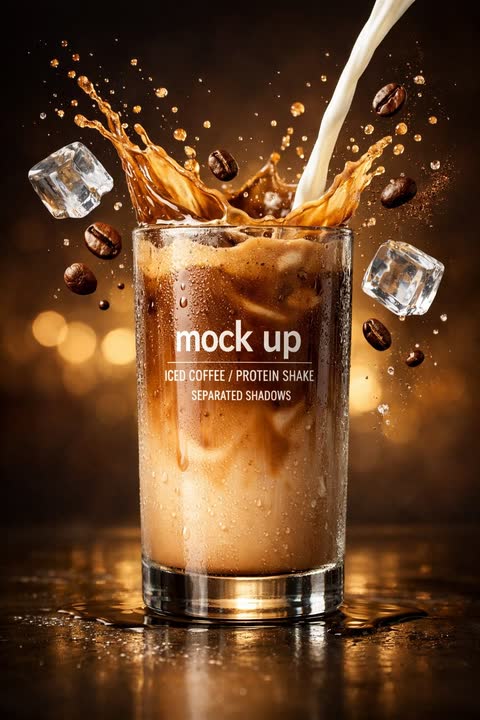 产品照片
 轮播
 实验性
 产品短片
 品牌影片
 产品照片
 实验性
 产品短片
 品牌影片
 产品短片
 产品短片
 产品短片
 产品短片