AI product ads: see which product the ad is for before it renders, and make ads for several at once
The Hermoso Studio now shows the product an ad is for, with its photos, before every render. Make one ad per product or one ad with several, or skip for a brand ad.
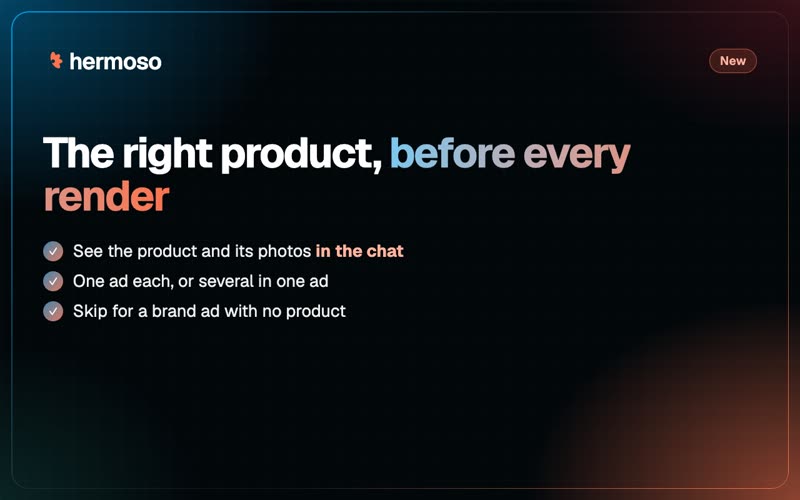
The worst surprise an AI ad tool can give you is a lovely ad for the wrong product. So the Hermoso Studio now tells you which product it is about to use, with the product's photos, right in the chat, before anything renders.
What you see
As soon as the Studio knows what you want, it posts one message: "Making 1 ad for" with the product's photo and full name, or "Making 3 ads, one for each product", or "Making 1 ad with these 2 products". Press Change or Add a product to fix it. The message updates in place until you write again, and the Generate card stays simple: the title, how many, and Advanced.
Several products at once
- One ad each. Pick up to 4 products and get an image ad for each, every one built on its own product.
- All in one ad. Up to 3 products in one ad, a bundle or a set. This is also how you put several products in one video.
Skip means no product
Want a brand ad, a sale announcement or a mood piece? Press Skip. You get a brand ad with no product in it, never one of your saved products slipped in without asking.
A worked example
A hot sauce brand asks the Studio for "holiday ads for the gift set and our two best sellers". The chat shows "Making 3 ads, one for each product" with the gift box, the Original and the Extra Hot. The owner swaps Extra Hot for the new Mango with Change, then asks for one more ad with all three bottles together. Four ads come back, each with the right bottles in it.
From ChatGPT and Claude too
Agents work the same way. Ask: Make one image ad with our gift set and the Mango sauce together. generate_image and render_ad take one product, a list of two or three for one ad, or none for a brand ad, and the answer says which product the ad is for. Try it in the Studio or see Ads Studio.
Questions people ask
How do I make an AI ad for a specific product?
Ask the Hermoso Studio for the ad and name the product, or attach its photo. Before it renders, the chat shows which product it will use, with photos, and you can change it.
Can I make ads for several products at once?
Yes. Choose One ad each for up to 4 products, or All in one ad for up to 3 products together, which is also how several products go in one video.
Can I make an ad with no product in it?
Yes. Press Skip and you get a brand ad with no product.
Does it work from ChatGPT or Claude?
Yes. generate_image and render_ad take one product, a list of two or three, or none for a brand ad.