Canva and Hermoso: send your AI ads to Canva, bring finished designs back to post
Connect Canva to Hermoso and your AI sends any image or video ad to Canva to edit, exports finished Canva designs back to post, schedule or run as ads, and fills your brand templates.
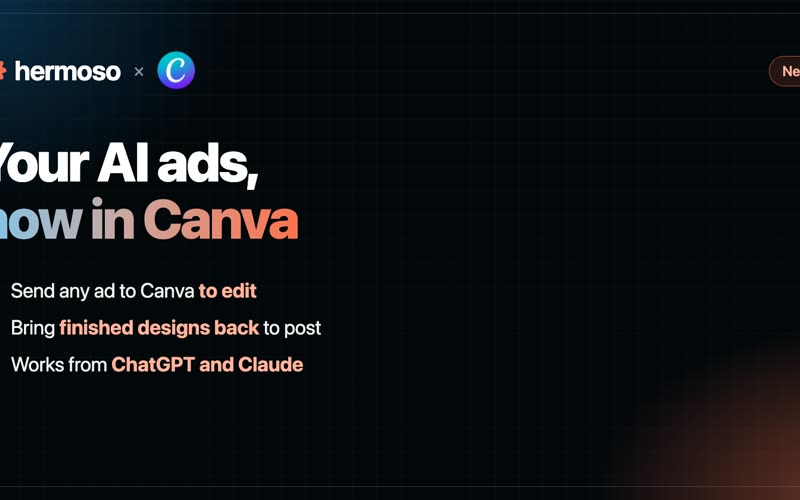
Your AI makes the ad. Your designer wants it in Canva. Your best performing post is a Canva design you made last month. Until today those lived in two places. Starting now, Hermoso connects to Canva: Canva has released the Hermoso app, so you can connect your Canva account and move work both ways from the agent you already use (ChatGPT, Claude, Hermoso's Studio or your own).
The Canva tools are free on Hermoso: they use no credits.
What your AI can do in Canva
- Send any ad to Canva. An image or video from your Hermoso Library, a fresh render, or any public image or video link lands in your Canva uploads, ready to drag into a design.
- Turn an image into an editable design. Ask for it and Canva AI rebuilds the image as a new design with the text, objects and background on separate layers, so you can change the headline in Canva. This uses your Canva account's own credits.
- Bring finished designs back. Export a Canva design as PNG, JPG, MP4 or GIF straight into your Hermoso Library, then post it, schedule it or run it as an ad on any channel you connected. Pick pages, size and quality.
- Fill your brand templates. Drop a headline and a product photo into a brand template and get a new Canva design back, on Canva Pro, Business or Enterprise.
- Find and file your work. Search your designs by title or content, list a folder, and create a folder so every render has its own place.
Hermoso only adds to your Canva. It never changes or deletes a design you already have.
A worked example
A coffee brand makes three new image ads for a holiday blend in Hermoso. The founder asks Claude: Send these three to Canva as editable designs, in a folder called Holiday blend. Claude creates the folder, sends the ads and answers with an edit link for each design. Her designer tweaks the headline on one.
The next morning she asks: Export the Holiday blend design my designer finished and schedule it to Instagram and Facebook for Friday at 9. The design comes back into her Library as a PNG and goes on the calendar.
Set it up in a minute
In the Hermoso app, open Connectors, then Canva, and sign in with Canva. Or go straight to app.hermoso.ai/?connect=canva. One connection covers the web app, the API, the MCP server and the CLI.
Or just ask ChatGPT or Claude
With Hermoso connected, say: Send my newest ad to Canva. The agent calls save_to_canva. The other tools are export_canva_design, list_canva_designs, list_canva_folder, create_canva_folder, list_canva_brand_templates and autofill_canva_template.
Questions people ask
Can ChatGPT or Claude send designs to Canva?
Yes. Connect Canva to Hermoso and the agent you use can send any image or video to your Canva, turn an image into an editable Canva design, export your Canva designs back to post or run as ads, and fill your brand templates.
Can I edit an AI ad in Canva?
Yes. Send it to Canva and it lands in your uploads. Ask for an editable design and Canva AI rebuilds the image with the text, objects and background on separate layers.
Can I post a Canva design from Hermoso?
Yes. Export the design as PNG, JPG, MP4 or GIF into your Hermoso Library and post it, schedule it or use it in an ad on the channels you connected.
Will Hermoso change my existing Canva designs?
No. Hermoso only adds to your Canva. It never changes or deletes a design you already have.
Does it cost credits?
No. The Canva tools are free on Hermoso. Rebuilding an image as an editable design uses your Canva account's own credits.