Email verification for your list: check every address before a sequence sends
Hermoso now checks the email addresses you already have before a sequence sends: broken addresses, dead domains, throwaway and no-reply mailboxes, typos like gmial.com and duplicates. Free, in the app or with one ask to ChatGPT or Claude.
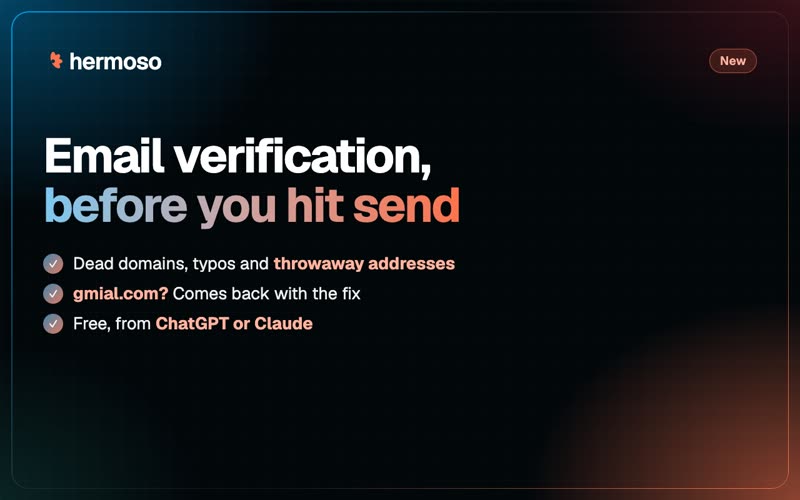
One mistyped address is a bounce. Enough bounces and the mailbox you send from starts to look careless, and your next email to a real customer is more likely to land in spam. Starting today, Hermoso checks the email addresses you already have before a sequence sends to them, and tells you which ones to leave out and why. The checks are free, and you run them from the app or with one sentence to ChatGPT, Claude or any agent connected to Hermoso.
What it checks
- The address is well formed. A missing @, a space, a stray dot or a character an address cannot carry is caught, with what is wrong.
- The domain exists and takes email. A domain that does not exist, has no mail server, or says it accepts no email at all comes back invalid.
- Throwaway mailboxes. Disposable addresses, the kind people use to grab a discount code and never open again, come back risky.
- Role and no-reply addresses. info@, sales@ and support@ reach a shared inbox, not one person, so they come back risky. A no-reply address does not receive mail, so it comes back invalid.
- Typos, with the fix. mark@gmial.com comes back as gmial.com is a common misspelling; did you mean mark@gmail.com?
- Duplicates. The same address twice is named, and so are two spellings of one Gmail inbox: ana.lopez@gmail.com and analopez+shop@gmail.com reach the same person.
Every address comes back valid, invalid, risky or unknown (a domain that could not be looked up just then), always with the reason. Valid means the address is well formed and its domain takes email. Nothing is sent to anyone while it checks.
It works with your sequences
Results are saved on each email lead and contact, so you see them wherever the list is. You can check leads as you add them. When you enrol a list in a sequence, you can check it first and leave the invalid addresses out, and the risky ones too if you want the cleanest possible send.
Up to 500 addresses come back right away. A bigger list, up to 20,000, runs in the background and shows its progress while you get on with something else.
A worked example
A small ceramics studio has collected about 1,200 emails in a year: a signup sheet at weekend markets, a Shopify export and a stack of cards from a wholesale fair. Before the first spring newsletter goes out, the owner asks Claude: Check my email leads before I email them and tell me which ones to drop.
Claude checks the whole list and comes back with a count for each status and lines like these:
- mark@gmial.com: risky. gmial.com is a common misspelling; did you mean mark@gmail.com?
- sam@oldpotteryshop-mail.com: invalid. The domain does not exist.
- orders@harbourhomegoods.com: risky. It is a role address (orders@): a shared inbox, not one person.
- noreply@marketsignups.com: invalid. It is a no-reply address, which does not receive mail.
- analopez+shop@gmail.com reaches the same Gmail inbox as ana.lopez@gmail.com.
The owner has Claude fix Mark's address, keeps the wholesale buyers' orders@ addresses because she knows they read them, and says: Enrol everyone in the spring sequence and leave out the invalid ones. The sequence starts with only addresses that can receive mail, and Ana gets one email, not two.
In the app
Open Messaging, then Email automation, then Leads, and press Verify emails. Invalid and risky addresses get a small badge with the reason right on the lead, so you can fix, keep or drop each one.
Or just ask ChatGPT or Claude
With Hermoso connected, say: Check these addresses before I email them, or verify my email leads and leave out the bad ones when you enrol them. The agent calls verify_emails (or verify_email for a single address), add_email_leads can check new leads on the way in, and enroll_email_leads can check a list and skip the invalid addresses before the first email goes out. They work in ChatGPT, Claude, Claude Code, Codex, the CLI and the API, through the MCP server. More: email outreach from your own mailboxes, sequences across email, SMS, WhatsApp and Instagram and the changelog.
Questions people ask
What is email verification?
Checking addresses before you send to them, so you leave out the ones that will bounce or never reach a person. Hermoso checks that each address is well formed, that its domain exists and takes email, and flags throwaway, role and no-reply addresses, common domain typos and duplicates. Each address gets a status (valid, invalid, risky or unknown) with the reason.
Is email verification free in Hermoso?
Yes. These checks are free, and checking sends nothing to anyone.
How many addresses can I check at once?
Up to 500 come back right away. A list of up to 20,000 runs in the background and shows its progress.
Will it delete addresses from my list?
No. It saves a result on each lead and contact. You decide: leave invalid addresses out when you enrol a sequence, leave risky ones out too, or fix a typo and keep the address.
Can it fix a mistyped domain?
It names the fix. An address at gmial.com comes back with the gmail.com spelling, and your agent can update the lead for you.
Can I check email addresses from ChatGPT or Claude?
Yes. With Hermoso connected, ask ChatGPT, Claude or any agent to check your email leads or a list of addresses. The same checks run in the app under Messaging, Email automation, Leads.