Outlook mail merge with follow-ups that stop when someone replies
Run an Outlook mail merge with timed follow-ups in the same thread, merge fields from your lead list, and a sequence that stops the moment a person replies. From the app or ChatGPT.
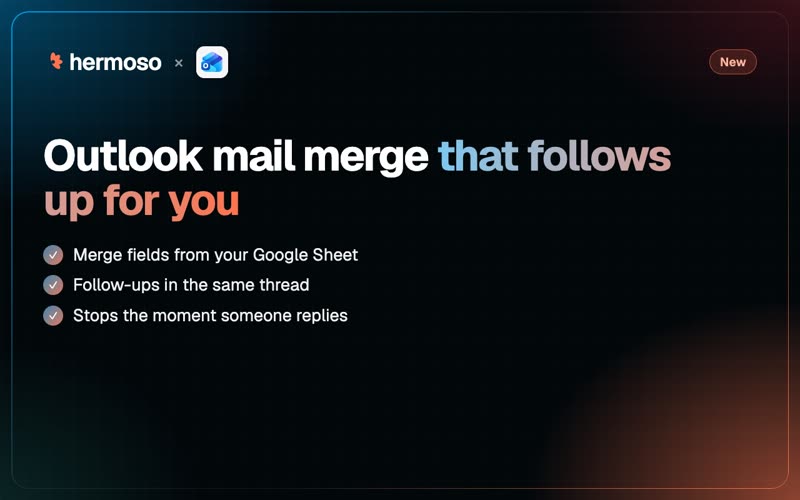
Mail merge in Outlook has always meant Word, an Excel sheet and a prayer. Hermoso does it from your own Outlook mailbox, with something classic mail merge never had: follow-ups that send themselves, in the same thread, and stop the moment someone replies.
Write the first email and two follow-ups once. Hermoso fills in each person's name and company, sends inside the hours you choose, and takes anyone who answers out of the sequence before their next email goes.
What you get
- Your mailbox, your name. Connect an outlook.com address or a Microsoft 365 work or school mailbox. Emails go out from it, one person at a time, exactly as you wrote them. No tracking pixel, no rewritten links.
- A lead list with any columns. Add people from rows or straight from a Google Sheet whose first row names the columns. Each address is on the list once.
- Merge fields. Write
{{first_name}},{{company}}or any column of your list. A lead missing a value a step needs is held and you are told. Nobody gets "Hi ,". - Up to 10 steps. Each follow-up waits the number of days you set. A follow-up with no subject lands as a reply in the same thread.
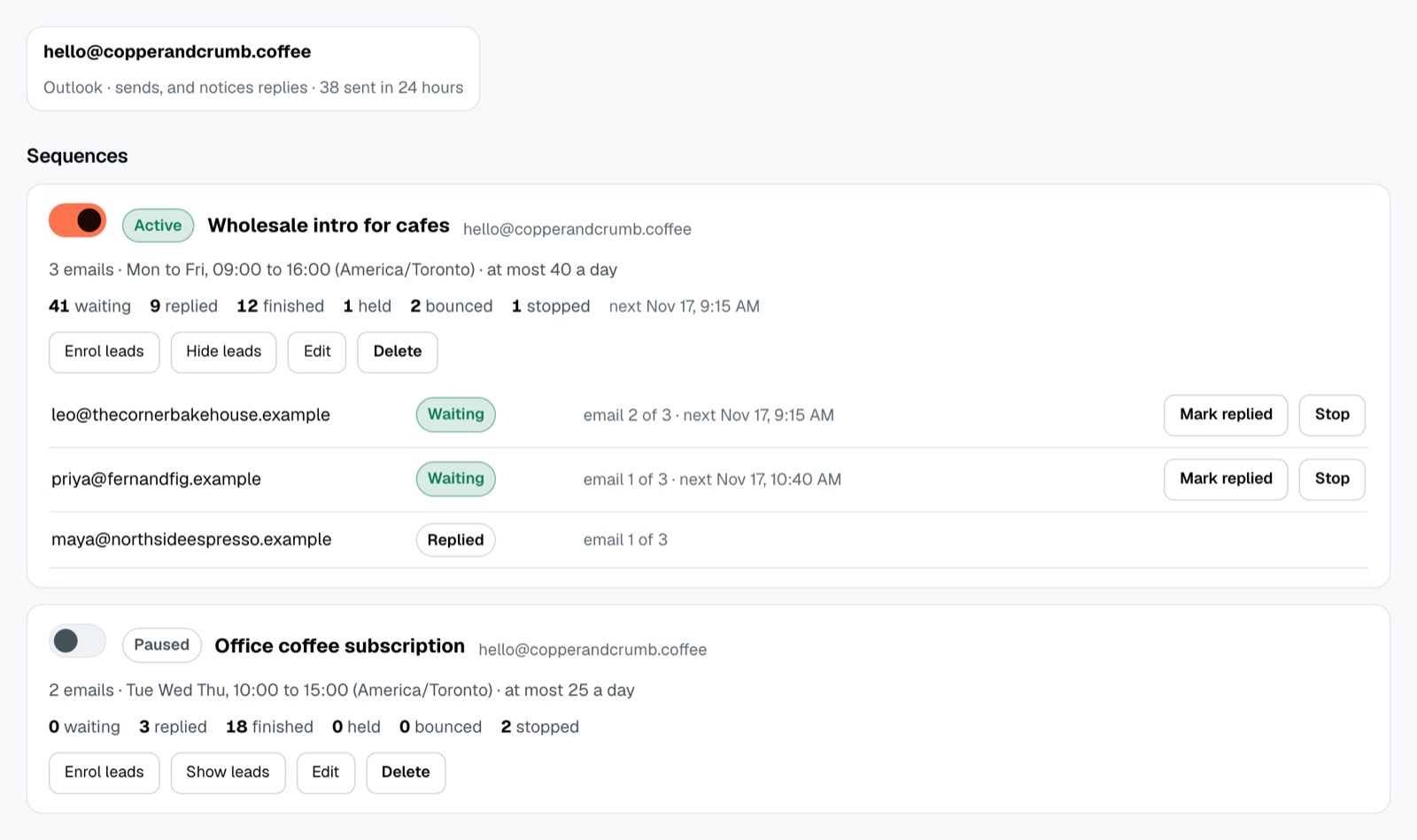
- It listens. A reply stops that person's sequence. "Please take me off your list" marks them unsubscribed. A bounce marks the address bounced. An out-of-office is noted and changes nothing.
- Sending window and daily cap. Monday to Friday, 9 to 5 in your time zone unless you change it, and 50 emails a day per mailbox to start (1 to 400).
Replies also show up in the Hermoso inbox, next to your DMs and comments, so you can answer them from one place.
A worked example
A dental clinic wants its 120 past patients who are due a cleaning to book again. The receptionist keeps them in a Google Sheet with first name, last visit and preferred dentist.
Step 1, Monday: subject "Time for your cleaning, {{first_name}}?" and three short lines with the booking link, signed by {{dentist}}. Step 2, four days later, no subject, so it lands in the same thread: "Just floating this back up. Thursday mornings are open this month." Step 3, a week after that: one line and the link.
By Wednesday 31 people have replied. Each reply stops that person's emails, so nobody who already booked gets a nudge on Friday. Two addresses bounce and are marked. The clinic answers the replies from the Hermoso inbox.
Set it up in the app
- Connect your Outlook mailbox, or open Automations, then Email, and press Connect.
- Add your leads from a Google Sheet or paste rows.
- Write the sequence: the first email, each follow-up and its wait in days, the sending window and the daily cap.
- Enrol people. The first emails go out in the next sending window. Pause, resume or stop anyone from the same screen.
Or ask ChatGPT or Claude
With Hermoso connected to ChatGPT or Claude, one sentence does it: Email everyone in my "Due for cleaning" sheet from my Outlook, first name and dentist filled in, with two follow-ups four and seven days later in the same thread, weekdays 9 to 5.
The agent uses add_email_leads, save_email_sequence and enroll_email_leads, and checks progress with list_email_sequences and list_email_replies. The sequence is saved on the brand, so it shows up in the app and in any other agent you use.
This is one-to-one email. For newsletters to a whole list, connect Klaviyo or Mailchimp. More: the step-by-step guide to Outlook email sequences, the email docs and the changelog.
Questions people ask
Can I do a mail merge in Outlook without Word?
Yes. Connect your Outlook mailbox to Hermoso, add your list from a Google Sheet, and write the email with merge fields such as {{first_name}}. Hermoso sends each person their own copy from your mailbox.
Can Outlook send automatic follow-up emails?
With Hermoso, yes. A sequence sends up to 10 steps, each a set number of days after the last, and a follow-up without a subject arrives as a reply in the same thread.
What happens when someone replies?
Their sequence stops before the next email. A reply asking to be left alone marks them unsubscribed, and they are never emailed again.
How many emails can I send a day?
You set a daily cap per mailbox, from 1 to 400. It starts at 50, and emails only go out inside the sending window you choose.
Does it track opens?
No. Hermoso adds no tracking pixel and never rewrites your links, so the email arrives as you wrote it.