API key permissions in Hermoso: one brand or the whole account, Member or Admin
Every Hermoso API key now has a reach (the whole account or one brand) and a role (Member or Admin), so a freelancer, a client or an agent gets exactly the access it needs.
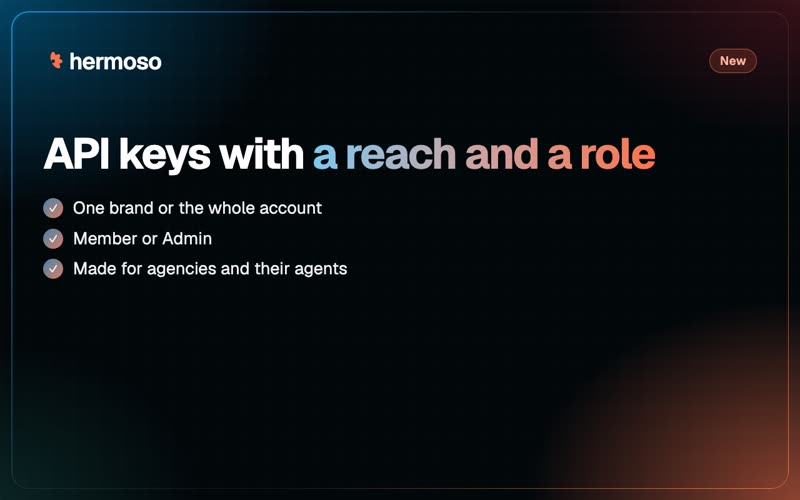
Handing someone an API key used to mean handing them everything. Not any more. Every Hermoso key now has a reach, the whole account or one brand, and a role, Member or Admin. So the freelancer editing one client's videos gets that client, and nothing else.
Reach and role, in one table
| Member | Admin | |
|---|---|---|
| Create ads, images and videos | Yes | Yes |
| Schedule and publish posts | Yes | Yes |
| Run ad campaigns | Yes | Yes |
| Read the credit balance and plan | Yes | Yes |
| Manage the team and billing | No | Yes |
| Change account settings, create or delete brands | No | Yes |
| Create or revoke API keys | No | No |
The reach sits on top: a one-brand key can do all of its role's work, inside that one brand. A key never has more rights than the person who made it, and no key can make another key. That stays with a signed-in person, so a leaked key can't mint its own replacement. Keys you already have work exactly as before.
A worked example: an agency with six clients
An agency runs six client brands in one Hermoso account.
- The video freelancer works on one client. She gets a one-brand Member key for that client. Her script can render, schedule and post for that brand, and the other five don't exist as far as her key is concerned.
- The client's own developer wants to push product launches into their calendar. Another one-brand Member key, for their brand only.
- The agency's reporting agent reads every brand each Monday. A whole-account Member key.
- The ops lead's billing automation tops up credits and adds seats. A whole-account Admin key.
If the freelancer leaves, revoke her key and nothing else changes.
Set it up in the app
- Open API keys (also under MCP & CLI, Terminal & API keys).
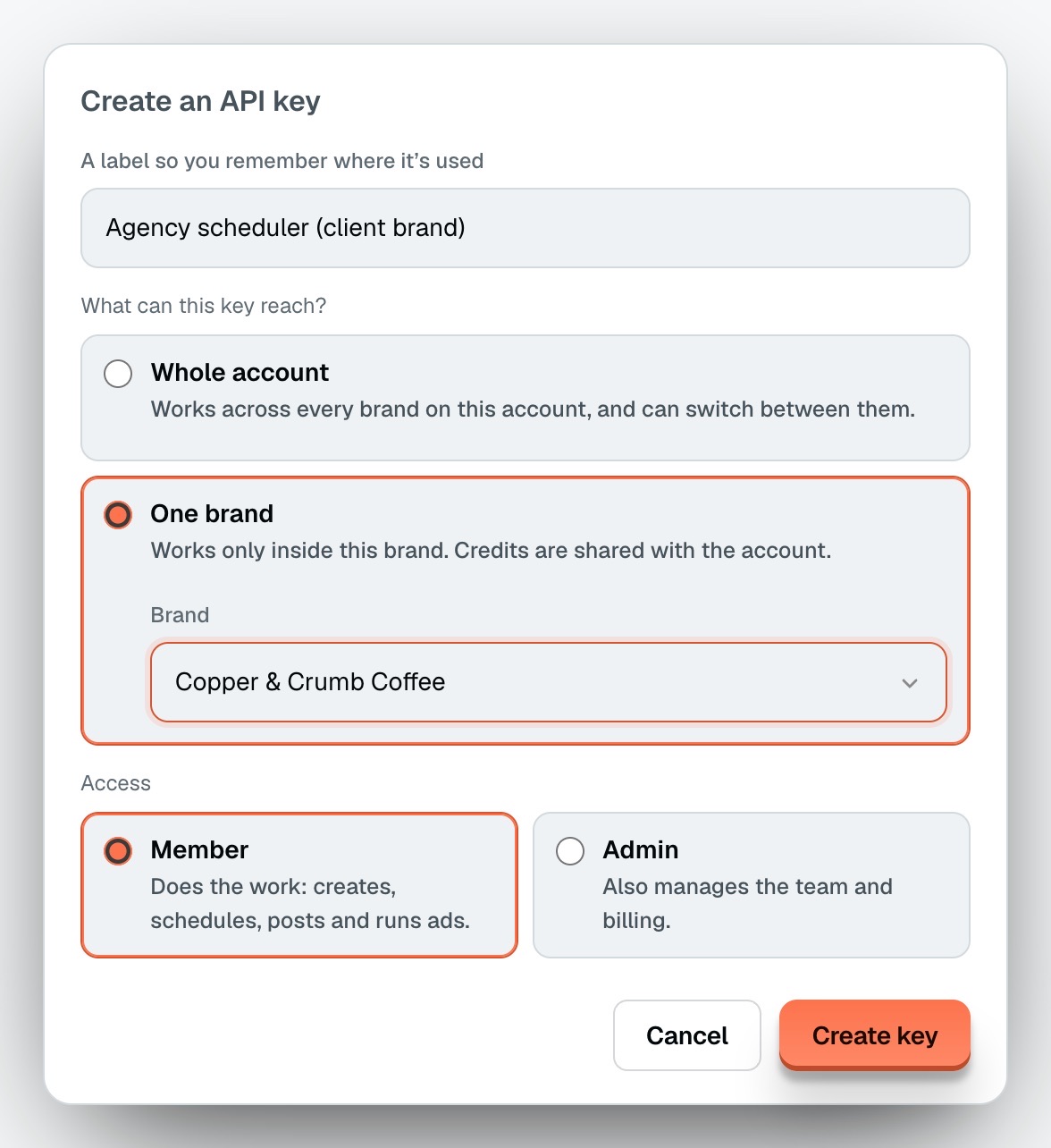
- Press create, pick the reach (the whole account, or one brand) and the role (Member or Admin).
- Copy the
hmk_key. It works for the REST API, the MCP server and the CLI.
Or ask ChatGPT or Claude
Creating keys is deliberately for a signed-in person, so you make the key in the app. Once a one-brand key is in an agent, the agent simply works inside that brand: with Hermoso connected to Claude through that key, schedule tomorrow's launch post to Instagram and LinkedIn lands on the right client every time, because it is the only brand the key can reach.
More: the API docs, Hermoso for agencies and the changelog.
Questions people ask
Can I limit a Hermoso API key to one brand?
Yes. When you create the key, set its reach to one brand. It can do everything its role allows inside that brand and cannot see the others.
What is the difference between a Member and an Admin key?
A Member key does the work: creates, schedules, posts and runs ads, and reads the credit balance and plan. An Admin key can also manage the team and billing.
Can an API key create other API keys?
No. Creating and revoking keys stays with a signed-in person, so a leaked key cannot mint a replacement.
Do my old API keys still work?
Yes. Keys you already had keep working exactly as they did.