TikTok Creative Center: how to use Top Ads to find winning TikTok ads (2026 guide)
The TikTok Creative Center is TikTok's free library of high-performing ads. How to filter Top Ads, read the second-by-second analytics, and what the free view leaves out.



Made with Hermoso
The TikTok Creative Center is TikTok’s free library of high-performing ads, at ads.tiktok.com/business/creativecenter. Its Top Ads section lets you filter real TikTok ads by region, industry and campaign objective, sort them by reach or click-through rate, and open a second-by-second graph of where viewers engaged. You can look without logging in, but TikTok then shows only five ads, so sign in with a free TikTok for Business account to see the full list.
This guide covers what each part of the Creative Center is for, how to use Top Ads well, and where it stops.
- Go to the Creative Center, open Inspiration, then Top Ads.
- Set the region, industry and campaign objective, then sort by reach or CTR.
- Open an ad and press See Analytics to find the second viewers reacted most.
- Top Ads is a curated showcase. To see what one company ran in Europe, use the TikTok Ads Library.
What is in the Creative Center
- Inspiration (Top Ads). TikTok describes it as “high-performing auction ads”. Every ad in it was authorized by its advertiser inside TikTok Ads Manager.
- Trends. What is trending on TikTok right now, starting with hashtags.
- Creative Tools. TikTok’s own tools for making ads, plus a commercial music library.
It is free and public. Logging in adds the full Top Ads list and lets you save ads to collections.
How to use Top Ads, step by step
- Open Top Ads under Inspiration and sign in.
- Set the region to the market you sell in. What works in one country often flops in another.
- Pick your industry and campaign objective. A conversion ad and a reach ad are built differently, so compare like with like.
- Narrow it down with the likes and time-frame filters, and on desktop the ad language and ad format.
- Sort by reach, CTR, or the 2-second or 6-second view rate. The 2-second rate tells you whose hook stops the scroll.
- Search a product or keyword to see ads in a niche, like “protein bar” or “skincare”.
- Open an ad and press See Analytics. TikTok shows a graph of relative performance, second by second. The peak is the moment worth copying: usually the hook, the reveal or the product in use.
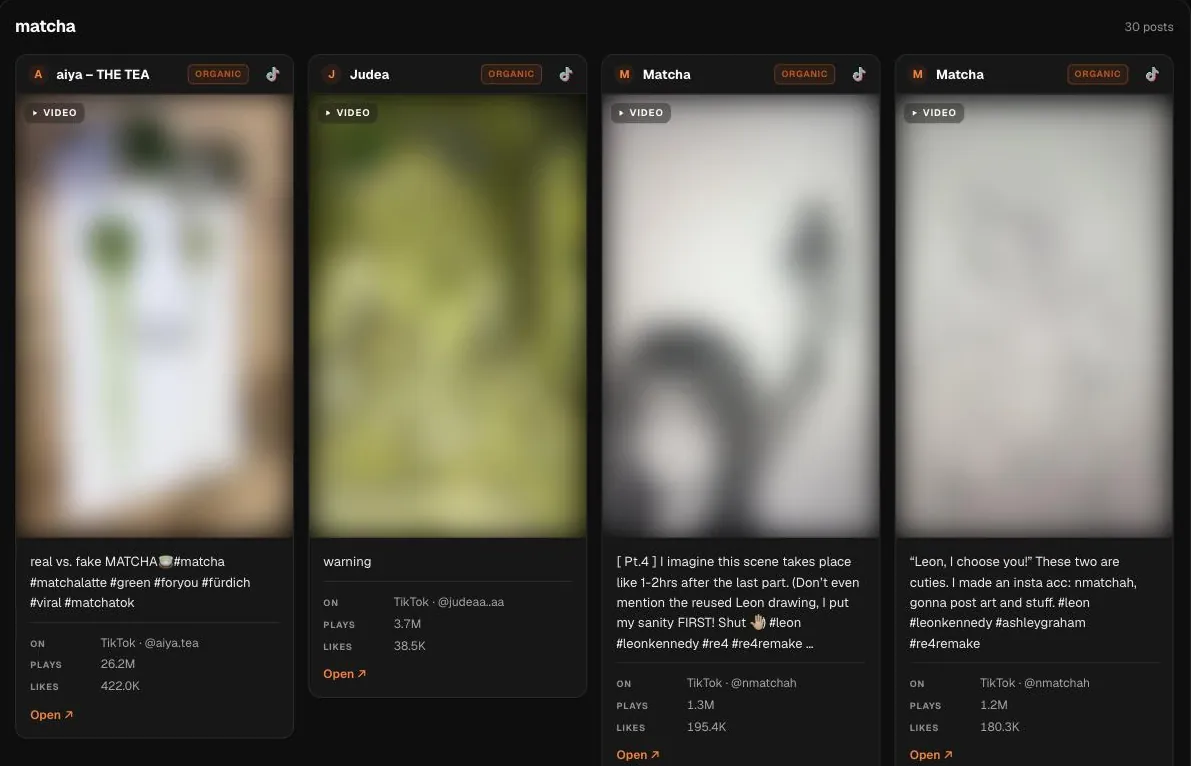
Search TikTok for a brand or a product
The videos getting the most plays come back first, with plays, likes and captions.
What Top Ads will not tell you
- It is not every ad. Top Ads is a showcase TikTok puts together from authorized ads. You cannot pull up one competitor’s complete set of ads there.
- No spend. You see relative performance, not what the advertiser paid.
- For one company’s ads, use the library. The TikTok Ads Library lists every ad shown in Europe by advertiser, with dates and reach. Our TikTok Ads Library guide covers both tools side by side.
Using it to make a better TikTok ad
- Collect hooks, not whole ads. Save the first two seconds of the ads with the best 2-second view rate in your industry. That is the part to borrow.
- Match the format. If the top ads in your category are creator-style videos to camera, a polished product film is fighting the feed.
- Then make your version. Clone a video ad remakes a TikTok ad around your product from its link, the AI TikTok ad generator makes a new 9:16 ad from your website, and the TikTok Ads tools build the campaign, paused until you approve it.
The other ad library guides
- Meta Ad Library: Facebook, Instagram, Messenger and Threads
- Google Ads Transparency Center: Search, YouTube, Shopping, Maps and Play
- TikTok Ads Library and Creative Center
- LinkedIn Ad Library
- TikTok Creative Center and Top Ads
- Pinterest Ads Library (the Ads Repository)
- Snapchat Ads Library (the Snap Ads Gallery)
- Reddit Ads Library
- Why run length is the best free signal of a winning ad
Start free in Hermoso, no card.
Questions people ask
What is the TikTok Creative Center?
TikTok's free, public hub for ad inspiration and tools, at ads.tiktok.com/business/creativecenter. It has Top Ads (high-performing ads you can filter), Trends (what is trending, starting with hashtags) and Creative Tools.
Is the TikTok Creative Center free?
Yes. You can browse without logging in, but Top Ads then shows only five ads. A free TikTok for Business login shows the full list and lets you save ads.
How does TikTok choose Top Ads?
TikTok calls them high-performing auction ads, and every one was authorized by its advertiser in TikTok Ads Manager. TikTok does not publish its exact selection rules.
Can I see a specific competitor's TikTok ads in the Creative Center?
Not reliably, because Top Ads is curated. Search the competitor in the TikTok Ads Library instead, which lists ads shown in Europe by advertiser.
What does See Analytics show?
A second-by-second graph of the ad's relative performance, so you can see the moment viewers engaged most.
Does the Creative Center show ad spend?
No. It shows relative performance and sort options such as reach, CTR and view rates, not what the advertiser paid.