YouTube Ads Library: how to see any brand's YouTube ads (2026 guide)
There is no separate YouTube ad library. YouTube ads are in the Google Ads Transparency Center: how to filter it to YouTube, read the dates, and find the video ads that work.



Made with Hermoso
There is no separate YouTube ad library. YouTube ads are in the Google Ads Transparency Center at adstransparency.google.com, Google’s free archive of the ads it runs on Search, YouTube, Shopping, Maps and Play. Search a brand by its website, set your region, then filter Platform to YouTube. You see the brand’s YouTube ads with the first and last date each one was shown. It is free and needs no Google account.
Here is how to search it, how to read what it shows, and how to pick out the YouTube ads a brand keeps paying for.
- YouTube ads live in the Google Ads Transparency Center: adstransparency.google.com. No login needed.
- Search by website first. Advertiser names are often the legal company name, not the brand.
- Filter Platform to YouTube and Format to video, and set the region to your market.
- No spend or views for ordinary ads. A long run that was shown yesterday is your winner signal.
See a brand’s YouTube ads now
Search, display and YouTube ads, ranked by how long each one ran, with first and last shown dates.
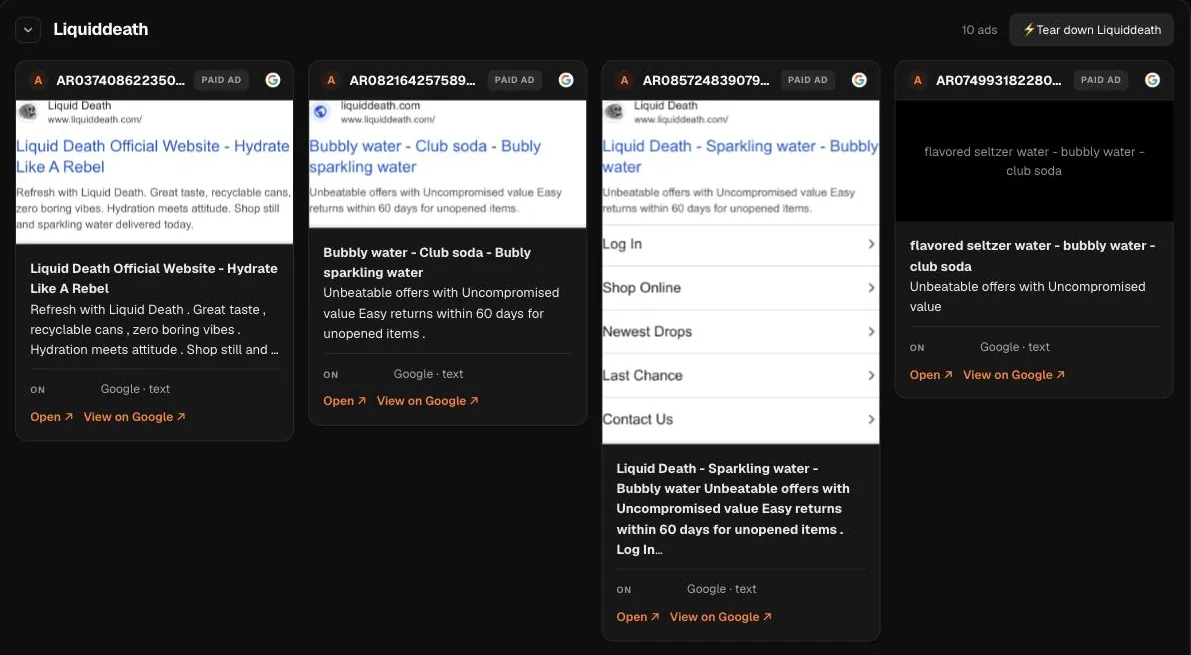
How to see a brand’s YouTube ads, step by step
- Open the Google Ads Transparency Center at adstransparency.google.com.
- Search by website. Type the brand’s domain, like example.com, and pick it from the list. This catches every advertiser account tied to the site.
- If that looks thin, search the name too. Google files ads under the verified advertiser name, which is often the legal entity (“Acme Brands Holdings LLC” rather than “Acme”).
- Set the region to the country you sell in. The default view mixes every country.
- Filter Platform to YouTube and Format to video. Set the date range to the last 30 days for what is live now, or “Anytime” for everything the brand has tried.
- Open an ad to watch it full size, with the advertiser’s verified name and the first and last date it was shown.
The Google Ads Transparency Center guide covers the other platforms and filters in more detail.
What you can see, and what you cannot
- You can see the video ads, who paid for them, and when each one was first and last shown.
- You cannot see spend, views, impressions or clicks for ordinary commercial ads. Google publishes spend and impression ranges only for election ads.
- Europe is the exception. For ads shown in the European Economic Area, the Transparency Center adds how the ad was targeted and how many people it reached. Set the region to an EU country to see them.
- A YouTube ad is not always on the brand’s channel. Brands can run ad videos that are not listed on their public channel page, so the Transparency Center can show ads a look through the channel misses.
How to tell which YouTube ads are working
Read the two dates together. An ad first shown in March and last shown yesterday has survived months of someone checking the numbers and deciding to keep paying for it. That is a proven ad. One first shown last week is still a test. If several of a brand’s long-running videos open the same way, the opening is the part worth studying, because a skippable YouTube ad can be skipped after five seconds.
- Line up the long-runners. Write down the first line, the first image and the offer in each.
- Compare competitors. The angle two competitors both keep paying for is the one to test first.
- Check where it sends people. A long run means the whole path works, the landing page included.
More on reading dates in why run length is the best free signal.
From research to your own YouTube ad
- Hermoso’s Google Ads Transparency search takes a website and lists the brand’s search, display and YouTube ads, longest running first.
- Clone a video ad remakes a YouTube ad or Short around your product from its link, keeping the structure and replacing everything that is theirs.
- The AI video ad maker makes a new video ad from your website, in 16:9 for YouTube and 9:16 for Shorts.
- Run it through your own Google Ads account with the Google Ads tools, where new campaigns start paused until you approve them.
The other ad library guides
- Meta Ad Library: Facebook, Instagram, Messenger and Threads
- Google Ads Transparency Center: Search, YouTube, Shopping, Maps and Play
- Instagram Ads Library
- TikTok Ads Library and Creative Center
- LinkedIn Ad Library
- TikTok Creative Center and Top Ads
- Pinterest Ads Library (the Ads Repository)
- Snapchat Ads Library (the Snap Ads Gallery)
- Reddit Ads Library
- Why run length is the best free signal of a winning ad
Start free in Hermoso, no card.
Questions people ask
Is there a YouTube ads library?
Not a separate one. YouTube ads are in the Google Ads Transparency Center at adstransparency.google.com. Filter Platform to YouTube to see only YouTube ads.
How do I see a competitor's YouTube ads?
Open adstransparency.google.com, search the competitor's website, set your region, then filter Platform to YouTube and Format to video.
Do I need a Google account to use it?
No. The Google Ads Transparency Center is public and free.
Can I see how much a brand spends on YouTube ads?
No, not for ordinary ads. Google shows spend ranges only for election ads. For EEA ads it adds reach and targeting. For the rest, how long an ad has run is the best free hint that it works.
Why does the brand name return nothing?
Google files ads under the verified advertiser name, which is often the legal company name. Search the brand's website instead, or the company name from its site footer.