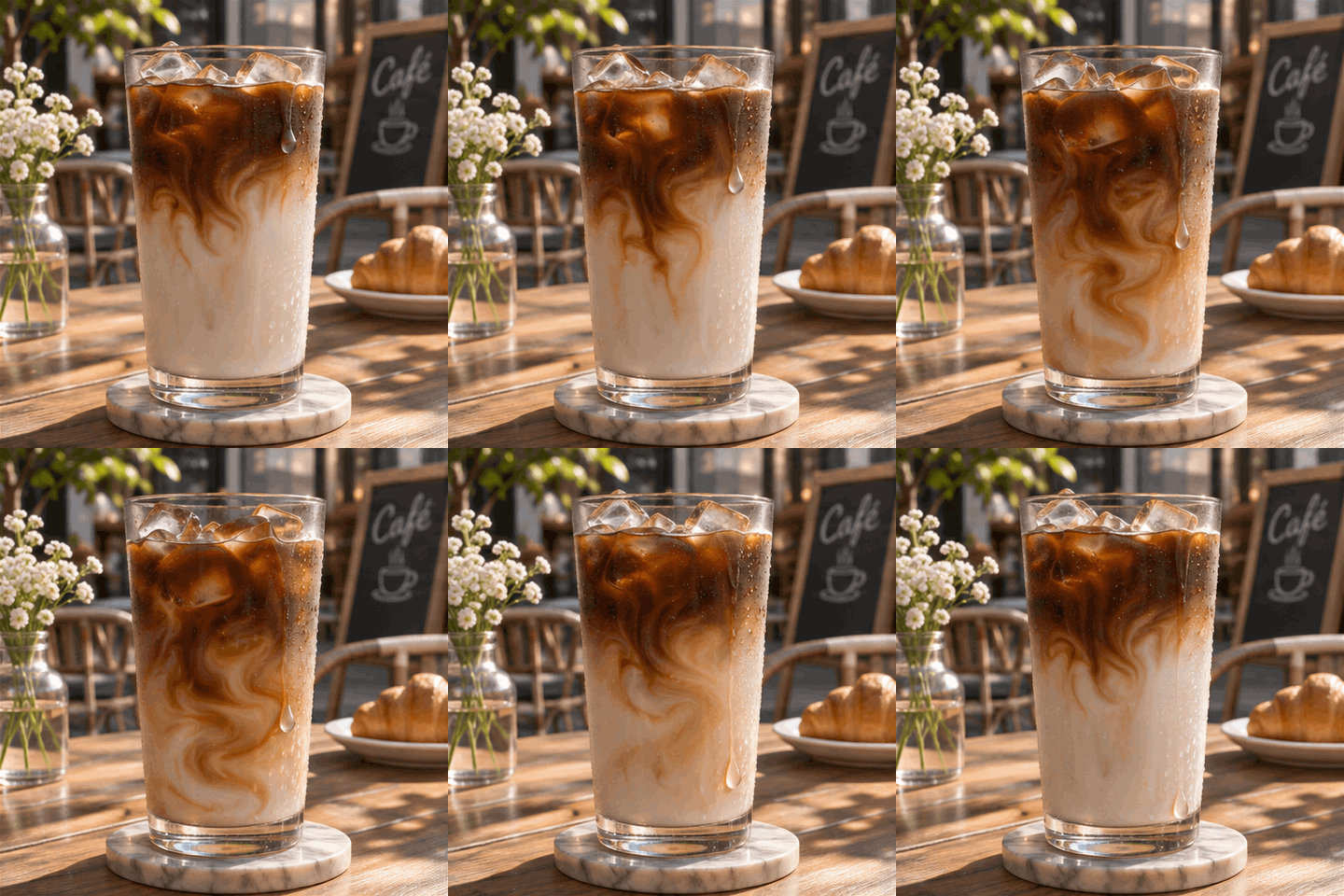

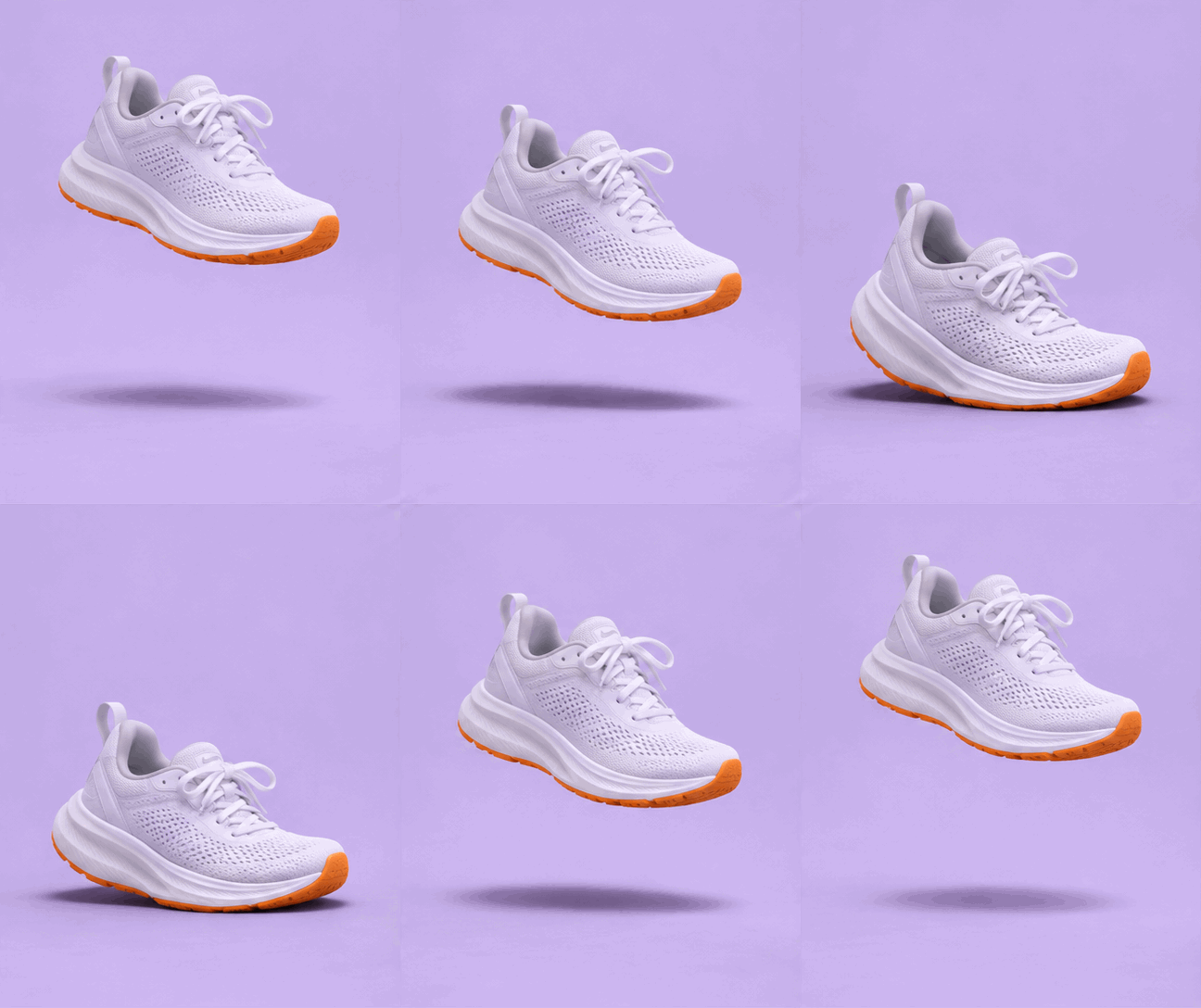
An AI image model used to give you one still picture. To get something that moves you made a video, then ran it through a GIF converter and fought the file size. GPT Image 2.6 now draws every frame of the loop itself, so Hermoso hands you a real animated GIF straight from your description: a .gif file that plays in any browser, chat app or email.
How does the AI GIF generator work?
- Describe the GIF. Say what is in it and how it moves, for example "a cartoon cat waves hello and blinks". One clear action loops best.
- Pick the shape. Square for chats and posts, 4:5 or 9:16 for Stories, 16:9 for a banner.
- Pick the frames and the speed. 4 to 16 frames. Fast, normal or slow sets how long each frame stays on screen.
- Press the button. The app shows the price first. Your GIF is ready in about a minute, and you download it as a .gif file.
What can I make with it?
- Reaction GIFs and stickers for Slack, Discord, WhatsApp and iMessage.
- Product loops for email. Most email apps do not play video, but they all play a GIF, so a looping product shot works in a newsletter.
- Small motion for a website or a post: a steaming cup, a spinning logo mark, a bouncing sale tag.
Is it a real GIF file?
Yes. You get an image/gif file with 2 to 16 frames, each shown for the time you picked. It is not a video renamed to .gif, and there is nothing to convert. The square size is 480 by 480 pixels, small enough to send anywhere.
Can I make a GIF from my own photo or video?
Not with this tool. The GIF is drawn from your words alone, because the model takes no picture for a GIF. To bring a photo to life, use Hermoso's video tools, which animate a picture into a clip.
Can I do this from ChatGPT or Claude?
Yes. Connect the Hermoso MCP and ask for an animated GIF. Your assistant calls generate_image with format: "gif", tells you the price first, and hands back the file.
Related
Frequently asked questions
Is the AI GIF generator free?
Hermoso has a free plan with no card. The app shows the exact price of a GIF before it is made.
How many frames can a GIF have?
From 4 to 16 on this page. More frames move more smoothly.
How long is one loop?
Frames x speed. 8 frames at the normal speed loop in about 1.3 seconds, and the GIF repeats forever.
What sizes can I make?
1:1, 4:5, 3:4, 4:3, 9:16 and 16:9.
Can it use my own photo?
No. A GIF is drawn from your description alone. Use the video tools to animate a photo.
Will the GIF play in email?
Yes. GIF is the one animated format that almost every email app plays.
Start free, no card needed. The app shows the exact price before anything runs.
Start free → See pricing