
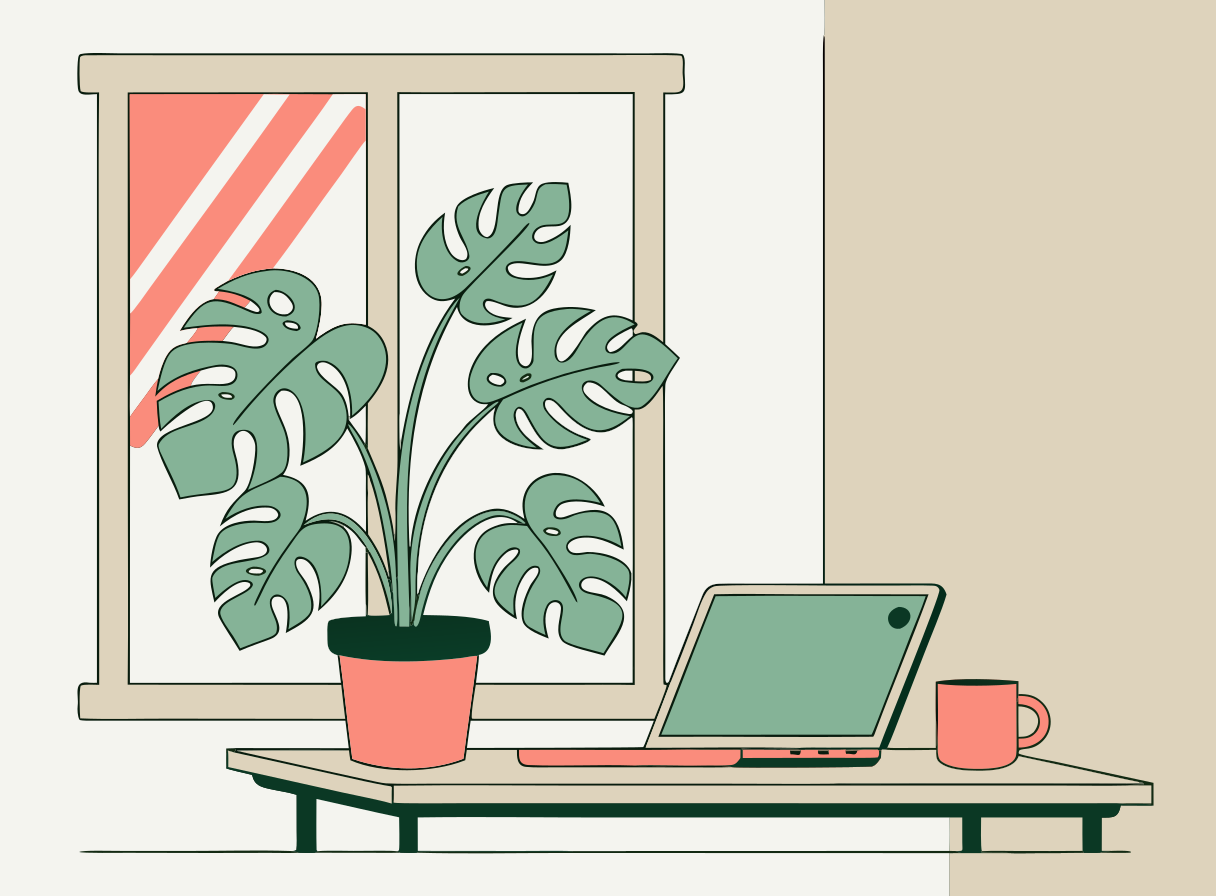
AI image tools give you pixels. To get a vector you had to trace the picture afterwards and clean up the mess the tracer left. Hermoso makes the vector directly: describe a logo, an icon or an illustration and you get a real SVG file with clean shapes you can recolour, resize and edit.
How does the AI SVG generator work?
- Describe the design. Name the shapes, the colours and the style. Fewer colours make a cleaner vector.
- Pick the type: logo, icon, illustration or anything else.
- Add the words, if any. A brand name or a short line is set exactly as you type it. Leave it empty for a mark with no words.
- Press the button. The app shows the price first. You get the SVG and a PNG preview, usually in under a minute.
Will the words be spelled right?
Hermoso picks the engine for each request. A design with words goes to the vector engine that sets lettering reliably, so a logo with its name comes back spelled the way you typed it. A mark with no words goes to whichever vector engine is best at the time.
Can I edit the SVG?
Yes. The file is made of real paths and fills, so it opens in Figma, Illustrator, Inkscape, Canva or Cricut Design Space. Change a colour, delete the background, or scale it to a billboard without losing sharpness.
Is the SVG file safe to use on my website?
Every SVG is checked before you get it. Scripts, links to outside files and anything else that does not draw a shape are removed, so you can put it on a page or send it to a client as is.
Can it convert a PNG to SVG?
No. This tool makes new vector art from a description. It does not trace a picture you already have. If you want a vector version of an existing logo, describe it and add its name in the words field.
Can I do this from ChatGPT or Claude?
Yes. Connect the Hermoso MCP and ask for an SVG logo or icon. Your assistant calls generate_image with job: "vector", tells you the price first, and hands back the file.
Related
Frequently asked questions
Is the AI SVG generator free?
Hermoso has a free plan with no card. The app shows the exact price of an SVG before it is made.
Will the words in my logo be spelled right?
Yes. Type them in the words field and they are set exactly as written, by the vector engine that handles lettering.
Can I edit the SVG?
Yes. It is made of real paths, so it opens in Figma, Illustrator, Inkscape, Canva and Cricut Design Space.
Do I also get a PNG?
Yes. Every SVG comes with a PNG preview.
What shapes can I make?
1:1, 4:3, 3:4, 16:9 and 9:16. A vector scales to any size without losing sharpness.
Can it convert a PNG to SVG?
No. It makes new vector art from a description. It does not trace an existing picture.
Start free, no card needed. The app shows the exact price before anything runs.
Start free → See pricing